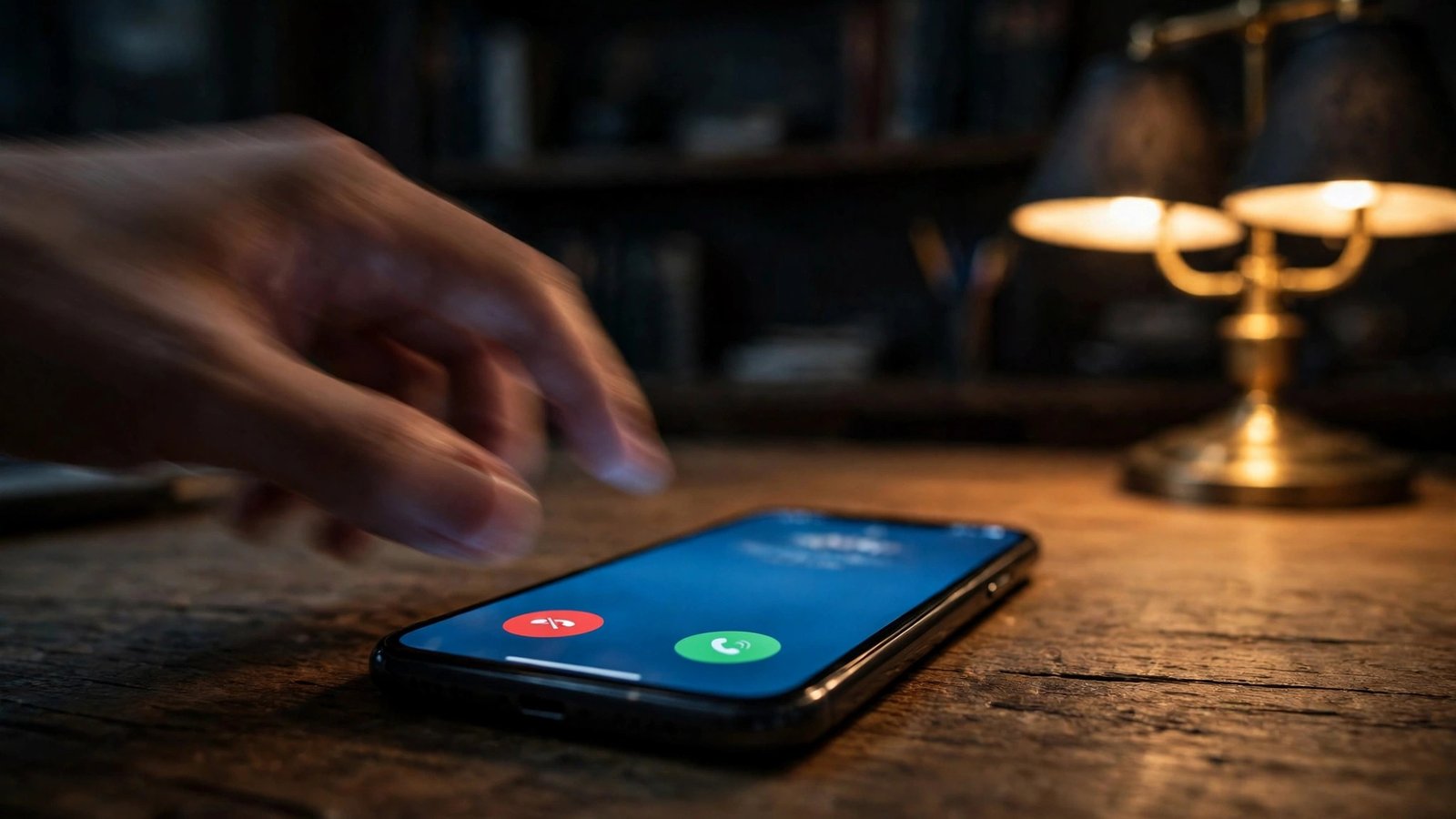
How to Silence Spam and Scam Calls on Your Phone: The iPhone and Android Setup Guide
If your phone buzzes with calls from numbers you do not recognise, you are not alone. Australians lose millions of dollars to phone scams every year, and even the harmless robocalls waste your time and test your patience. The good news is that both iPhone and Android have built-in tools that can shut most of this down, and they take about five minutes to set up. This guide walks you through each one, step by step.
iPhone: Silence Unknown Callers
Apple's simplest anti-spam weapon is called Silence Unknown Callers, and it does exactly what the name says. Calls from numbers that are not in your contacts, recent outgoing calls or Siri suggestions are sent straight to voicemail instead of ringing your phone. They still appear in your Recents list, so you can call back anyone legitimate.
1. Open Settings and scroll down to Phone. 2. Tap Silence Unknown Callers. 3. Switch the toggle on.
That is the whole setup. One thing to know: if you make an emergency call, this feature is temporarily disabled for 24 hours so that emergency services can call you back. It is also worth checking that important numbers, like your doctor or your kids' school, are saved in your contacts, or their calls will be silenced too.
For extra protection, open the App Store and look at your carrier's own app, or a reputable call-blocking app from your carrier. These apps can identify spam callers before the phone even rings, and they plug into a second iPhone setting: Settings, then Phone, then Call Blocking and Identification, where you can allow the app to identify and block calls.
Android: Spam and Call Screen
On most Android phones, the built-in Google Phone app includes spam filtering. If your phone uses the Google Phone app as its default dialler, the setup looks like this:
1. Open the Phone app. 2. Tap the three-dot menu in the top corner, then Settings. 3. Tap Spam and Call Screen (on some versions it is called Caller ID and spam). 4. Turn on See caller and spam ID, and turn on Filter spam calls.
With filtering on, suspected spam calls are sent straight to voicemail, and you see a warning on calls that look suspicious. Google's screening features can also answer the call on your behalf in some regions and ask the caller to state their business, though availability varies by country, so check what your phone offers.
If you have a Samsung phone, the steps are a little different. Open the Phone app, tap the three-dot menu, then Settings, then Caller ID and spam protection, and switch it on. You can also use Block numbers in the same menu to block specific numbers manually. Menus move around between Android versions, so if a label is slightly different on your phone, you are almost certainly looking at the same feature under a similar name.
Register on the Do Not Call Register
Australia has a free, official way to reduce legitimate telemarketing calls: the Do Not Call Register at donotcall.gov.au. You can register your landline and mobile numbers, and registration lasts for seven years. Telemarketers who ignore it can face penalties.
1. Go to donotcall.gov.au. 2. Enter your phone number and confirm your details. 3. Registration usually takes effect within a few business days.
Be honest with yourself about what this does: it reduces calls from legitimate telemarketing companies, but it does nothing against criminals running scams. Scammers do not check registries. So treat this as one layer, not a fix, and pair it with the phone settings above.
The habits that actually stop scams
Technology helps, but the biggest protection is behavioural. Scammers rely on urgency, fear and politeness. A few rules of thumb will stop almost every phone scam:
– Never call back an unknown number you missed. If it mattered, they would leave a voicemail. – Never share personal details, banking logins or one-time codes with a caller who rang you, no matter how official they sound. Real banks and government agencies do not ask for passwords or codes over the phone. – Be suspicious of urgency. "Your account will be closed today" or "the police are on their way" are pressure tactics. Hang up, look up the organisation's real number independently, and call back if you are concerned. – Do not trust the number on your screen. Scammers can fake caller ID, so a call that appears to come from your bank or the ATO can still be a scam.
Report it and move on
If a scam call got through, reporting it takes a minute and genuinely helps. Report scams to Scamwatch at scamwatch.gov.au, which tracks scam trends across Australia. You can also report spam calls and messages to your carrier, and many scam texts can be forwarded to the reporting number advertised on the Scamwatch site. Reporting will not recover money you already sent, but it feeds the intelligence that gets scam numbers blocked and investigations started.
You will never block every spam call forever. Scammers constantly change numbers and tactics. But between the silencing features on your phone, the Do Not Call Register and a healthy dose of scepticism when the phone rings, you can take back control of the one device that is supposed to be yours.
Frequently Asked Questions
Does Silence Unknown Callers block calls from my doctor or school?
Yes, unless their number is saved in your contacts. The feature silences every number that is not in your contacts, recent outgoing calls or Siri suggestions. Save important numbers first, and check your Recents list regularly for silenced calls you actually need to return.
How long does Do Not Call Register registration last in Australia?
Registration on the Australian Do Not Call Register lasts for seven years, and it is free. It covers landline and mobile numbers, and it reduces calls from legitimate telemarketers, but it does not stop scam calls from criminals.
Why do I still get spam calls after turning on spam filtering?
Spammers constantly rotate numbers and use new tactics, so no filter catches everything. Filtering removes most automated calls, but manual scam calls from new numbers can still get through. That is why the behavioural rules, like never sharing codes with incoming callers, matter just as much as the settings.




Post Comment