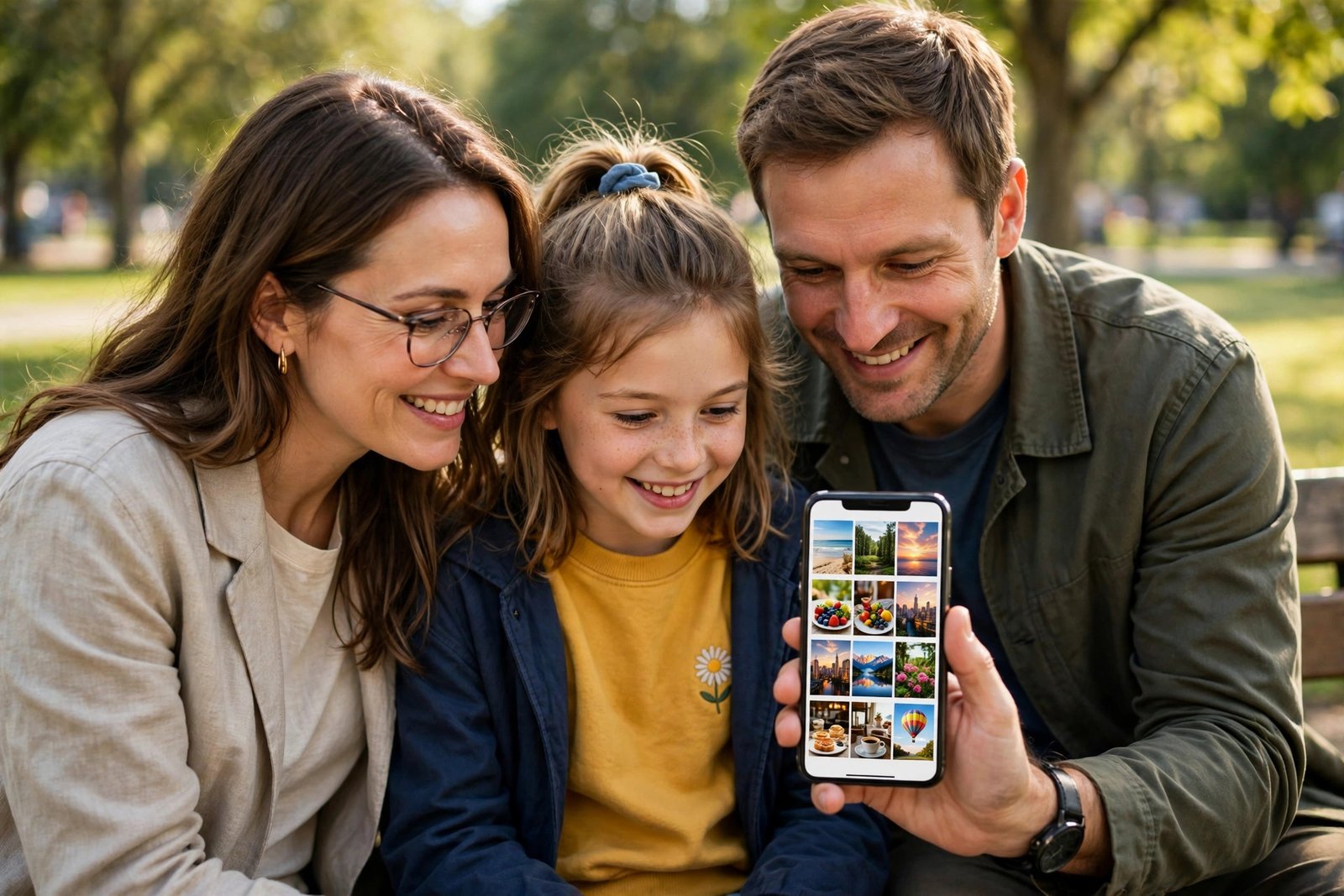
How to Create a Shared Photo Album on iPhone and Android in the UK
A shared photo album is the simplest way to collect pictures from a holiday, a birthday, a wedding or a family weekend without everyone sending files one by one. One person creates the album, invites the others, and everyone can add their own photos and see what the rest of the group shared. On iPhone the built in tool is iCloud Shared Albums. On Android, and for mixed groups with both iPhone and Android phones, Google Photos is usually the easiest choice because it works on both platforms.
Before you start, decide who the album is for and what kind of sharing you want. A small family album can stay invite only. A larger group album, such as one for a club or a party, needs clear ground rules about who can add photos and whether guests can invite others. Setting that up at the start saves awkward removals later.
Create a shared album on iPhone with iCloud
First, make sure Shared Albums is switched on. Go to Settings, tap your name at the top, tap iCloud, then Photos, and switch on Shared Albums. In most recent versions of iOS the layout is the same, though the exact wording can vary slightly.
Next, open the Photos app and tap Albums at the bottom, then tap the plus sign and choose New Shared Album. Give the album a clear name, such as Summer Holiday Cornwall 2026, then tap Next. Now add people by typing their names, email addresses or phone numbers, and tap Create. The people you invite will get a notification asking them to join.
To add photos, open the album, tap the plus sign, choose the photos and videos you want, and tap Done. You can add a comment with a photo if you like, which helps when people are looking back at the album weeks later. Anyone you invited can add their own photos too, unless you change the settings. To check who can add photos, open the album, tap the people icon, and look at the Subscribers section and the options below it.
If someone cannot see the album, ask them to check that they accepted the invitation and that Shared Albums is switched on on their own device. A common fix is to remove them from the subscriber list and invite them again. Shared Albums do not count towards your iCloud storage in the usual way for the photos themselves, but there are limits on how many photos and videos an album can hold, so very large collections are better split by day or by event.
Create a shared album in Google Photos
Google Photos works on iPhone and Android, which makes it the best pick for a mixed group. Open the Google Photos app, tap the plus sign or the Library tab, and choose Album, then New album. Give it a name, add a few photos to start, and tap Share. You can invite people by name, email or phone number, or you can turn on link sharing and send the link in a message or group chat.
When you share, check the settings before you send the invite. You can choose whether other people can add photos, and whether they can invite more people. For a family album, letting everyone add photos usually works well. For a public facing group, keep adding limited to people you invited directly, and leave link sharing off if you do not want the link passed on.
People who join can add photos from their own Google Photos library, and they can like photos and leave comments. If you want to keep the album tidy, you can remove a photo you added, and the album owner can remove other people’s photos or remove a person from the album. If you remove someone, they lose access to the album, but photos they added may stay unless you remove those too, so check the album after you make a change.
Share across iPhone and Android without friction
The friction point in most mixed groups is that iPhone owners default to iCloud and Android owners default to Google Photos. Pick one home for the album and stick to it. Google Photos is the smoother cross platform choice, because an iPhone owner can install the free Google Photos app and join with a Google account, while an Android owner needs no extra setup at all.
If your group insists on iCloud, iPhone owners can still share a link to a public website version of an album, which Android owners can view in a browser, but they will not be able to add photos as easily. That is fine for showing photos, but not ideal for collecting them. For a trip where everyone is taking pictures, Google Photos will collect far more of the group’s photos with far less chasing.
Privacy, downloads and what to check before you share
Think before you add photos of children, other people’s homes or anything with visible addresses, car number plates or tickets with barcodes. Once a photo is in a shared album, anyone with access can save a copy or take a screenshot, even if you later remove them. Only share photos you are comfortable with the whole group keeping.
Check the album settings for who can see it and who can add to it, and review the member list now and then, especially for albums you keep for months. If a link shared album has served its purpose, turn link sharing off or delete the album. Deleting an album in Google Photos or iCloud removes the album itself, but it does not delete the original photos from each person’s own library, which is reassuring if you worry about losing your own copies.
Frequently Asked Questions
Can iPhone and Android users share the same photo album?
Yes, if you use Google Photos. It works on both platforms, so iPhone owners can join with the Google Photos app and Android owners can join directly. iCloud Shared Albums work best when everyone uses Apple devices.
Do shared albums use up my phone storage?
No, not in the way your camera roll does. Shared albums live online, and photos only take space on your phone if you save or download them to your own library.
What happens if I remove someone from a shared album?
They lose access to the album from that point on. Photos they already saved or screenshotted cannot be taken back, so only share photos you are comfortable with the group keeping.



Post Comment