Fraudsters Posing as Amazon Stole £86,837 in Nine Days: What UK Shoppers Need to Know
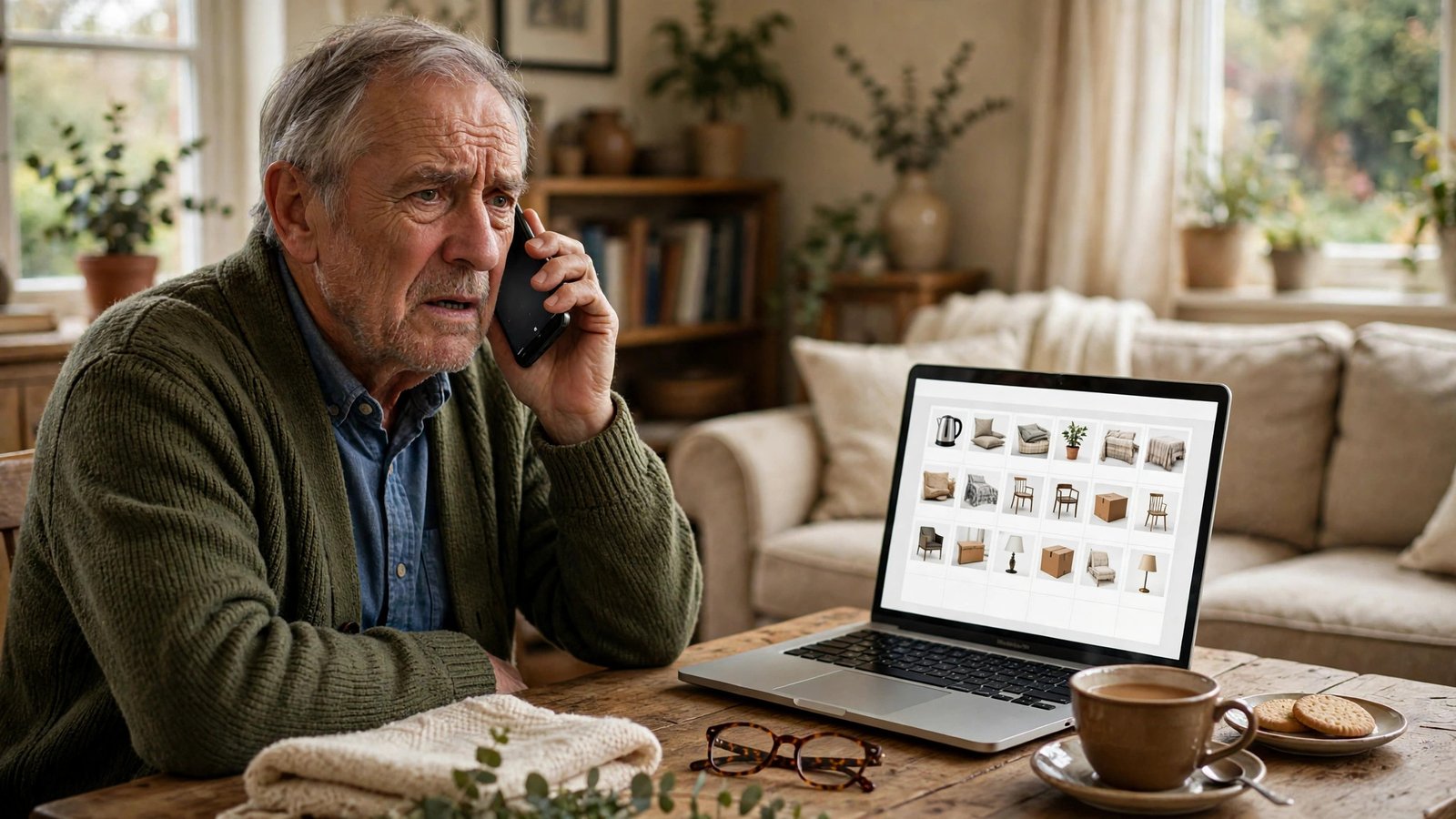
A phone call that starts with a warning about your Amazon account can end with an empty bank balance. That is the pattern behind a fresh alert from Report Fraud, the UK's national fraud reporting service. Between 5 and 14 October 2026, criminals posing as Amazon stole £86,837 from victims across the UK, at a daily average of more than £9,600. The alert, published at the start of November, describes an emerging trend. The callers sound calm and professional, and they push victims to act before they have time to think.
What the figures show
Report Fraud received 110 reports in the nine-day window in which Amazon impersonation was identified. The total stolen came to £86,837, which works out at more than £9,600 a day. The service said it was urging the public about an emerging trend after spotting the pattern in the reports made to it.
People aged between 50 and 79 were most affected, accounting for 60 per cent of the reports. Older shoppers are more likely to have an Amazon account they use regularly, and many are less familiar with the tricks used to fake a call from a big company. That skew tells the scammers exactly who to target, and it is a reminder to check in with older relatives who shop online.
How the scam call works
The call follows a script refined through thousands of attempts. It usually starts out of the blue. The caller claims to be from Amazon and says suspicious activity has been spotted on your account, such as unauthorised items in your basket or a delivery address you do not recognise. They warn that someone is trying to buy goods with your bank details.
The details are invented but specific enough to sound real: a fake order number, a made-up address, a price for an item you never bought. The point is to make the problem feel urgent and personal, so the victim stops thinking clearly and starts following instructions.
Then comes the turn. To fix the supposed problem, the caller asks the victim to act immediately: share a screen, hand over identity documents, or install remote-access software that lets the attacker control the victim's computer and move money. The urgency is the whole trick. A calm person with time to check would hang up and log into Amazon through the app, while a frightened person does what the voice on the phone says.
Why this scam keeps working
Amazon is one of the most trusted names in British online shopping, and that trust is exactly what the criminals borrow. Most households have an Amazon account, most people have placed an order recently, and a warning about a strange order does not sound strange at all. It sounds like the kind of message a real company would send.
Caller ID makes the trick easier, because a number on a phone screen can be faked. Checking the number is not enough on its own. The safest check is to ignore the call entirely and contact Amazon through a route you choose yourself. No Amazon breach has been reported in connection with this scam: the money leaves because a person was talked into handing over access, one step at a time, by someone who sounded helpful.
What to do when a caller claims to be Amazon
The single most useful habit is also the simplest: hang up, then check your account yourself. Open the Amazon app, or type amazon.co.uk into your browser, and look at your orders and messages. If there really is a problem, it will show up there. A genuine warning does not need a phone call to reach you.
Never trust a caller who asks you to act on the spot. Amazon will not ask you to hand over your password, read out a one-time code, or install software so someone can take control of your computer. If a caller asks for any of those things, the call is a scam, whatever name or number shows on your screen. Do not call back a number the caller gives you either: use the contact details in the Amazon app or on the Amazon website. Scammers rely on speed, so saying you will check and call back, then hanging up, breaks the script completely. A real company will be fine with that.
If you already paid or shared details
If you think you have been caught by this scam, act quickly and tell the right people. Contact your bank straight away, using the number on the back of your card or the bank's own app, and explain what happened. Banks can sometimes stop a payment if they are told in time, and they can freeze an account or cancel a card that has been exposed.
Report the fraud to Report Fraud, either online or by calling 0300 123 2040. In Scotland, contact Police Scotland on 101. The 110 reports in October are the reason this alert exists at all. If you installed software at the caller's request, get the computer checked by a repair shop to remove remote-access tools, then change your Amazon and email passwords from a different, clean device. Check your statements and order history for anything unfamiliar, and report the scam call by texting 7726 with the word Call followed by the caller's number.
Frequently Asked Questions
How do I know if a call from Amazon is real?
Amazon does not cold call customers about suspicious activity and ask them to secure their account on the spot. If someone calls out of the blue claiming to be Amazon, hang up and check your account in the Amazon app or at amazon.co.uk. Any real issue will be visible there.
What did the Report Fraud alert actually say?
Between 5 and 14 October 2026, criminals posing as Amazon stole £86,837 from victims in the UK, across 110 reports. That is a daily average of more than £9,600. People aged 50 to 79 accounted for 60 per cent of the reports. The alert was published at the start of November 2026.
I gave a caller my details. What should I do first?
Call your bank immediately using the number on your card or in your banking app, then report the fraud to Report Fraud on 0300 123 2040 or online. Change your Amazon and email passwords from a clean device, check your statements and order history for anything unfamiliar, and report the number by texting 7726 with the word Call followed by the caller's number.



Post Comment