How to Find a Lost Phone in Australia: Track, Lock and Erase an iPhone or Android
That sinking feeling when you pat your pocket and your phone is not there is universal. The good news is that both iPhone and Android phones have built-in tools that can show you where your phone is, lock it, and even erase it from a distance. The bad news is that those tools only help if you set them up before the phone goes missing.
This guide covers what to do in the first minutes after losing your phone in Australia, how to track it on iPhone and Android, and how to protect your accounts and your number.
Step 1: Act fast and stay calm
Start by calling your own number from another phone. Many lost phones are sitting under a car seat or on a cafe table, and a ringing phone is the fastest way to find one nearby. If it rings and nobody answers, try texting it with a message offering a reward and a number to call. A finder who wants to return it needs a way to reach you.
Retrace your steps while you still remember them clearly. Check the last place you used the phone, your car, your bag, and any shop or cafe you visited. Ask staff whether anything was handed in, since many lost phones are returned simply because someone asked.
Step 2: Track your iPhone with Find My
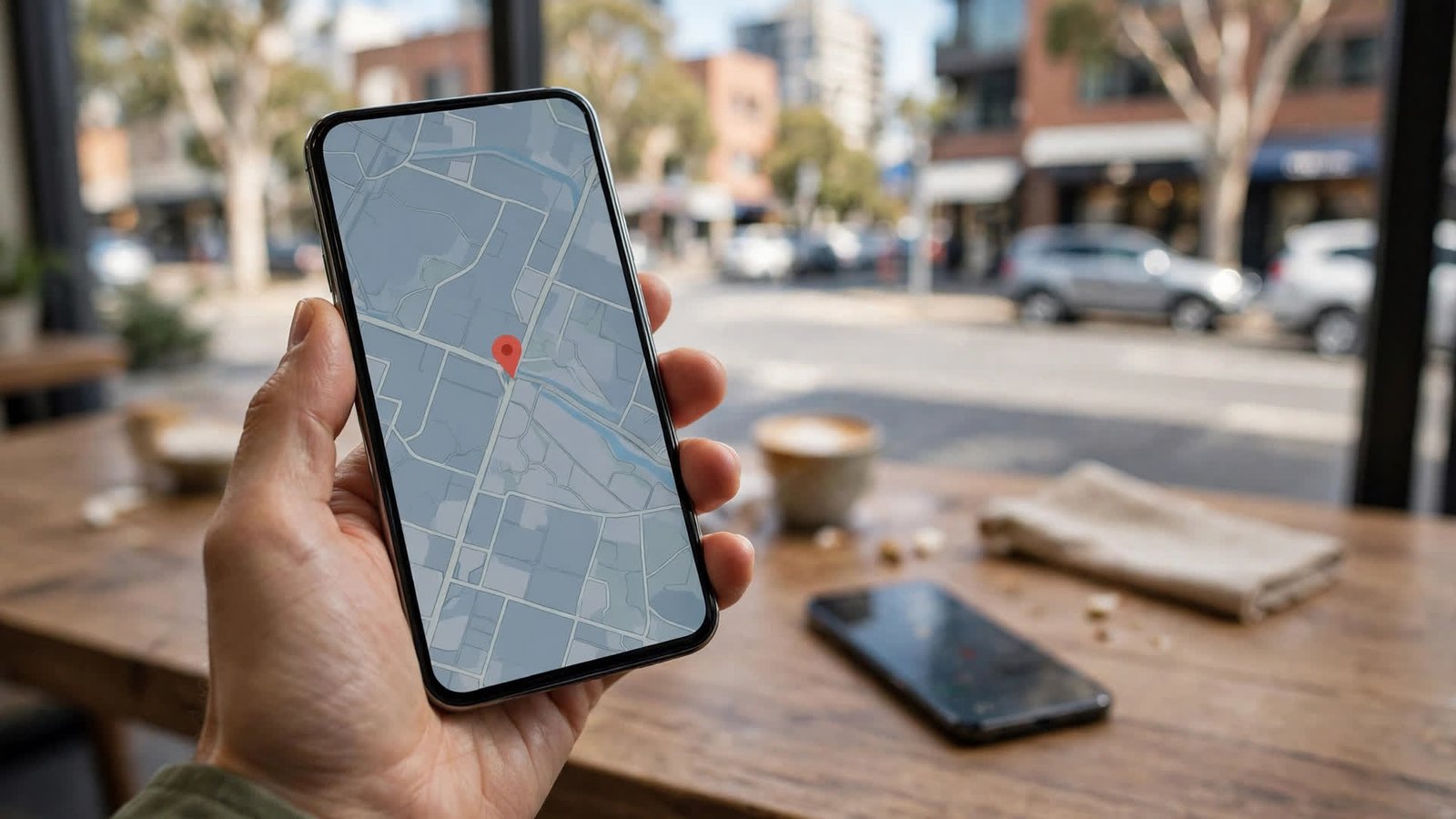
On an iPhone, open the Find My app on another Apple device, or go to icloud.com/find and sign in with your Apple Account. You will see your phone on a map if it is switched on and connected to the internet. You can play a sound to help locate it nearby, even if it is on silent.
If the phone is offline, Find My shows its last known location, and in most recent versions of iOS the Find My network can still locate it using nearby Apple devices. Mark the phone as Lost from the same screen. This locks it with your passcode, displays a custom message with a contact number on the lock screen, and suspends Apple Pay so cards on the phone cannot be used.
Step 3: Track your Android phone with Find Hub
On Android, open the Find Hub app on another device, or go to google.com/android/find and sign in with the Google account on the lost phone. You will see its location on a map if it is online. You can play a sound, secure the device with a lock and a message, or erase it entirely.
In recent Android versions, Find Hub can also locate some phones when they are offline, using the same kind of nearby-device network as Apple. Check the Find Hub settings on your own phone now, and make sure location and offline finding are switched on.
Step 4: Lock it and protect your accounts
Whether you can see the phone on a map or not, lock it remotely straight away. A locked phone protects your photos, messages and banking apps, and it stops anyone from resetting the phone and using it as their own, since both Apple and Google require your account password to set the phone up again.
Change the passwords for your most important accounts from another device, starting with your email, because email is the key to resetting almost everything else. Then work through your banking apps, social media and any shopping apps with saved payment details.
Most Australian banks let you freeze or block cards in their app or by calling their lost card line, and it is worth doing even if you think the phone is just lost at home.
Step 5: Contact your carrier
Call your Australian mobile carrier and report the phone as lost or stolen. Telstra, Optus and Vodafone can all block the phone's IMEI number, which stops it from working on Australian networks even with a different SIM card. They can also block your SIM so nobody can use your number to receive verification codes.
Ask your carrier for a replacement SIM with the same number. You can usually pick one up from a store with photo ID, and your number will be working again within a few hours.
You can find your phone's IMEI number on the box it came in, on your carrier's account page, or on your purchase receipt. Keep a note of it somewhere safe.
Step 6: Report it and erase it as a last resort
If you believe the phone was stolen rather than lost, report it to your state or territory police. You will need the make, model, colour, IMEI number and the time and place it went missing. A police report number is often required for an insurance claim.
If you are confident the phone is gone for good, erase it remotely from Find My or Find Hub. This deletes your photos, messages, accounts and apps from the phone. Know the trade-off before you tap erase: once erased, most phones can no longer be tracked, so only do this when you have given up on getting it back.
Step 7: Set up your next phone properly
When you get a replacement, set up tracking before you do anything else. On iPhone, check that Find My is on under your Apple Account settings, and turn on Send Last Location. On Android, check that Find Hub is on and that location is enabled.
Write down the phone's IMEI number and keep it somewhere that is not on the phone itself. Set a strong passcode or use fingerprint or face unlock, and back up your photos and data to the cloud, so losing the phone never means losing everything on it.
Frequently Asked Questions
Can I track my phone if it is switched off?
Sometimes. In most recent versions of iOS and Android, the Find My and Find Hub networks can locate a phone even when it is off or offline, using signals picked up by nearby devices. This does not work on every model.
Should I pay someone who says they found my phone?
Be careful. Genuine finders will usually meet you in a public place or hand the phone to police or a shop. Never pay in advance, never share verification codes, and never meet a stranger alone to collect a phone.
Will my carrier block my stolen phone?
Yes. Australian carriers can block a phone's IMEI number so it cannot connect to local networks. Call your carrier as soon as you know the phone is gone, and have your account details and the IMEI number ready.




Post Comment