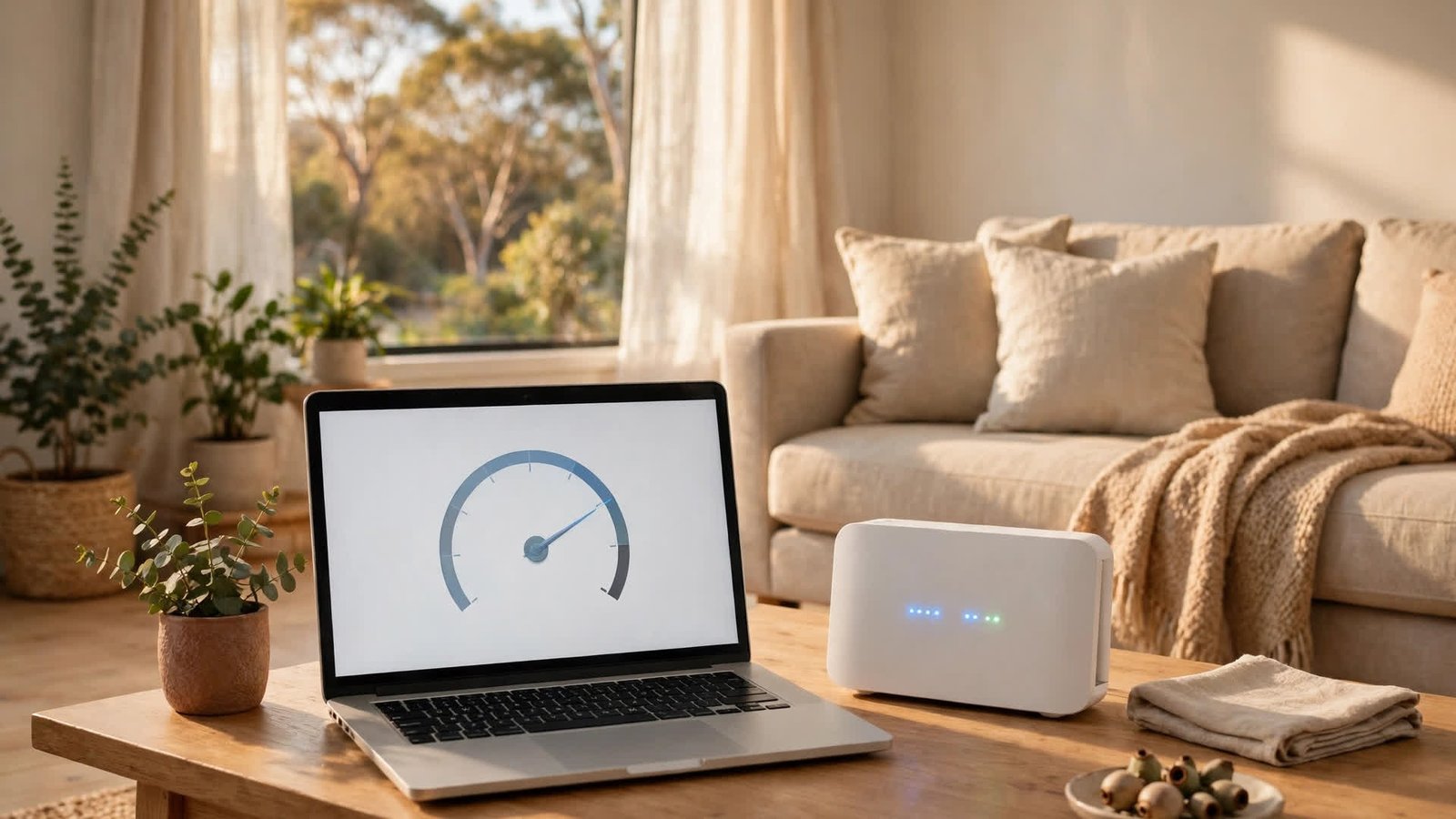
How to Check Your Internet Speed in Australia: NBN, 5G and Wi-Fi Tests That Actually Tell You Something
Your video keeps buffering, your game lags, and your provider insists everything looks fine on their end. Before you can fix slow internet, you need a number you can trust, and that means testing your speed the right way. A single quick test on your phone over Wi-Fi tells you very little. A proper test tells you whether the problem is your plan, your connection type, or your own home network.
This guide walks through how to check your internet speed in Australia, whether you are on NBN or 5G home internet, and what to do with the result.
Step 1: Understand the three numbers first
A speed test reports three figures. Download speed is how fast data comes to you, and it decides how smoothly you stream, browse and download. Upload speed is how fast data leaves your device, which matters for video calls, cloud backups and sending large files. Ping, measured in milliseconds, is how long a small packet takes to reach a server and come back, and it matters most for online gaming and video calls.
On most Australian home plans, download speed is far higher than upload speed, which is normal on NBN. A ping under 20 milliseconds is excellent for most uses, while anything above 100 milliseconds will feel sluggish in games and calls.
Step 2: Pick a reliable test
Several free speed tests work well in Australia. The most commonly used is Ookla Speedtest, available at speedtest.net and as a free app for iPhone and Android. The Australian Competition and Consumer Commission also runs Measuring Broadband Australia, which publishes real-world results from volunteer households.
Whichever test you use, pick a server in your own state or city. A test against a server in Sydney when you live in Perth will add distance and inflate your ping, and the result will not reflect your everyday experience.
Step 3: Prepare your connection before you test
A speed test measures whatever your device can manage at that moment, so set the scene first. If you want to know what your NBN or 5G connection itself can do, plug a computer directly into your modem or router with an ethernet cable. Wi-Fi always loses some speed, and a test over Wi-Fi measures your wireless network as much as your internet.
Close anything that uses the internet: streaming video, cloud backups, game downloads and software updates all eat bandwidth while you test. Ask other people in the house to pause their streaming for a minute too. Run the test three times and take the middle result.
Step 4: Test each part of your setup separately
If your wired test matches your plan speed but your Wi-Fi test does not, your internet is fine and your wireless network is the problem. Test in the same room as the router, then test from the room where you actually use your devices. A big drop between rooms points to distance, thick walls or interference from other electronics.
If you use 5G home internet, test at different times of day. Mobile networks slow down when many people nearby are using them, so a test at 8pm can look very different from one at 10am.
Step 5: Compare the result with your plan
NBN plans in Australia are sold in speed tiers, and the number on your bill is a maximum, not a promise. A 50 Mbps plan should usually deliver close to 50 Mbps on a wired test during the day, but evening speeds can dip when the network is busy. The ACCC publishes typical evening speeds for each provider, so you can see whether your result is normal for your provider or genuinely poor.
If your wired result is far below your plan speed at every hour of the day, something is wrong upstream, and that is your provider's problem to fix.
Step 6: Fix a slow Wi-Fi result
Start with the simplest fixes. Move your router out of a cupboard and into the open, at about waist height or higher, away from thick walls and large metal objects. Restart the modem and router by unplugging them for 30 seconds, then test again once they have fully reconnected.
If the signal still struggles to reach a back room, a mesh Wi-Fi system or a wired ethernet run to that room will do far more than a cheap plug-in extender. If your router is more than five years old, it may also be the bottleneck.
Step 7: Fix a slow wired result
If even a wired test is slow, try a different ethernet cable and a different port on the router. Then log in to your router's settings and check whether a VPN, parental control or quality-of-service rule is limiting your speed.
For NBN FTTN connections, the copper line from the street is often the limit. Rain and old wiring can slow it down, and if your speed drops sharply in wet weather, tell your provider, because that points to a line fault. For FTTP and HFC, a persistently slow wired result usually means a fault or congestion, and your provider should run a line test.
Step 8: Keep a record and call your provider
If the problem keeps coming back, keep a simple log: date, time, wired or Wi-Fi, download and upload speeds, and ping. Three or four dated results make a far stronger case than “it feels slow”. Providers in Australia are expected to investigate a genuine fault, and if they cannot fix it, you can ask about a plan change or, in some cases, an exit from your contract.
You can also compare your results with the ACCC's Measuring Broadband Australia reports, which show what typical households on each provider and plan actually get.
Frequently Asked Questions
What is a good internet speed in Australia?
For most households, a 50 Mbps download speed handles streaming, browsing and video calls comfortably, while 100 Mbps or more suits larger households, 4K streaming and working from home.
Why is my internet slower at night?
Evening is peak time on Australian networks, when the most people are streaming and gaming at once. Some drop in speed is normal, but a large drop, for example from 50 Mbps during the day to under 10 Mbps at night, is worth raising with your provider.
Should I test my speed over Wi-Fi or ethernet?
Use ethernet for testing what your internet connection itself delivers, and use Wi-Fi for testing what your devices actually experience around the house. Testing both tells you whether the problem is your plan, your provider, or your home Wi-Fi.



Post Comment