How to Spot a Fake App Before You Download It on iPhone and Android in Australia
Fake apps are built to look like the real thing. They copy names, colours and logos, then wait for someone in a hurry to tap install. Once on your phone, a fake app can show endless ads, ask for passwords, push you toward paid subscriptions or, in the worst cases, steal personal details. The good news is that most fakes give themselves away before you download them, if you know where to look. This guide walks through the checks that take less than a minute and can save you a long cleanup later.
Step 1: Check the developer name, not just the app name
Open the app page and look at the developer or seller name under the title. A real bank, government service or well known brand publishes under its own company name, and that name usually matches the one on its official website. A fake often uses a slightly altered name, a generic studio name with no other apps, or a name that sounds close but is spelled oddly.
Tap the developer name to see its other apps. A genuine developer usually has a history: several apps, a website link and a track record over months or years. A fake developer often has a single app, no website, and an account created very recently. If the developer looks like a stranger with one app and no footprint, treat that as a warning sign and stop there.
Step 2: Read the reviews with a sceptical eye
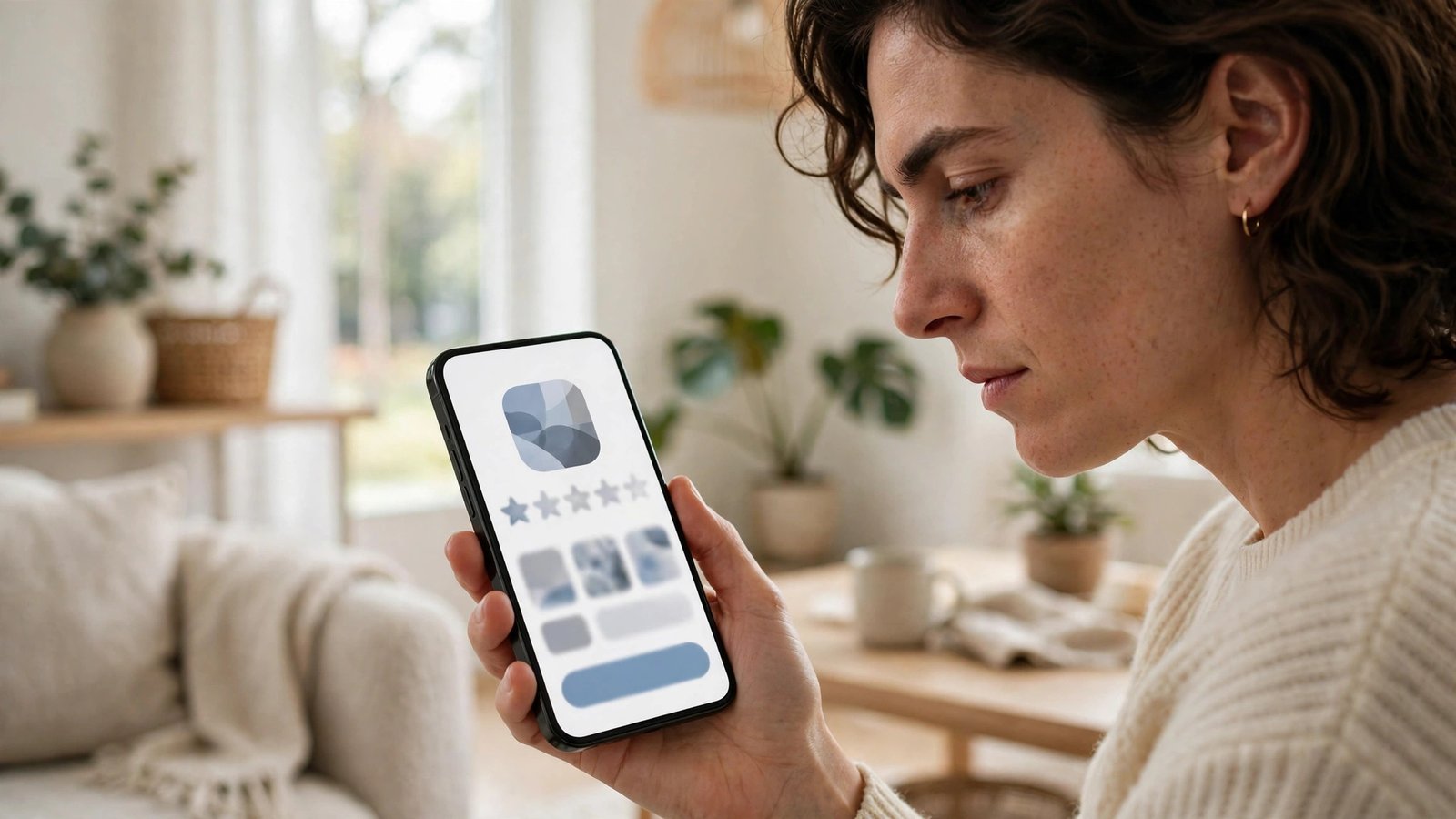
Reviews can help, but only if you read them properly. Scroll past the star rating and read a mix of recent reviews, including the low ones. Fake apps often collect a burst of short, vague five star reviews that say little more than "great app" or "love it", posted around the same time. Real apps tend to have detailed reviews that mention specific features, bugs and updates.
Look for complaints that repeat the same problem: unexpected charges, login screens that never work, ads that block the whole screen, or requests for payment before the app does anything. One angry review might be bad luck. Ten people describing the same charge or the same broken feature is a pattern.
Step 3: Compare the listing with the official source
Before installing an app that claims to belong to a bank, a telco, a government agency or a famous brand, check that organisation's own website. Most list the exact app name and link directly to the App Store or Google Play. If the listing you found is not linked from the official site, be cautious.
Search the web for the app name plus the company name, and watch for warnings. Australian scam watchers, including Scamwatch, regularly list impersonation scams, and tech news sites often flag copycat apps after they appear. A quick search takes seconds and can confirm whether other people have already reported the app you are looking at.
Step 4: Look closely at permissions and payment requests
A torch app does not need your contacts. A wallpaper app does not need your text messages. When you install an app, read the permissions it asks for and ask whether each one fits what the app actually does. On iPhone, you can review permissions in Settings under Privacy and Security. On Android, open the app page in Google Play and check the permissions section, or review them later in Settings under Apps.
Be extra careful with anything that asks for payment upfront, especially subscriptions that start with a free trial. Check the price, the billing period and how to cancel before you agree. Fake apps often hide a weekly charge behind a big "Continue" button or a trial that converts quickly. If the price is unclear, or the app demands card details before showing you anything useful, delete it and find the real version instead.
Step 5: Watch for sloppy details and pressure tactics
Genuine apps usually have clean listings: clear screenshots that match the app, a proper description written in full sentences, and a privacy policy link. Fake apps often have blurry or stolen screenshots, descriptions full of spelling errors, and no privacy policy at all. The screenshots might even show a different app interface from the one described.
Pressure tactics are another giveaway. Messages like "only 3 installs left", "your account will be locked" or "install now to claim a prize" are designed to rush you past the checks above. Real apps from real companies do not need to threaten you into downloading them. If a listing makes you feel hurried or worried, close it and come back later with a clear head.
Step 6: If you already installed a suspect app, act quickly
If you realise after installing that an app looks fake, do not just leave it sitting on your phone. Delete it straight away, then check what it may have accessed. On iPhone, go to Settings, then Privacy and Security, and review which apps can see your location, photos, contacts and other data. On Android, open Settings, then Apps, and check permissions for anything unfamiliar.
If you entered a password, payment details or a one time code into the suspect app, change that password from a trusted device and check your bank statements for unfamiliar charges. Turn on two factor authentication for your email and banking apps if you have not already. You can also report the app from its store page, which helps the store remove it before someone else falls for it.
Frequently Asked Questions
What is the safest place to download apps in Australia?
The Apple App Store on iPhone and Google Play on Android are the safest sources, because both review apps before listing them. Avoid installing apps from links in text messages, social media ads or unknown websites, since those bypass store checks entirely.
Can a fake app look identical to the real one?
Yes, copycats often reuse the real app’s name, icon and screenshots. That is why the developer name, the official website link and the review pattern matter more than the icon alone. If anything about the developer or the listing feels off, trust that feeling and verify first.
What should I do if a fake app charged me?
Delete the app, contact your bank about the charge, and request a refund through the App Store or Google Play if the payment went through the store. Change any passwords you entered into the app, and report the listing so the store can investigate it.



Post Comment