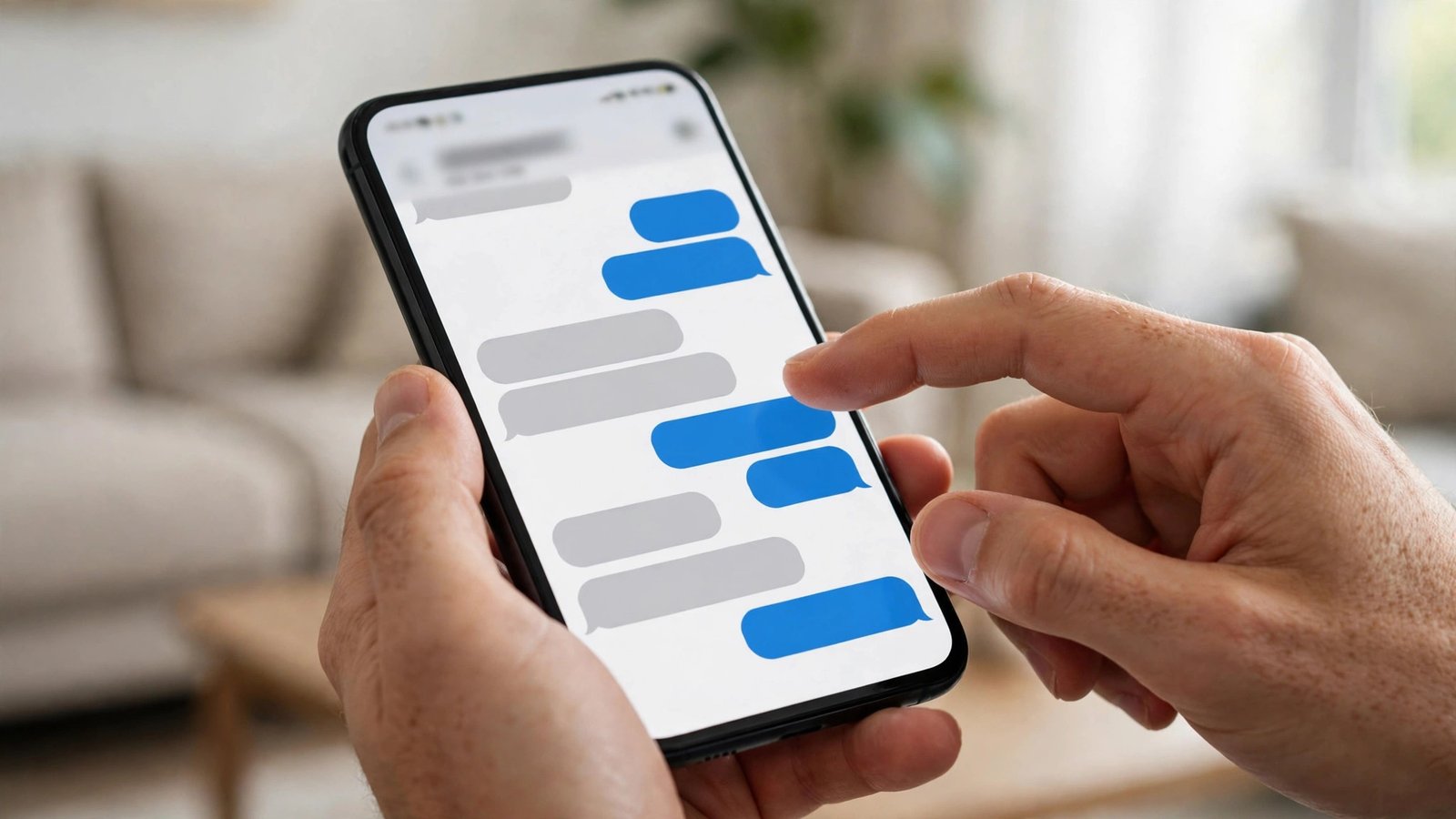
How to Unsend and Edit a Text Message on iPhone and Android in the US
Everyone has sent a text they instantly regretted. A typo in an important message, a note sent to the wrong chat, or a half-finished thought fired off too early. On modern phones, you can often take it back. The exact steps depend on which app you use and how quickly you act, because every service sets its own time limit. Here is how unsending and editing works on iPhone, Android and WhatsApp in the US.
Unsend and edit on iPhone with iMessage
On an iPhone, unsending and editing work in iMessage, the blue-bubble chats between Apple devices. They do not work for green-bubble SMS chats with Android phones or non-Apple devices, so the first thing to check is the color of the bubbles.
To unsend a message, press and hold the message you just sent, then tap Undo Send in the menu that appears. The message disappears from the conversation on both phones, and the other person sees a small note saying you unsent a message. You have two minutes from the moment you sent it to do this, so act fast. After two minutes, the option is gone.
To edit a message instead, press and hold it and tap Edit. You can fix a typo, reword a sentence or correct a wrong detail. You have 15 minutes after sending to make edits, and you can edit the same message up to five times. The other person sees an Edited label under the message, and they can tap it to view the earlier versions, so editing does not hide what you first wrote.
These features need iOS 16 or later. If your iPhone runs an older version, update it in Settings, then General, then Software Update. The person you are messaging also needs a recent version of iOS to see the unsend work cleanly. If they run an older version, they may still see the original message even after you unsend it, with a note that the message was unsent.
Unsend and edit on Android with Google Messages
On Android, the experience depends on the messaging app and whether the chat uses RCS, the modern messaging standard that has replaced SMS on most carriers in the US. Google Messages is the default app on Pixel phones and many other Android phones, and it supports both editing and unsending in RCS chats.
To unsend a message in Google Messages, press and hold the message, tap the delete icon, then choose Delete for everyone. The message is removed from both phones. This only works in RCS chats. In an SMS chat, deleting a message removes it only from your own phone, and the other person keeps their copy.
To edit a message, press and hold it and tap the edit icon. You have 15 minutes after sending to make the change, and the edited message shows an Edited label. As with iPhone, the other person can see the edit history, so the original wording is not hidden.
If you do not see these options, check that RCS is turned on. Open Google Messages, tap your profile picture or the menu, go to Settings, then RCS chats, and make sure the toggle is on. Your carrier and your contact's phone must also support RCS. If either side falls back to SMS, editing and unsending for everyone will not be available.
Unsend on WhatsApp
WhatsApp has its own delete option, and it works on both iPhone and Android. Press and hold the message, tap Delete, then choose Delete for everyone. The message is replaced with a note saying the message was deleted. You have about two days after sending to do this, which is far more generous than iMessage or Google Messages.
Note that deleting a message in WhatsApp does not stop someone who already read it, quoted it or took a screenshot. It removes the message from the chat, but anything the other person captured before you deleted it stays with them. WhatsApp does not offer an edit feature with the same limits as iMessage, though it does let you edit a sent message within a short window after sending in recent versions of the app. Press and hold the message, tap Edit, make the change, and the message shows an Edited label.
What to do when unsending is not possible
Sometimes the window has already closed, or the chat is plain SMS and unsending was never an option. In that case, the fastest fix is a quick follow-up message. A short correction, such as "Sorry, that was meant for someone else" or "Correction: the meeting is at 3, not 2," clears up most mistakes in seconds. Most people accept an honest correction without a second thought.
If the message contained sensitive information, such as a password, an address or a photo, tell the recipient directly and ask them to delete it. If it went to a group chat, ask the group admin whether anyone can remove it, though in most apps only the sender can delete their own messages.
For the future, a few habits reduce the need to unsend at all. Reread messages before sending them when they matter, especially addresses, times and amounts. Use the send delay feature if your app offers one: Google Messages lets you set a short delay before messages actually send, giving you a few seconds to cancel. And for truly sensitive details, use an app with disappearing messages or send the information by another channel entirely.
Frequently Asked Questions
How long do I have to unsend a text on iPhone?
You have two minutes to unsend an iMessage. After that, the Undo Send option disappears. You have 15 minutes to edit an iMessage, and you can edit it up to five times. These limits apply only to iMessage chats, not to SMS.
Can I unsend a text on Android?
Yes, in RCS chats using Google Messages. Press and hold the message, tap delete, and choose Delete for everyone. In plain SMS chats you can only delete the message from your own phone. Turn on RCS chats in Google Messages settings to use the feature.
Does the other person know I unsent a message?
Yes. On iPhone, the other person sees a note saying you unsent a message. On WhatsApp, they see a "This message was deleted" note. On Android RCS chats, the message simply disappears, though the other person may notice it is gone if they already saw it.



Post Comment