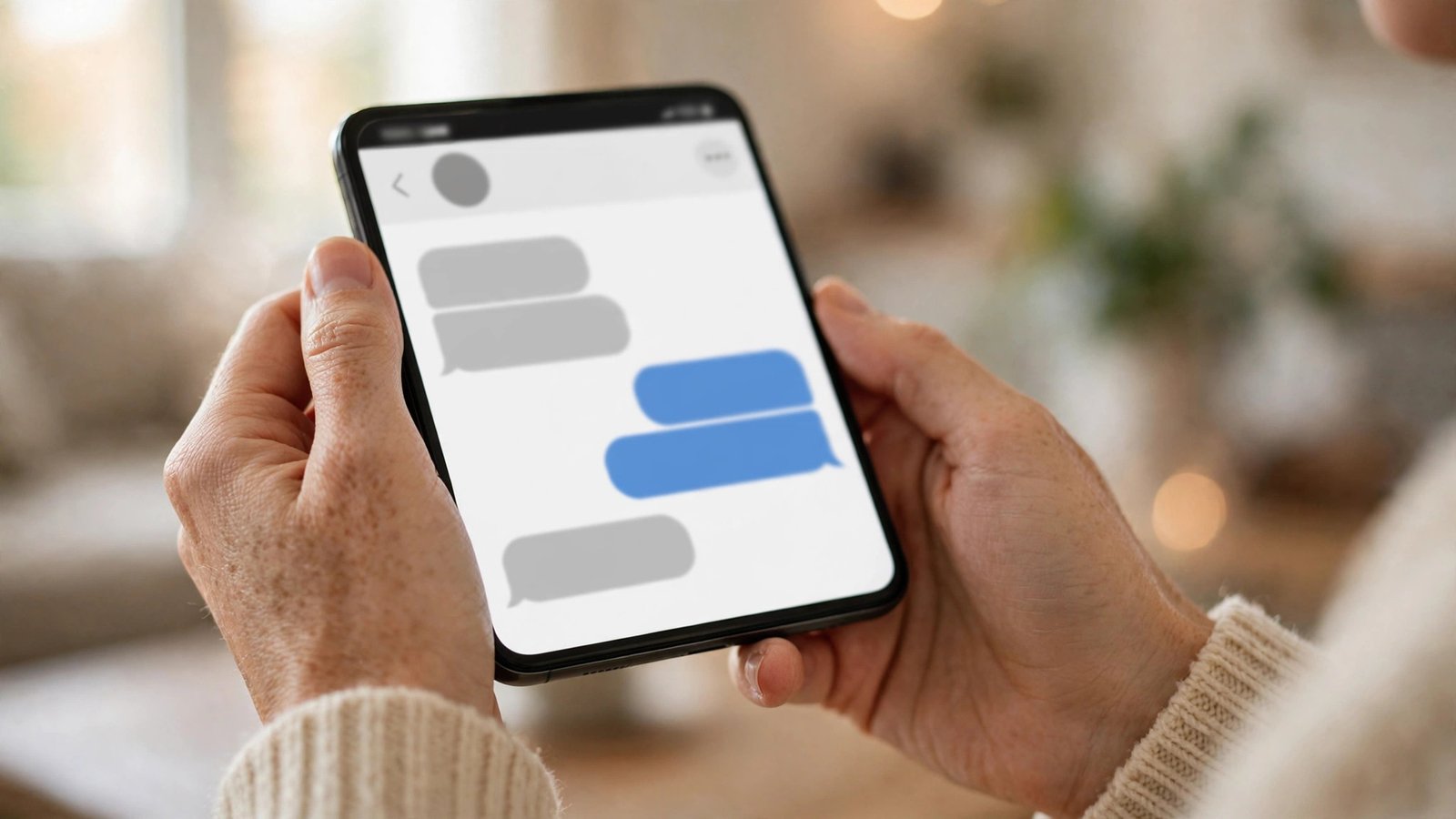
How to Turn Off Read Receipts and Typing Indicators on WhatsApp, iMessage and Android Messages in the UK
Read receipts tell the other person you have seen their message. Typing indicators tell them you are writing a reply. Both are handy, but they also create pressure to answer straight away, and they let other people track when you are online and reading. If you would rather reply in your own time, you can switch both features off on WhatsApp, iMessage and Android Messages. The steps take less than a minute on each app, and you can turn them back on just as easily.
Before you start, it helps to know the trade off. On most apps, turning off read receipts works both ways: once you switch them off, you will no longer see when other people have read your messages either.
What read receipts and typing indicators actually show
On WhatsApp, a single grey tick means your message was sent, two grey ticks mean it was delivered, and two blue ticks mean it was read. On iPhone, iMessage shows “Delivered” under your message, then “Read” with a time once the other person opens it. Android Messages, which uses RCS on most modern phones, shows similar delivered and read labels under each message.
Typing indicators are the three dots or the word “typing” that appear while someone is composing a reply. They show up in WhatsApp, iMessage and Android Messages, and on WhatsApp they also appear as “typing…” at the top of a chat.
Step 1: Turn off read receipts on WhatsApp
WhatsApp has one switch that controls read receipts for all your chats. On iPhone, open WhatsApp and tap Settings at the bottom right. Tap Privacy, then scroll down to Read Receipts and switch it off. On Android, open WhatsApp, tap the three dots at the top right, then Settings, then Privacy, then switch off Read Receipts.
Once it is off, the blue ticks disappear from your chats. People will still see two grey ticks when your phone receives their message, but they will not know when you have opened it. The same applies in reverse: you will no longer see blue ticks on messages you send.
There are two exceptions worth knowing. In group chats, read receipts stay on even when you switch them off. Voice messages also behave differently: if you turn off read receipts, you will not see whether someone has listened to a voice note you sent.
Step 2: Turn off read receipts on iPhone iMessage
Apple handles read receipts per conversation, which gives you more choice than WhatsApp. You can switch them off for everyone, or keep them on generally and switch them off for one person.
To switch them off for everyone, open Settings, then Messages, then switch off Send Read Receipts. From then on, nobody will see a “Read” label under your messages.
To switch them off for one person only, open the Messages app, open the conversation, tap the contact’s name or photo at the top, scroll down and switch off Send Read Receipts for that conversation.
Step 3: Turn off read receipts on Android Messages
Google Messages uses RCS for most chats between Android phones, and RCS supports read receipts. Open Google Messages, tap your profile picture at the top right, then tap Messages settings. Tap RCS chats, then switch off Send read receipts. If you do not see the option, your phone or network may not have RCS switched on, in which case there are no read receipts to worry about.
Some Android phones use Samsung Messages instead of Google Messages. In Samsung Messages, open Settings, tap Chat settings, then switch off Share read status.
Step 4: Hide the typing indicator
Typing indicators are harder to control than read receipts, because most apps do not offer a simple off switch for them.
On WhatsApp there is no official setting to hide the typing indicator, and turning off read receipts does not hide it either. The practical workaround is to write your reply somewhere else first, such as in your notes app, then paste it into WhatsApp and send it straight away. That way the typing indicator only shows for a second or two.
On iPhone, the typing indicator in iMessage is tied to the same Send Read Receipts setting in some versions of iOS, but Apple has changed this behaviour over time, so do not rely on it. On Android, Google Messages does not offer a setting to hide the typing indicator either, so the same draft first trick applies on both.
Step 5: Check group chats, online status and last seen
Group chats deserve a quick check, because the rules are different there. On WhatsApp, read receipts in groups cannot be switched off, even with the privacy setting disabled. Anyone in the group can long press your message, tap Info, and see exactly who has read it and when.
It is also worth knowing that turning off read receipts does not hide your online status or your last seen time on WhatsApp. Those are separate settings under Settings, then Privacy, then Last seen and online. If you want full privacy, set Last seen to Nobody or My contacts, and set your online status to Same as last seen.
Step 6: Turn everything back on if you change your mind
Privacy settings are not permanent. On WhatsApp, switch Read Receipts back on under Settings, then Privacy. On iPhone, switch Send Read Receipts back on under Settings, then Messages, or for a single conversation. On Android Messages, switch Send read receipts back on under RCS chats settings. Changes take effect immediately for new messages.
Frequently Asked Questions
If I turn off read receipts, can people still see when I am online?
Yes. Read receipts and online status are separate settings. Turning off read receipts only stops the blue ticks and Read labels. To hide when you are online on WhatsApp, go to Settings, then Privacy, then Last seen and online, and set both to Nobody or My contacts.
Why do read receipts still show in WhatsApp group chats?
WhatsApp keeps read receipts switched on in groups even when you turn them off in your privacy settings. Anyone in the group can long press a message and tap Info to see who has read it. There is no way to switch this off.
Will turning off read receipts stop me seeing other people’s read receipts?
Yes, on most apps it works both ways. On WhatsApp and iMessage, once you switch off read receipts, you will no longer see when other people have read your messages either.



Post Comment