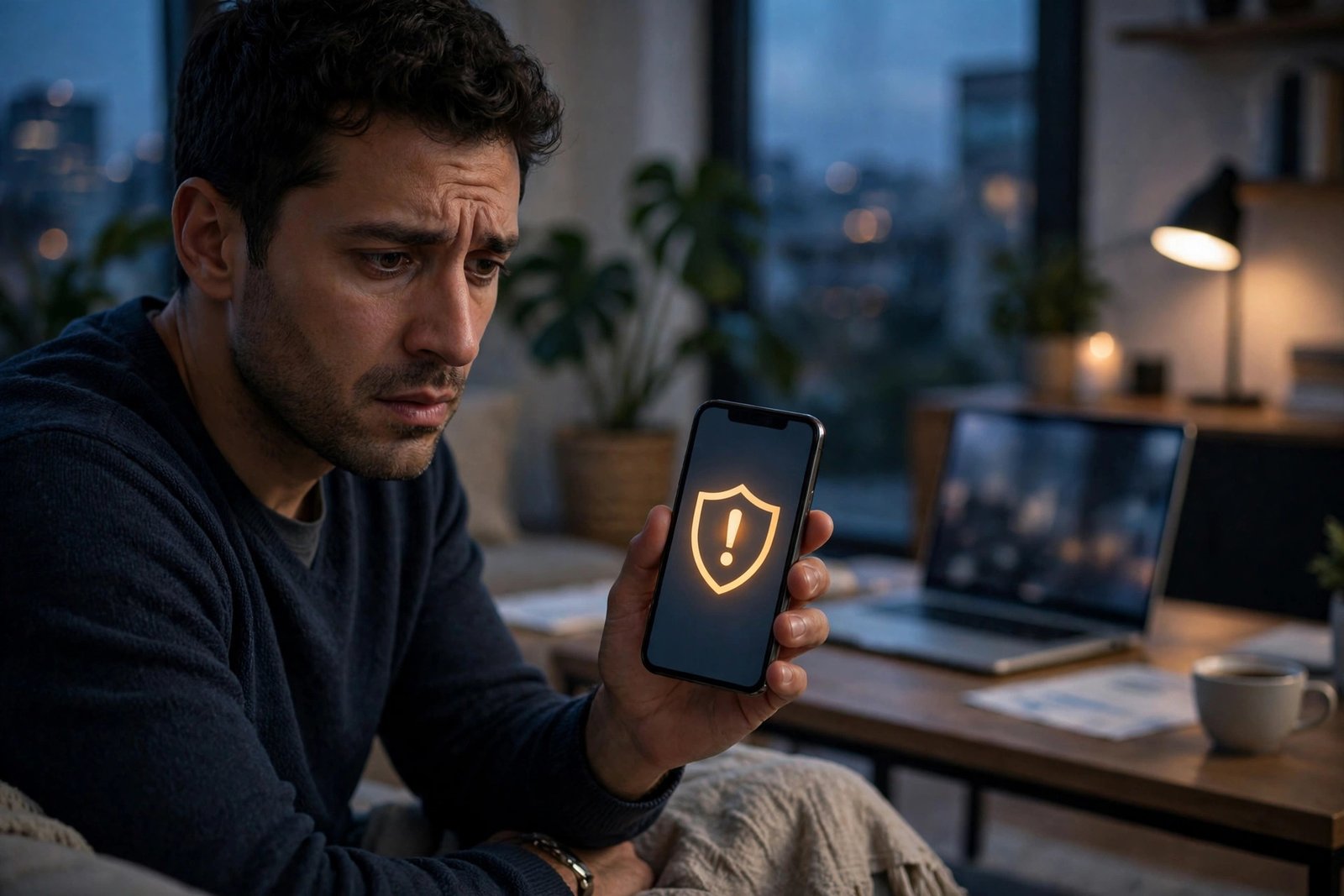
How to Tell If Your Phone Is Hacked and What to Do Next in the UK
A phone that runs hot, drains its battery in hours or shows apps you never installed can feel like it has been hacked, and sometimes that is exactly what has happened. More often, the cause is a worn battery, a buggy update or an app misbehaving. This guide walks through the real warning signs, how to check what is going on, and the steps to lock your phone down again.
The warning signs worth taking seriously
Start with the signs that point to unauthorised access. The strongest is activity you did not cause: messages sent from your accounts that you never wrote, password reset emails you never requested, purchases you never made, or contacts telling you they received strange links from you. If your bank, email or social media accounts show logins from places you have never been, treat that as urgent.
Other signs are less certain but worth checking. A battery that suddenly drains much faster than usual, a phone that feels hot while sitting idle, or data usage that jumps for no clear reason can all point to hidden software running in the background. So can pop-ups appearing outside your browser, your phone restarting on its own, or settings changing by themselves, such as a new app appearing that you did not install. Any one of these on its own usually has an innocent explanation, but several at once is a reason to investigate.
First checks you can do in minutes
Open your battery settings first. On iPhone, go to Settings, then Battery, and look at which apps used the most power in the last 24 hours. On Android, go to Settings, then Battery, then Battery Usage. An app you barely use sitting near the top of the list deserves a closer look. Do the same for data: on iPhone, check Settings, then Mobile Service; on Android, check Settings, then Connections, then Data Usage.
Next, review the apps on your phone. On iPhone, look through your App Library for anything unfamiliar, and check Settings, then General, then VPN and Device Management for profiles you did not install. A configuration profile you do not recognise is a red flag. On Android, go to Settings, then Apps, and look for anything you do not remember installing.
Finally, check your accounts. Look at the recent sign-in activity in your Google account under Security, and in your Apple ID settings under Sign-In and Security. Change any password that looks compromised, and check whether any unfamiliar devices are signed in.
What to do if you think you have been hacked
If the checks turn up something suspicious, work through these steps in order. First, change the passwords for your email, banking and social media accounts, starting with email, since that is the key to resetting everything else. Do this from a different device you trust, such as a laptop.
Second, turn on two-factor authentication on every important account if you have not already. Use an authenticator app rather than text messages where possible, since text codes can be intercepted if your number has been hijacked. Third, remove any app or profile you do not recognise.
If the problem continues after that, back up your photos and important files, then reset the phone to factory settings. On iPhone, go to Settings, then General, then Transfer or Reset iPhone, then Erase All Content and Settings. On Android, go to Settings, then General Management or System, then Reset, then Factory Data Reset. When you set the phone up again, restore only from a backup made before the trouble started, or set it up as a new device and reinstall apps one by one.
When to contact your bank and your network
If you see unfamiliar transactions, or if you received a text from your bank about a payment you never made, call your bank immediately on the number printed on the back of your card, not on a number from a text message. Banks in the UK can freeze a card, reverse fraudulent payments and check whether your details have been used elsewhere. Under UK rules, you are generally not liable for unauthorised payments once you report them promptly.
Also contact your mobile network, EE, O2, Vodafone or Three, if you suspect your number has been hijacked. Criminals sometimes convince a network to move your number to a new SIM, which lets them receive your text-message security codes. This is called SIM swapping. If your phone suddenly loses signal for hours, or you stop receiving texts, call your network from another phone and ask them to check whether your SIM has been replaced. Ask them to add a security PIN to your account so changes need extra verification.
How to stop it happening again
Once your phone is clean, a few habits keep it that way. Keep your phone's software up to date and turn on automatic updates, since most attacks rely on flaws that have already been fixed. Only install apps from the App Store or Google Play, and read the permissions an app asks for before you grant them.
Be careful with public Wi-Fi and with links in unexpected texts. The UK's most common phone scams arrive as texts pretending to be from a delivery company, a bank or a government department, and they usually push you to tap a link and enter details. Your bank will never ask you to move money to a "safe account" or to share a one-time code. If a message creates urgency, slow down and check it through the official app or website instead of tapping the link.
Finally, use a strong, unique password for every important account, ideally stored in a password manager, and keep a backup of your phone's photos and files. Good backups mean a factory reset is an inconvenience rather than a disaster.
Frequently Asked Questions
How can I tell if my phone has spyware on it?
Look for several signs together: fast battery drain, high data use from an app you barely open, the phone running hot while idle, unfamiliar apps or configuration profiles, and strange activity in your accounts. One sign alone is rarely proof, but several together justify a closer look and, if needed, a factory reset.
Will a factory reset remove a hacker from my phone?
In almost all cases, yes. A factory reset wipes the phone and reinstalls the operating system, which removes spyware and malicious apps. After the reset, change your important passwords from a trusted device and set the phone up carefully, restoring only from a clean backup or reinstalling apps one by one.
What should I do first if my bank account shows payments I never made?
Call your bank straight away on the number on the back of your card and ask them to freeze the card and investigate. Then change your email and banking passwords from a device you trust, turn on two-factor authentication, and report the fraud to Action Fraud on 0300 123 2040.



Post Comment