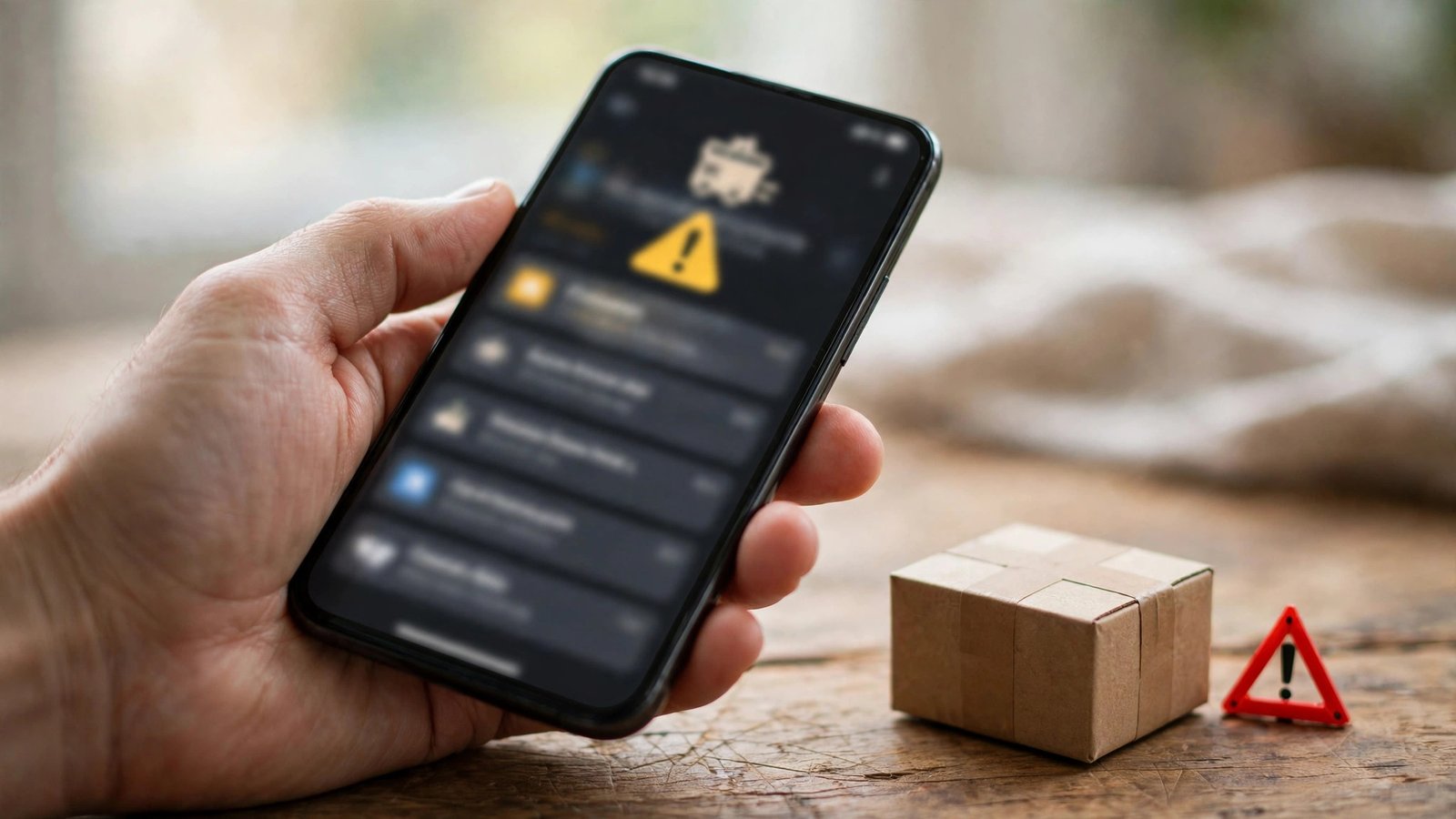
How to Spot a Fake Parcel Delivery Text in the UK (and What to Do If You Tapped the Link)
"Your parcel is waiting. Pay a small redelivery fee to release it." If that text looks familiar, you are not alone. Fake parcel delivery messages are one of the most common scams in the UK, and they work because they often arrive when you might be expecting a parcel. Once you know the signs, most are easy to spot in seconds.
The scam is simple. A criminal sends a text pretending to be Royal Mail, Evri, DPD or another courier, saying a delivery failed, a parcel is held, or a small fee is due. It includes a link to a site that looks like the courier's real one. That site asks for your card details, or tries to install something nasty on your phone. Either way, the parcel never existed.
Step 1: Check whether you are actually expecting a parcel
Before you tap anything, stop and think. Are you waiting for a delivery from that courier? Most of these texts arrive out of the blue, to people who have ordered nothing. If you are not expecting a parcel, the message is almost certainly fake.
If you are expecting something, check the order yourself. Open the shop's app or website, or find the order confirmation in your email. The tracking link there is the real one.
Never use the link in a text to check a delivery. Go to the courier's site yourself, or open its official app. That one habit defeats most delivery scams on its own.
Step 2: Look for the warning signs in the message
Start with the sender. Real couriers in the UK send texts from a consistent sender name, not a random mobile number. If the message comes from a normal-looking phone number, treat it with suspicion.
Next, look at the link. Scam links often use an address close to the real one but not quite right, such as a misspelled courier name or extra words tacked on. Press and hold the link to preview the full address before tapping. If it does not match the courier's real website, do not tap it.
Then read the wording. Scammers rush you on purpose, with phrases like "act now" and "pay within 24 hours" designed to stop you thinking. Real couriers do not threaten to destroy your parcel if you do not pay within hours. Spelling mistakes and odd grammar are also common, though some fakes are written well, so clean wording alone does not prove a message is genuine.
Finally, look at the fee. Royal Mail charges for some things, such as unpaid postage, but never asks you to pay a redelivery fee through a text link. Evri and DPD do not ask for payment by text either. Any text asking you to pay a small fee to release a parcel should be treated as a scam.
Step 3: Do not tap the link, and report the text
If the message fails any check above, do not tap the link, do not reply, and do not call any number in it. Just delete it. On iPhone, use the "Report Junk" option under messages from unknown senders. On Android, open the message, tap the three dots, and choose "Block" and "Report spam".
You can also forward the text to 7726, the free spam-reporting service run by the UK mobile networks. It costs nothing and takes a few seconds. You can also report it to Action Fraud, especially if you lost money, and to the courier it pretends to be from.
Step 4: What to do if you already tapped the link
Do not panic, but act quickly. If you only opened the page and entered nothing, the risk is low. Close the page and delete the text. If it asked you to download an app or a file, do not install it, and delete the download if it saved.
If you entered card details, call your bank straight away using the number on the back of your card, not any number from the text. They can block the card, watch for suspicious payments, and send a replacement. Check your statements over the next few days for payments you do not recognise.
If you entered a password, change it right away, and change it on any other account where you used the same password. Turn on two-factor authentication for your email and banking apps if you have not already. If you entered personal details such as your address, date of birth or National Insurance number, report it to Action Fraud and keep an eye on your credit report, which you can check for free through the main credit reference agencies.
Step 5: Make yourself a harder target next time
A few habits help. First, use the courier's own app for tracking, with delivery notifications turned on. When the real updates come through the app, a random text has nothing to hook onto.
Second, be careful where you share your phone number. Shops, competitions and sign-up forms all collect numbers, and some of that data reaches scammers. Give your number only where it is genuinely needed for a delivery.
Third, keep your phone's software up to date. Both iPhone and Android include spam filtering that improves with each update. On iPhone, turn on "Filter Unknown Senders" under Settings, then Messages. On Android, switch on spam protection in the Messages app settings.
Finally, talk about it. These scams work best when people stay quiet, so walk older relatives through the checks above. Five minutes of explaining could save them a lot of money and stress.
Frequently Asked Questions
Do Royal Mail, Evri or DPD ever ask for payment by text?
No. None of the main UK couriers ask you to pay a delivery or redelivery fee through a link in a text message. Treat any text asking for payment as a scam.
What should I do with a fake delivery text?
Do not tap the link and do not reply. Forward the text to 7726, then delete it. You can also report it in your messaging app and to the courier it pretends to be from.
I tapped the link and entered my card details. What now?
Call your bank immediately using the number on the back of your card and tell them what happened. They can block the card and watch for fraud. Then check your statements, change any passwords you entered, and report the scam to Action Fraud.



Post Comment