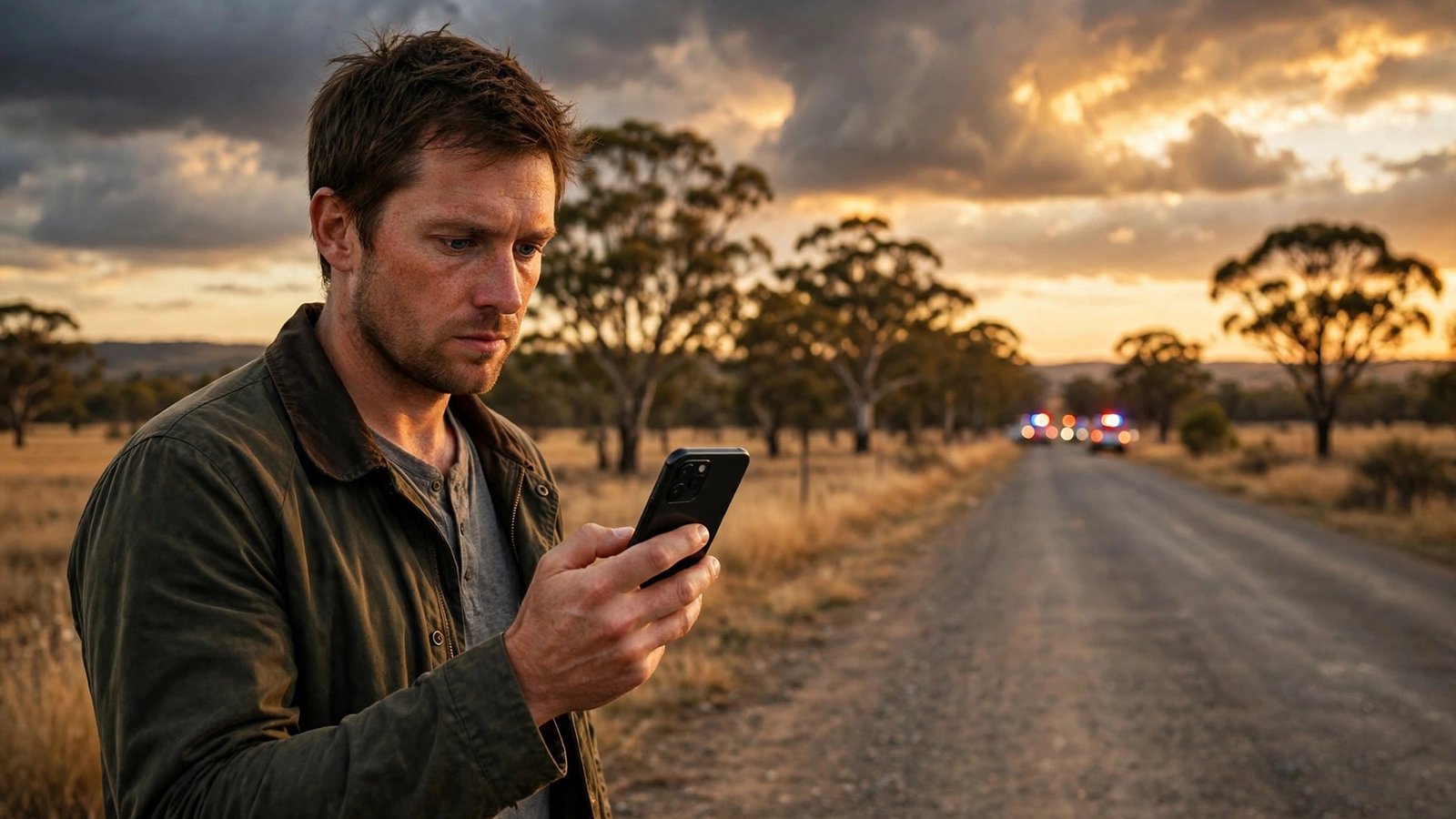
How to Use the Emergency+ App in an Emergency in Australia
In an emergency, the hardest detail to give is often your location. You might be on a country road, on a walking track, or in a suburb you do not know well. The Emergency+ app exists for exactly that moment. It is a free Australian app that shows your phone's GPS coordinates on screen, so you can read them to a Triple Zero operator and help responders find you faster.
Set it up now, while you are calm and have time. The app takes only a few minutes to install, and once it is ready you will not need to learn anything new under stress.
Step 1: Download the official Emergency+ app
Open the App Store on iPhone or Google Play on Android and search for "Emergency+". Install the app published for Triple Zero Australia. Check the developer name carefully, since copycat apps exist. The genuine app is free, with no subscription and no in-app purchases.
Open the app once after installing it. It will ask for permission to use your location. Allow location access while using the app, since the whole point of Emergency+ is to show where you are. Without that permission it cannot display your coordinates.
Step 2: Learn the call options before you need them
Emergency+ gives you a simple way to call Triple Zero (000) from inside the app. In most recent versions it also offers the Police Assistance Line on 131 444 for non-urgent police help, and the State Emergency Service on 132 500 for storm and flood assistance. Those non-emergency numbers are useful, but they are not a substitute for Triple Zero when life is at risk.
Tap around the app now so you know where each button sits. Show family members too, so anyone holding your phone can use it.
One point to be clear about: the app does not replace calling Triple Zero directly. If the app fails to open, or your phone is acting up, dial 000 from your phone app like normal. The app is a helper that adds your GPS location to the call, not the only way to reach help.
Step 3: Use the app when you call Triple Zero
If an emergency happens, open Emergency+ first if it is safe to do so, then tap to call Triple Zero. Stay on the line and answer the operator's questions calmly. You will be asked which service you need: police, fire, or ambulance. Say which one, then give your location.
Read the coordinates from the app screen exactly as shown. Then add a plain description if you can: the road name, the nearest town, a landmark, or how far along a track you are. Coordinates plus a description together give responders the best chance of finding you quickly.
If you are moving, or if your location changes while you wait, tell the operator. The GPS reading can shift as your phone locks onto more satellites, especially in bushland or between tall buildings. Keep the app open so you can read updated coordinates if asked.
Step 4: Know what to do with no signal or low battery
Emergency+ needs GPS to show your location, and GPS works without mobile data in most cases. Making the call itself needs mobile coverage, but a Triple Zero call is special: if your own carrier has no coverage, your phone will try to connect through another available network. That is why you should always try calling even when your phone shows no bars.
If you have no signal at all, move to higher ground or an open area if it is safe to do so, and try again. Do not leave an injured person alone to search for signal unless you have no other choice. If you cannot get through, send someone else to raise the alarm, or flag down a passing vehicle.
Save battery for the call. Dim your screen, close other apps, and avoid video calls or long messages while you wait for responders. If you are in a remote area, tell the operator your battery level if it is low, so they know the call could drop.
Step 5: After the call, stay put and stay visible
Once you have spoken to Triple Zero, stay where you are unless you are in danger. Moving makes you harder to find, even with coordinates. If you must move, call back and update your location.
Make yourself visible if you can do so safely. Turn on your phone torch at night, open a gate, or stand near a road entrance. If someone else is with you, ask them to wait near the road to guide responders in. Small actions like these can save minutes, and minutes matter.
Step 6: Keep the app ready for travel and family
Emergency+ is most useful when you travel. Before a road trip, a bushwalk, or a camping trip, check that the app is still installed and that location permission is still on. Phone updates and storage cleanups sometimes remove apps you have not opened for a while.
Install it on family phones as well, and talk through it with kids old enough to use a phone. A child who knows to open Emergency+, read the coordinates, and call Triple Zero can make a real difference if an adult is injured and cannot speak.
Review the app every few months. Open it, confirm your location shows correctly, and confirm the call buttons are where you expect. That thirty-second check keeps a tool you rarely use ready for the day you need it most.
Frequently Asked Questions
Is the Emergency+ app free?
Yes. Emergency+ is a free app for iPhone and Android, with no subscription or in-app purchases. It is built for calling Triple Zero in Australia, and its main job is to show your GPS location so you can share it with the operator.
Does Emergency+ work without mobile data?
GPS location can work without mobile data in most cases, so the app can usually show your coordinates even with a weak data connection. Making the call still needs mobile coverage, though a Triple Zero call can connect through another carrier's network if yours has no signal.
Should I use Emergency+ instead of dialling 000 directly?
Use Emergency+ when you can, because it shows your GPS coordinates, but do not let it delay the call. If the app will not open, dial 000 from your phone app straight away. The fastest call is always better than a perfect one.




Post Comment