How to Check Weather, Road Conditions and Power Outages on Your Phone in Canada
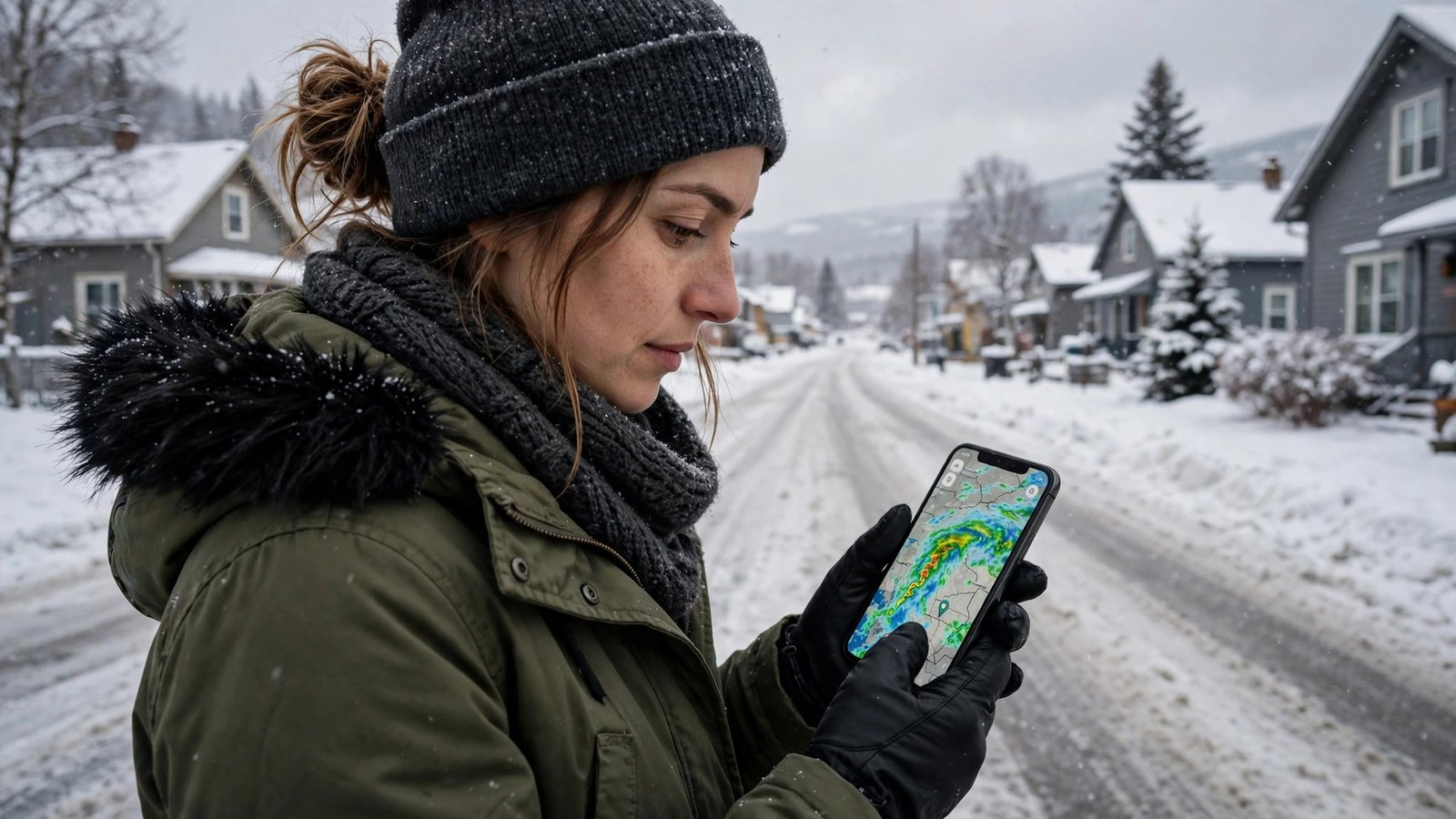
Canadian weather can change a whole day in an hour. A clear morning can turn into a snow squall by lunch, a summer storm can knock out power in a neighbourhood, and a highway that was fine at breakfast can be a slow crawl by dinner. Your phone can keep you ahead of all three, if you set it up before you need it. This guide covers the official sources for weather, road conditions, and power outages in Canada, and how to turn them into alerts that actually reach you.
The key idea is simple: use official sources first. Social media is fast, but it is also full of old photos, wrong locations, and rumours. Environment and Climate Change Canada, your province or territory's road authority, and your local power utility publish the information that other apps and news reports rely on. Start there, and use other apps as a second opinion.
Step 1: Set up official weather alerts for your location
Start with the WeatherCAN app from Environment and Climate Change Canada. It is free, it covers the whole country, and it carries official forecasts, warnings, and watches. Install it, allow location access, and add your home city plus any cities you travel to often. Turn on notifications for warnings, since a watch and a warning mean different things. A watch means conditions are favourable for severe weather. A warning means severe weather is happening or about to happen.
On iPhone, you can also use the built-in Weather app, which draws on official data in many regions. On Android, the Google weather experience varies by device, so the WeatherCAN app is the safer choice for consistent Canadian alerts. Check the hourly forecast before a drive, not just the daily high and low. In winter, the hourly view shows when snow is expected to start, how temperatures will move around freezing, and whether wind chill will make conditions worse than the temperature suggests.
Step 2: Check road conditions before you drive
Road conditions are a provincial and territorial responsibility in Canada, so there is no single national road app that covers every highway the same way. Most provinces run a 511 service, with a website and often an app, that reports closures, construction, collisions, and winter road conditions. Search for 511 plus your province name and bookmark the official service for the provinces you drive in.
Before a longer trip, check three things: closures, winter conditions, and cameras. Closures tell you whether your route is open at all. Winter conditions tell you whether the road is bare, partly snow covered, or icy. Cameras let you see the road with your own eyes, which is useful when a written report is a few hours old. Check again shortly before you leave, since conditions and closures can change during a storm.
In winter, also check your route in sections. A highway can be clear near a city and treacherous through a mountain pass or an open stretch where blowing snow reduces visibility. If the 511 service reports poor conditions for part of your route, plan extra time, keep your fuel tank at least half full, and carry a basic winter kit with a blanket, a flashlight, and a phone charger. If conditions are severe, the safest choice is often to delay the trip, and the road report gives you the evidence to make that call early.
Step 3: Find your power utility's outage map and alerts
Power outages are handled by your local utility, so the right source depends on where you live. Most large Canadian utilities publish a live outage map on their website and many offer an app or text alerts. Search for your utility name plus outage map, and save the map as a bookmark on your phone's home screen. During an outage, that map is usually faster and more accurate than a general news search.
Sign up for outage notifications if your utility offers them. Many utilities let you register your address and receive a text or email when an outage is reported near you, when a crew is assigned, and when power is restored. Register before storm season, not during it, since sign-up pages can be slow when thousands of customers are checking at once.
If your power goes out, report it through the utility's app, website, or phone line, even if your neighbours already have. Utilities use customer reports to confirm the size of an outage and to prioritize repairs. Keep your phone charged during a storm, lower screen brightness to save battery, and avoid opening the fridge or freezer more than needed to keep food cold longer.
Step 4: Put it all together on storm days
On a storm day, run a quick three-check routine. First, open WeatherCAN and read the current warning for your area. Second, open your provincial 511 service and check your route, even if you are only driving across town. Third, open your utility's outage map if power is flickering or out. That routine takes about two minutes and gives you a clear picture instead of a pile of conflicting posts.
Finally, keep your phone's emergency alerts turned on. In Canada, the Alert Ready system sends emergency alerts for severe weather and other threats to compatible phones. You can test your settings in your phone's notification or safety settings, but do not turn these alerts off to reduce noise. They are reserved for serious situations, and on the day they matter, they are the fastest official warning you will get.
Frequently Asked Questions
What is the best weather app for Canada?
The WeatherCAN app from Environment and Climate Change Canada is the best starting point, since it carries official forecasts, watches, and warnings for the whole country. Use it for alerts, and check the hourly forecast before travel, especially in winter.
Where do I check road conditions in Canada?
Road conditions are run by each province and territory, usually through a 511 service. Search for 511 plus your province name, bookmark the official service, and check closures, winter conditions, and highway cameras before a trip.
How do I find out about a power outage in my area?
Check your local power utility's outage map and sign up for its text or email alerts for your address. Report an outage through the utility's app, website, or phone line even if neighbours already have, since reports help the utility confirm and prioritize repairs.




Post Comment