
How to Record a Phone Call on iPhone and Android in the UK
There are plenty of good reasons to record a call: a quote from a company, an agreement with a trader, or an interview you want to get right. Until recently, recording a call on a phone took extra apps and fiddly workarounds. Both iPhone and Android now offer built-in recording in recent versions, and this guide walks through each option, where the recording is saved, and the UK rules you need to know.
Record a call on iPhone
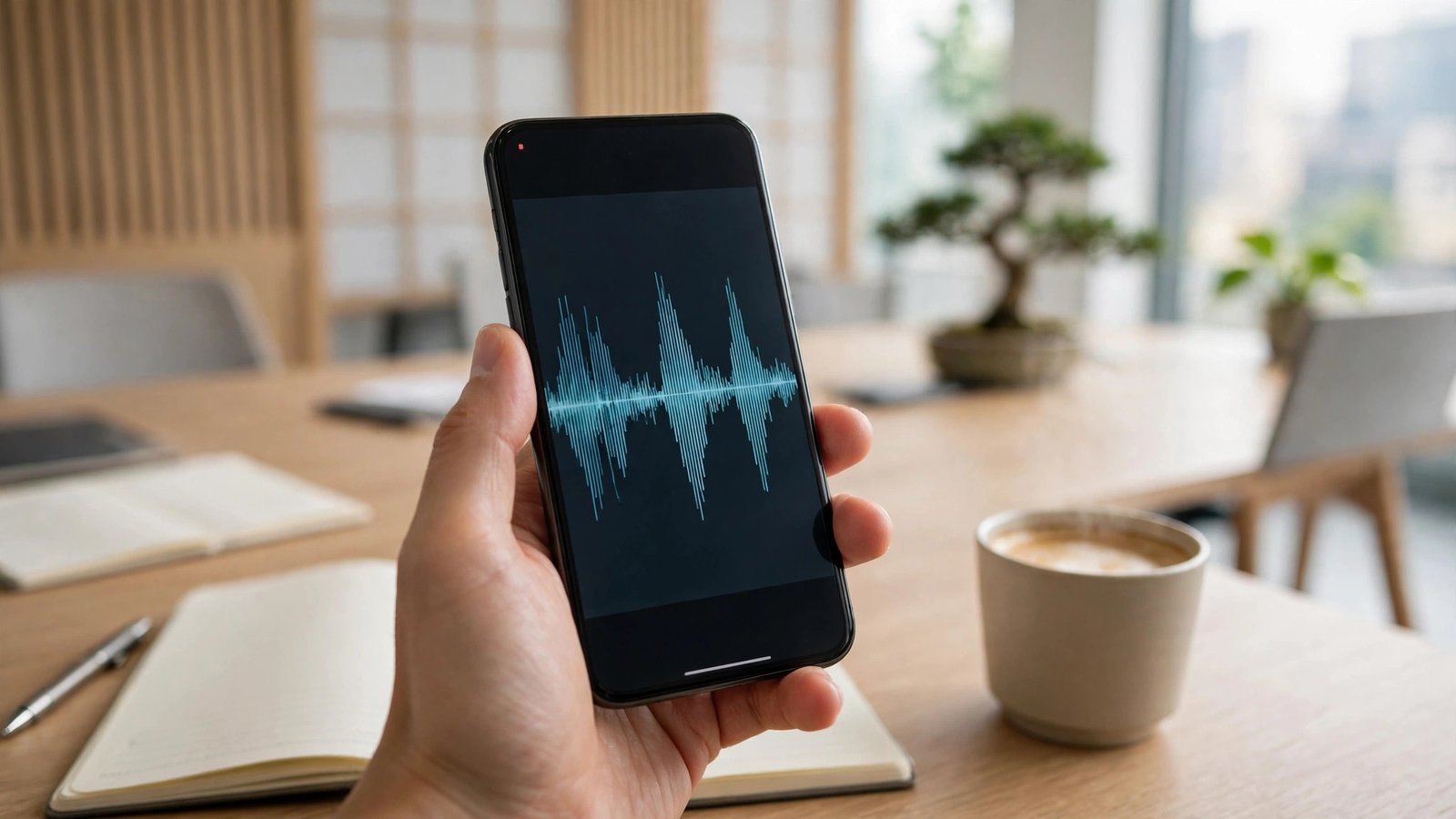
Apple added call recording with iOS 18.1, so you will need that version or later. During an ordinary mobile call, tap the record button in the top-left corner of the call screen. The phone will play an announcement to both sides saying the call is being recorded, and a small waveform will show that recording is running. Tap the button again, or end the call, to stop.
Your recording is saved in the Notes app, inside a folder called Call Recordings. Open it to play the recording back, and in most recent versions you will also find a written transcript you can search and copy from. If you cannot see the record button, check your software version in Settings, then General, then Software Update.
Record a call on Android
On Android, the simplest option is the Google Phone app, the default dialler on Pixel phones and many other handsets. During a call, tap the Record button on the call screen. As with the iPhone, both sides will hear an announcement that the call is being recorded. Tap Stop recording, or end the call, to finish. The recording is saved in the Phone app under Recents, where you can tap the call entry to play it back or share it.
Availability varies by phone model, region and network, so the button may not appear on every handset. Samsung phones take a different route: on some models you can turn on call recording in the Phone app settings, under Record calls, and choose which calls to record. On other models the option is not there at all. If it is missing on your phone, check the Phone app settings first, then look for a software update.
If your phone has no built-in recording
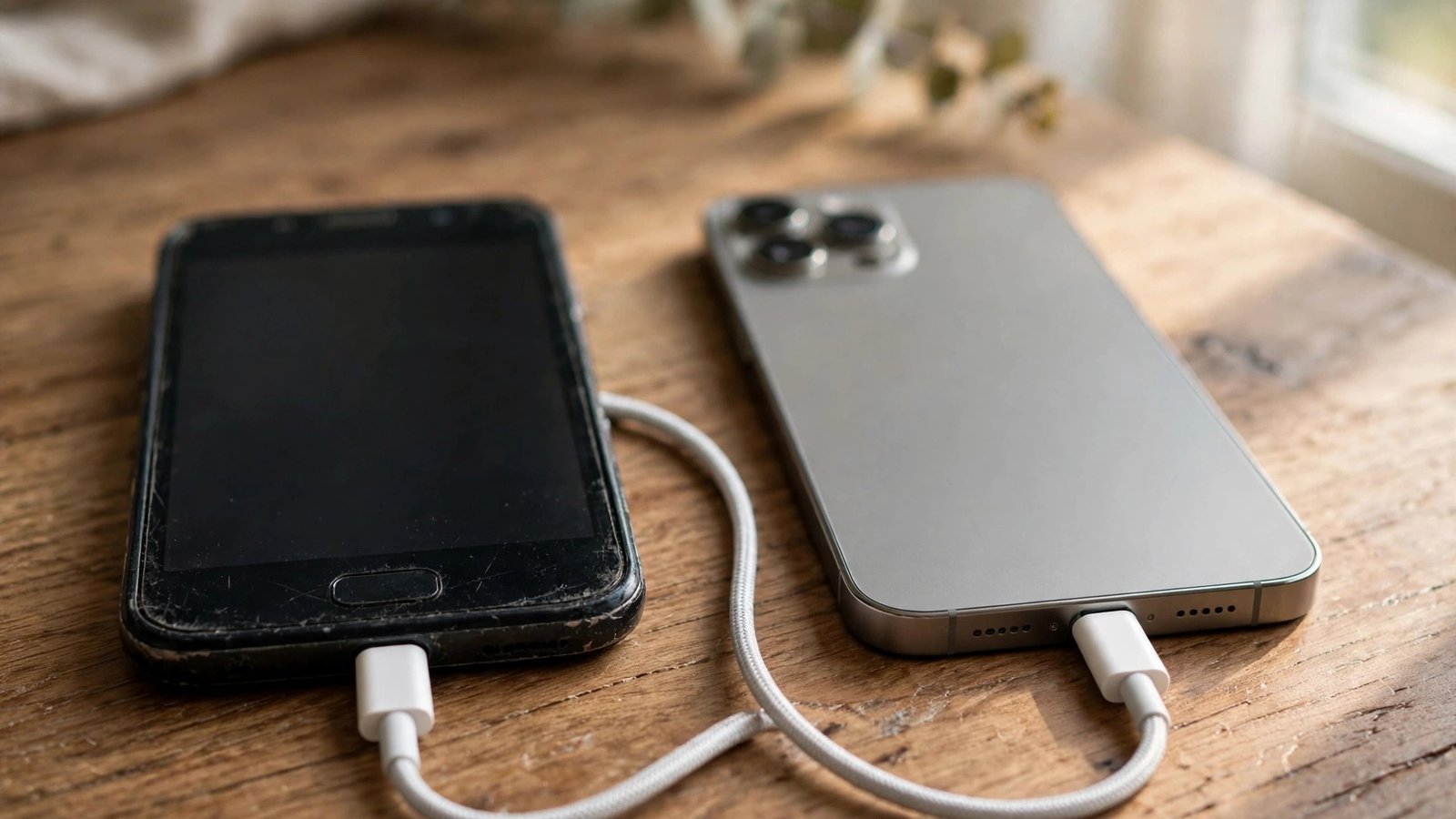
If neither built-in option is available on your handset, put the call on speakerphone and record it with a second device, such as another phone, a tablet or a voice recorder. The sound quality is lower than a direct recording, but it works on any phone and needs no special software.
You can also use a call recording app from the App Store or Google Play. Quality varies a lot, so read recent reviews before installing one. Be careful about the permissions an app asks for: a recording app needs access to your microphone and calls, but it should not need access to your contacts or location. Avoid apps that ask you to pay before you have tried them, and avoid any app that promises to record calls secretly without telling the other person.
Where recordings are saved
On iPhone, recordings live in the Notes app under Call Recordings, and they are backed up with your notes if you use iCloud. On Android phones using the Google Phone app, recordings are stored with the call history, and you can share one to your files, email or cloud storage from the playback screen. Samsung recordings are usually saved in the Voice Recorder app or in the phone's internal storage under a Call folder.
Whatever phone you use, keep your recordings somewhere safe. A recording can contain personal details, so treat it like a private document. Delete recordings you no longer need, and if you back them up to the cloud, make sure that account has two-factor authentication switched on.
The UK law on recording calls
The legal position in the UK is straightforward in most everyday cases. If you take part in a call, recording it for your own personal use is generally lawful. The Regulation of Investigatory Powers Act 2000 allows a person to record a conversation they are part of, as long as it is for their own use and not shared with others.
Sharing the recording is where the rules tighten. Passing a recording to someone else, publishing it online or playing it to a third party without the other person's consent can breach privacy and data protection law. Businesses face stricter rules still: a company that records calls must tell callers in advance and follow data protection rules about storing and using the recordings.
The safest approach is simple: always tell the other person you are recording, and explain why. The built-in tools on iPhone and Android do this for you with an automatic announcement. If you record with another method, say so at the start of the call. A recording made openly is far less likely to cause trouble than one made in secret.
Good practice before you record
A few habits will make your recordings more useful. Check that you have enough storage space before an important call. Test the feature once with a friend before you rely on it for a call that matters. Keep the phone close to you and avoid noisy places, because background noise is the most common reason a recording is hard to follow.
Frequently Asked Questions
Is it legal to record a phone call in the UK?
In most everyday cases, yes, if you are part of the call and you record it for your own personal use. Sharing the recording with others or publishing it without the other person's consent can breach privacy and data protection law. Businesses must follow stricter rules and tell callers in advance.
Does the other person know the call is being recorded?
With the built-in tools on iPhone and Android, yes. Both phones play an automatic announcement to everyone on the call when recording starts. If you use another method, such as a second device or a recording app, the other person will not be told automatically, so you should tell them yourself at the start of the call.
Can I record a WhatsApp or FaceTime call?
The built-in call recorder works for ordinary mobile calls, not for WhatsApp calls. For FaceTime, you can use screen recording with the microphone switched on, but the other person is not told automatically, so tell them first. Some Android phones can record calls made through other apps, but this depends on the phone model and the app.



Post Comment