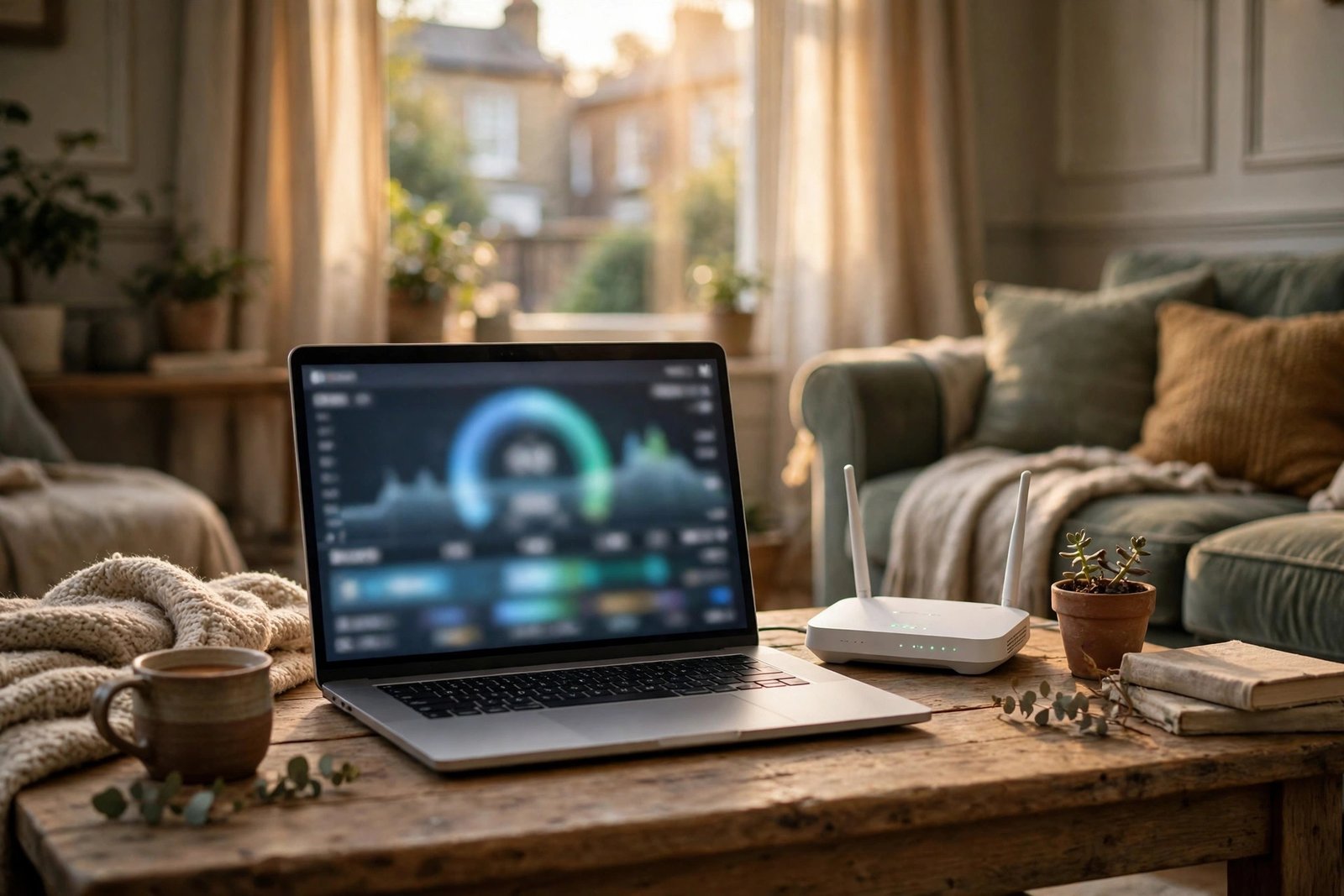
How to Check Your Internet Speed in the UK: Wi-Fi and Mobile Tests That Actually Tell the Truth
Your video keeps buffering, your video call freezes, and your provider insists everything looks fine. The fastest way to settle the argument is a proper speed test. Done right, it tells you whether the problem is your connection, your Wi-Fi or the device in your hand.
This guide shows you how to test broadband and mobile speeds in the UK, how to read the numbers, and what to do when the results are slower than the speed you pay for.
What a speed test actually measures
A speed test reports three numbers, and all three matter.
Download speed is how fast data reaches you. It decides how quickly web pages load, how smoothly video streams and how fast files arrive. It is measured in megabits per second, or Mbps.
Upload speed is how fast data leaves your device. It matters for video calls, cloud backups and sending large files. Upload speeds are usually much lower than download speeds on UK home broadband.
Ping, also called latency, is the delay before data starts moving, measured in milliseconds. A low ping makes games and video calls feel responsive. A high ping makes everything feel sluggish even when download speed looks fine.
Step 1: Pick a reliable test
Use a well-known speed test service in your browser. Ookla Speedtest, Fast.com and the test built into Google search all work well. Your broadband provider may also offer its own test, which can be useful when you want to compare results.
Avoid random test sites you have never heard of, and be wary of any test that asks you to install software first. A browser test is all you need.
Step 2: Test your wired connection first
If you can, plug a laptop directly into your router with an ethernet cable and run the test. This is the cleanest measurement of the speed coming into your home, because it removes Wi-Fi from the equation.
Compare the result with the speed your provider promised. Most UK providers quote an average speed, and your contract should state the minimum guaranteed speed. If the wired result is far below that minimum, the problem is likely with your line or your provider, not your Wi-Fi.
Keep a note of the result and the time. A single test proves little. Three tests at different times of day tell a much clearer story.
Step 3: Test your Wi-Fi properly
Unplug the cable and run the same test on Wi-Fi, standing in the same room as the router. Then walk to the room where you normally use the internet and test again.
A big drop between the two spots means your Wi-Fi signal is the problem, not your broadband. Thick walls, floors and metal objects all weaken the signal. So does a router hidden inside a cabinet or behind a television.
If your router offers two networks, try both. The 5 GHz network is faster at short range, while the 2.4 GHz network reaches further through walls. Many UK routers combine them into one network name and switch automatically, but splitting them can help if one band keeps dropping.
Step 4: Test your mobile data
Turn off Wi-Fi on your phone and run a test over 4G or 5G. Test indoors and outdoors if you can, because building materials can cut mobile signal sharply.
Mobile speeds vary a lot by location and time of day. A slow result at rush hour in a busy town centre may be normal network congestion, while the same result at midnight would point to a coverage problem.
If mobile data is slow everywhere you go, check whether you have used up your monthly allowance. Many UK plans slow speeds or charge extra once the data runs out.
Step 5: Read the results like a technician
Compare your download speed with what you pay for. A fibre connection sold as 100 Mbps should usually deliver close to that on a wired test. A drop of 10 to 20 percent is normal. A drop of half or more is not.
Look at ping too. Anything under 30 ms is good for most uses. Above 100 ms, video calls and gaming will feel laggy even with a fast download speed.
Step 6: Fix the common problems
Restart your router first. Unplug it, wait 30 seconds and plug it back in. This fixes more problems than any other single step.
Move the router if you can. Put it in the open, roughly in the middle of your home, at about waist height. Avoid the floor, cupboards and the space behind a television.
Update your router firmware if your provider allows it. Many UK provider routers update automatically, but it is worth checking the settings page.
If Wi-Fi is slow in one room, a mesh Wi-Fi system or a powerline adapter can help. Mesh systems are usually the better choice in larger UK homes, because they create one smooth network instead of separate hotspots.
When to contact your provider
Contact your provider when your wired speed stays well below the minimum guaranteed speed in your contract, when the connection drops regularly, or when a fault appears suddenly after working fine for months.
Before you call, have your test results ready with dates and times. Providers take a complaint far more seriously when you can show repeated measurements instead of a vague feeling that things are slow.
Frequently Asked Questions
What is a good internet speed in the UK?
For most households, 50 to 100 Mbps handles streaming, video calls and everyday browsing comfortably. Larger households with several people streaming at once will feel the benefit of 150 Mbps or more. The right speed depends on how many people share the connection and what they do with it.
Why is my Wi-Fi slow when my broadband is fast?
The most common reason is Wi-Fi itself. Distance from the router, thick walls, interference from neighbours and an old router can all cut Wi-Fi speed well below the speed coming into your home. A wired test tells you whether the broadband or the Wi-Fi is at fault.
Does a speed test use a lot of data?
Yes, a single test can use a noticeable amount of data, especially on a fast connection. If you are testing on mobile data with a small allowance, run the test once and avoid repeating it. On home broadband there is no data limit to worry about in most UK packages.




Post Comment