How to Check Your Phone Battery Health in Canada: iPhone and Android Steps
If your phone dies before dinner or shuts down on a cold winter walk, the battery is the first suspect. The good news is that you do not need a repair shop to get an answer. Most recent iPhones and Android phones show battery health right in Settings, and that one number can tell you whether you need a new habit, a new charger routine, or a new battery.
This guide walks through the steps for iPhone and Android, explains what the numbers mean in plain language, and helps you decide when replacement is worth the money in Canada.
Step 1: Check battery health on iPhone
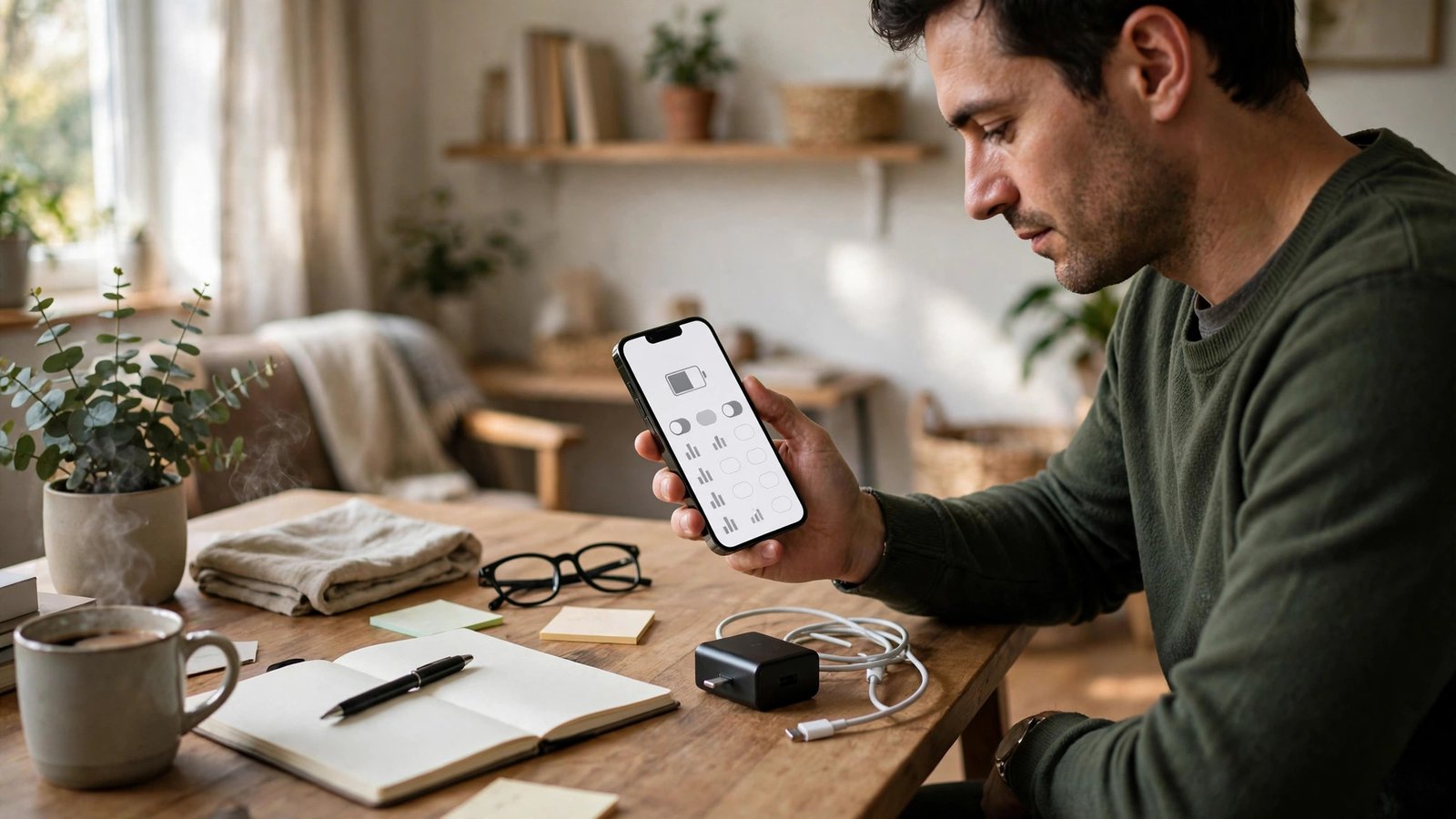
On a recent iPhone, open Settings, then tap Battery, then tap Battery Health. In most recent versions of iOS, you will see Maximum Capacity as a percentage, plus information about whether the battery is performing normally.
Maximum Capacity compares your battery now with when it was new. A phone at 100 percent holds roughly its original charge. A phone at 85 percent holds roughly 85 percent of that original capacity, so it will run out sooner even if you use it exactly the same way.
Apple also shows peak performance capability in this area in most recent versions. If the battery can no longer deliver the power the phone needs at peak moments, the phone may slow down briefly to avoid an unexpected shutdown. That message is a strong hint that replacement is worth pricing out.
If you do not see a Battery Health section, update iOS first through Settings, then General, then Software Update, and check again.
Step 2: Check battery health on Android
Android is less uniform, because Google Pixel and other makers place the information in different menus. Try these paths in order, using the one that matches your phone.
On a Google Pixel, open Settings, then Battery, then Battery health in most recent versions. You should see a capacity percentage and a status note.
On a Samsung Galaxy phone, open Settings, then Battery and device care or Device care, then Diagnostics or Battery. In most recent versions, Samsung shows battery status and life information there. Some models show a simple status such as Good or Weak rather than an exact percentage.
On other Android phones, open Settings and search for "battery health". If nothing appears, your maker may not show a built-in reading. In that case, the battery usage screen under Settings, then Battery, can still help: look for apps using far more power than expected.
Step 3: Understand what the percentage means
Think of battery health as wear, not damage from one bad day. Every charge cycle wears a lithium battery a little. Heat, fast charging every single day and sitting at 100 percent for long periods in a hot car all add wear over time.
As a rough guide used by many phone makers and repair shops, a battery below about 80 percent maximum capacity is considered worn. That does not mean the phone is broken. It means you will notice shorter days, more top-up charges and a higher chance of shutdowns in cold weather, which is a real factor during a Canadian winter.
Between 80 and 90 percent, most people can live with the battery by adjusting habits. Below 80 percent, replacement starts to make sense if you plan to keep the phone for another year or more. The exact threshold is a judgement call, not a rule, and it depends on how heavily you use the phone.
Step 4: Stretch the battery you have
Before you pay for a replacement, try a week of gentler habits and see if the phone feels better.
Turn on optimised charging or adaptive charging if your phone offers it. This feature learns your routine and holds the charge below full until just before you usually unplug, which reduces wear over time. On iPhone, look under Settings, then Battery, then Battery Health and Charging. On Android, look under Battery settings for adaptive or optimised charging.
Lower screen brightness a notch, shorten the screen timeout to 30 seconds or one minute, and turn off background refresh for apps you rarely open. Location set to "while using the app" instead of "always" also helps. None of these steps will restore lost capacity, but they can turn a phone that dies at 6 p.m. into one that lasts until bedtime.
Step 5: Decide on a replacement in Canada
If the health reading is low and the phone still suits you, a battery replacement is usually far cheaper than a new phone. Start with the maker: Apple and Samsung both offer battery service through their stores and authorised partners in Canada, and prices vary by model, so check the current service page for your exact phone before you book.
Independent repair shops in Canada often charge less, and ask three questions before you hand over your phone: is the part a quality battery with a warranty, will the repair keep water resistance as close to original as possible, and will you get a written warranty on the work. A clear answer to all three is a good sign.
Back up the phone before any repair and keep the receipt. If the phone is still under warranty or an extended plan, check that coverage first.
Frequently Asked Questions
What is a good battery health percentage?
A reading of 90 percent or higher usually means the battery is still in good shape. Between 80 and 90 percent, you may notice shorter battery life but the phone is still very usable. Below about 80 percent, many makers and repair shops consider the battery worn, and replacement becomes worth considering if you plan to keep the phone.
Why does my phone die faster in winter in Canada?
Cold weather temporarily reduces how much power a lithium battery can deliver, so a worn battery that copes indoors can shut down outdoors in winter. Keeping the phone in an inside pocket, rather than an outer jacket pocket, and warming it before heavy use can help. The effect is usually temporary, and capacity returns as the phone warms up.
Can I check battery health without installing an app?
Yes, in most cases. Recent iPhones show Maximum Capacity under Settings, then Battery, then Battery Health. Many recent Android phones show battery health or status under Settings, then Battery or Device care. If your Android phone has no built-in reading, the battery usage screen is the next best check, and you can skip third-party apps that ask for broad permissions.



Post Comment