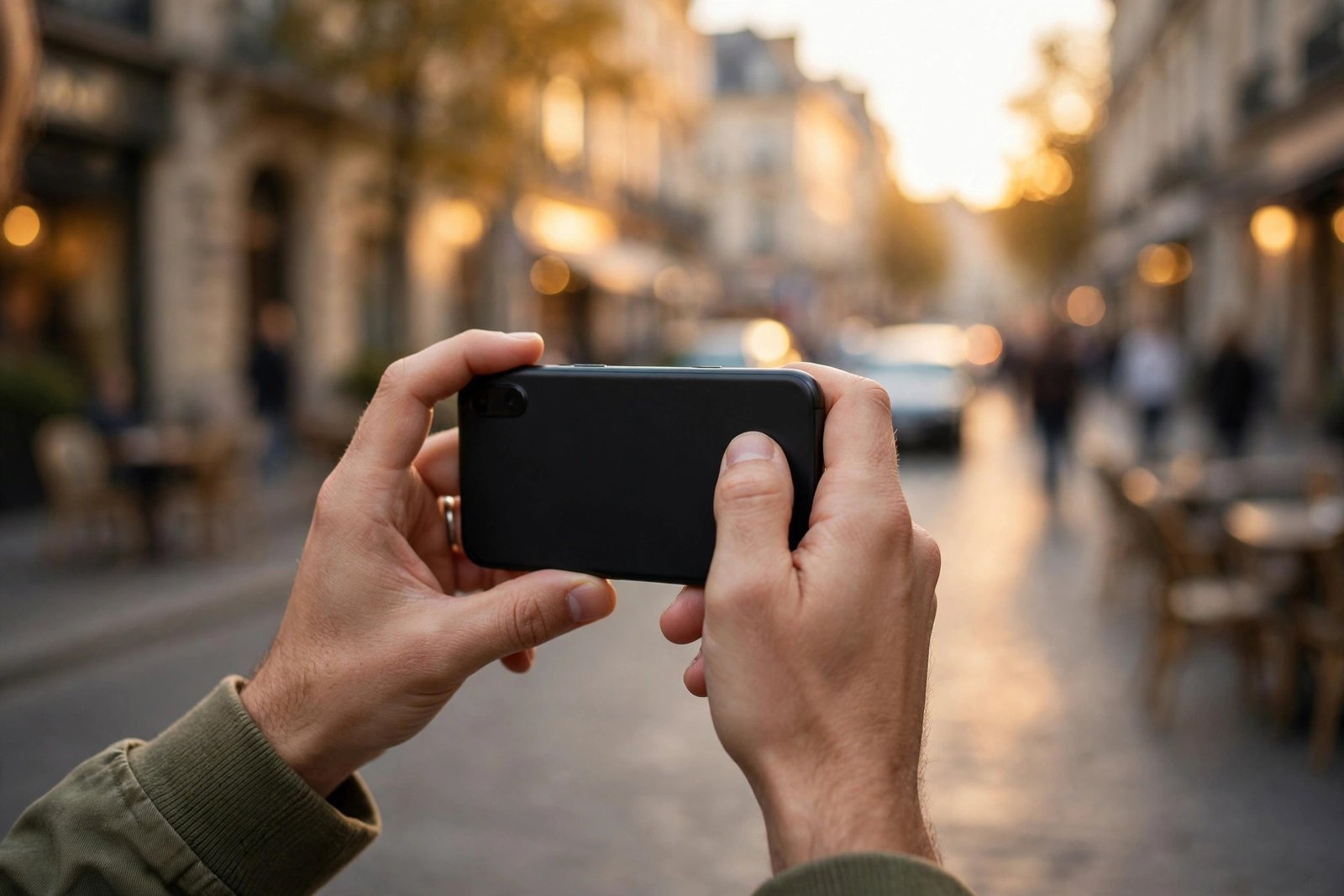
How to Take Better Phone Photos: 10 Simple Tips That Work on Any Camera Phone
The best camera is the one in your pocket, but most people use about ten percent of what theirs can do. The gap between an average phone photo and a great one is rarely the phone itself. It is light, composition and a handful of settings that most people never touch. These ten tips work on iPhones, Android phones and just about anything else with a lens, and none of them need extra gear.
1. Chase the light before you touch anything else
Light is 80 percent of photography. Before you even open the camera, ask where the light is coming from. Morning and late afternoon sun flatter faces; harsh midday sun creates hard shadows. Indoors, face the subject toward the nearest window rather than away from it. If you remember nothing else from this guide, remember this: move the subject or yourself to get better light, and half your photo problems disappear.
2. Clean your lens
It sounds silly and it changes everything. Your phone lives in pockets and bags, and a thin film of smudges softens every shot. Wipe the lens with the inside of your t-shirt or a microfibre cloth before important photos. Backlit haze and mysteriously foggy night shots are often just a dirty lens.
3. Turn on the grid lines and use the rule of thirds
Open your camera settings and enable the grid. The lines divide the frame into thirds. Put your subject on one of the vertical lines, or on one of the points where lines cross, instead of dead centre. This single habit makes photos feel more balanced and professional instantly.
4. Tap to focus, then lock it
Tapping the screen sets focus and exposure on the point you touched, which beats trusting the auto settings. For photos where the subject is not moving, tap and hold to lock focus and exposure so the camera does not keep adjusting while you frame. On most phones a small padlock or "AF/AE locked" indicator confirms it.
5. Stop zooming with your fingers
Pinch-to-zoom on most phone cameras is digital zoom, which just crops and enlarges the image and destroys detail. If your phone has multiple lenses, the 2x or 3x buttons use the telephoto lens and stay sharp. Otherwise, walk closer. Your legs are the best zoom lens you own.
6. Get low or change your angle
Almost everyone shoots from eye level, which is why almost everyone's photos look the same. Crouch down for kids and pets so you meet them at eye level. Hold the phone low and tilt up for buildings to make them feel dramatic. Shoot from above for food and flat-lay shots. A different angle is the cheapest way to make an ordinary scene interesting.
7. Use portrait mode properly, not on everything
Portrait mode blurs the background and flatters faces, but it needs a reasonable distance and good light to work well. It struggles in dim rooms and on tiny details like glasses arms or stray hairs, which can blur oddly. Use it for people, pets and flowers. Leave it off for landscapes, text, and anything where you want everything sharp.
8. Watch your edges before you press the shutter
Bad photos are often killed by the frame's edges: a stranger's arm at the corner, a bin lurking behind your subject, a lamp post growing out of someone's head. Take half a second to scan the four edges of your frame. Moving two steps left is faster than cropping later.
9. Shoot in bursts for anything that moves
Kids, pets, sports, parties: one perfectly timed shot is luck, but a burst of twenty frames is odds in your favour. Hold the shutter button to shoot a burst (on iPhones drag the shutter button to the left), then pick the sharpest frame. For anything with motion, bursts beat reflexes every time.
10. Edit lightly and consistently
A small edit fixes most photos: straighten the horizon, add a touch of brightness, lift the shadows slightly. In most recent versions of phone editing apps, the auto-enhance button gets you surprisingly far. Avoid heavy filters that wash out skin tones. Consistency matters more than any single edit; a set of photos with the same light touch looks like a portfolio, while random filters look like accidents.
Frequently Asked Questions
Do I need a flagship phone to take good photos?
No. The tips that matter most are light, composition and a clean lens, which work on any camera phone. Flagships mostly pull ahead in very dark scenes and extreme zoom. A mid-range phone used well will beat a flagship used badly.
Which camera settings should I change first?
Turn on the grid lines, learn tap-to-focus with exposure lock, and check whether your phone offers a high-resolution mode or RAW capture for shots you plan to print or edit. For everyday shooting, those three cover almost everything.
Why do my night photos look grainy or blurry?
Night shots fail for three reasons: a dirty lens, shaky hands, and the camera pushing the exposure too far. Clean the lens, brace your hands against something solid, and use your phone's dedicated night mode rather than the standard photo mode. In most recent versions night modes combine several frames automatically, so hold still for the full countdown.




Post Comment