Vodafone Warns Australians About Three New Scam Calls: Fake Police, Spoofed Numbers and AI Crypto Voices
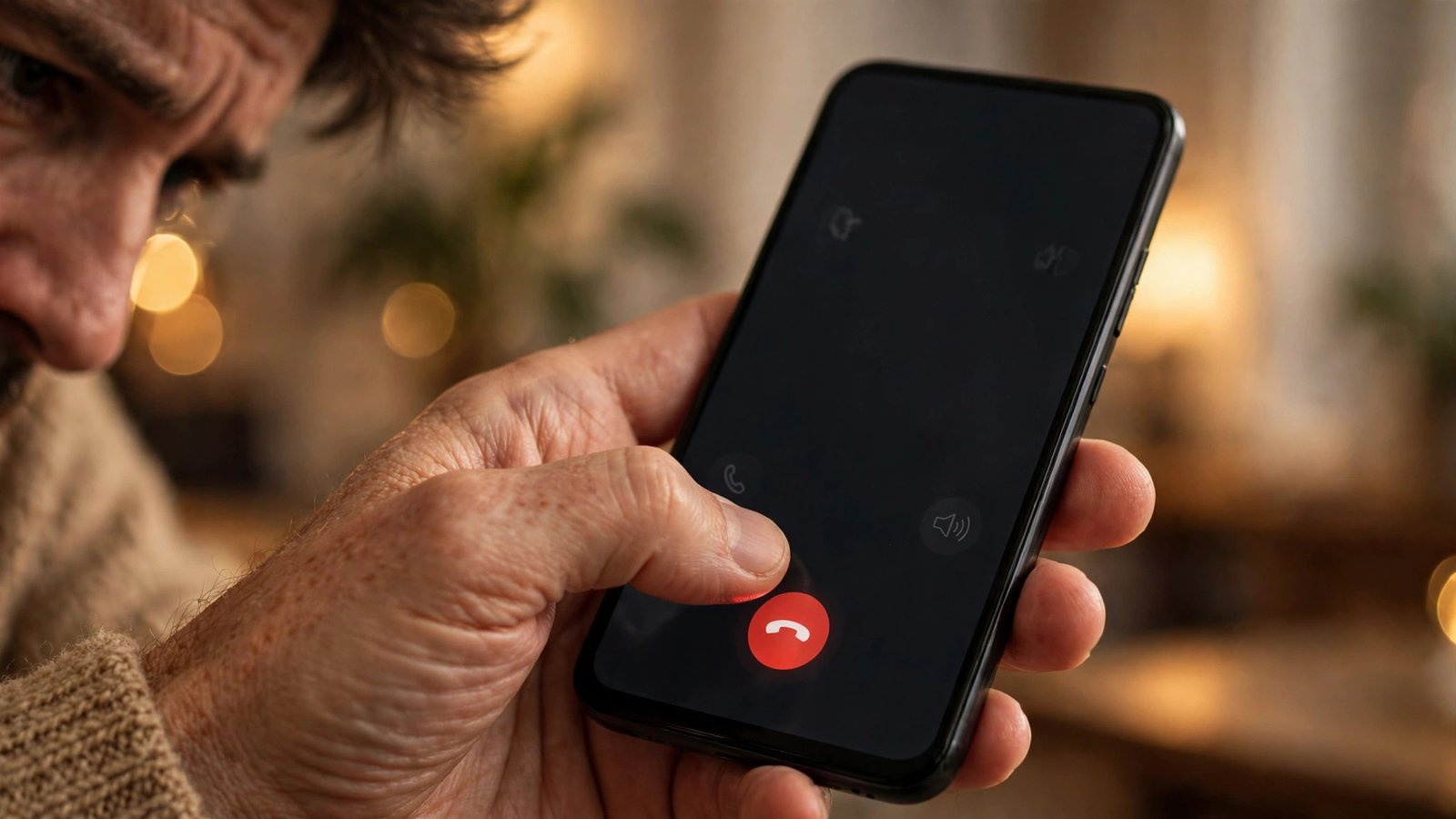
Vodafone has a warning for anyone in Australia with a phone in their pocket: three new scam calls are doing the rounds, and they are more convincing than the ones you are used to. One pretends to be the Australian Federal Police. Another makes your caller ID show a real police number. The third uses an AI-generated Australian voice to talk about your crypto wallet.
The telco has good reason to pay attention. Vodafone says it has already blocked more than 60.5 million scam calls and 43.8 million scam texts in Australia this year alone. That flood of blocked calls gives it a clear view of which tricks are working right now, and the three it has singled out share one thing: they are built to earn your trust before they ask for anything.
The fake AFP officer who never asks for your details
The first scam starts with a call from someone claiming to be an Australian Federal Police officer. The caller says they are investigating an arrest, and that your identification has been found on a suspect's devices.
Here is the clever part. The scammer keeps telling you they will not ask you for any information. That sounds reassuring, and it is meant to. It lowers your guard while the caller builds a story that feels official.
The caller may offer to send you an email that looks like it comes from the AFP, or tell you that you are welcome to visit a police station if you do not believe them. All of it is stagecraft. The real goal is to get you comfortable enough to confirm personal information and card details they claim were found on the suspect's devices.
A genuine police officer will not call you out of the blue and ask you to confirm your card details over the phone. If you ever get a call like this, hang up and contact the AFP through its official channels.
The spoofed number that checks out on Google
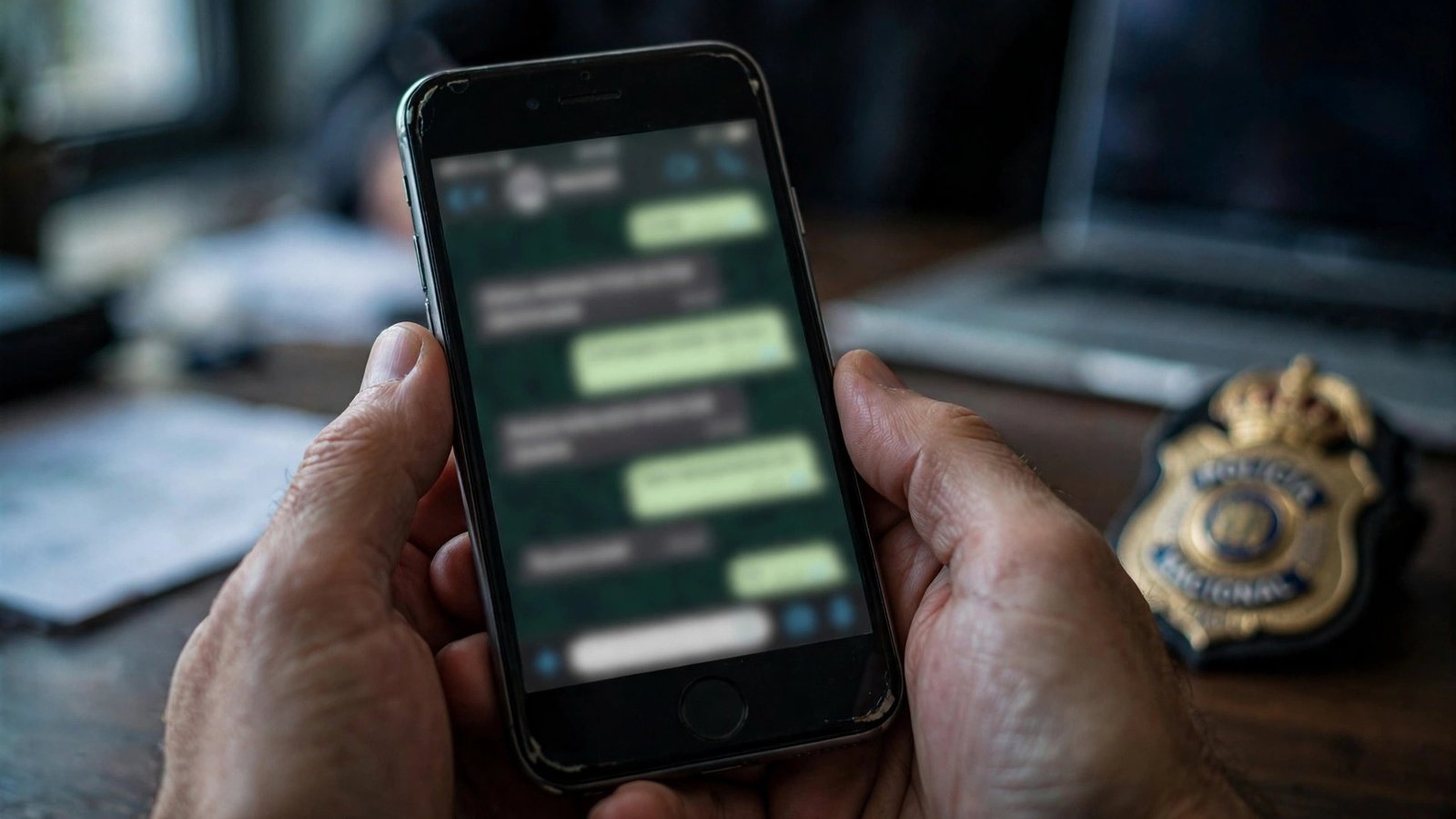
The second scam uses caller ID spoofing, a technique that lets a caller make their number appear as something it is not. Vodafone describes it as among the most worrying tricks in a scammer's toolbox.
In this case, the number on your screen is a genuine police phone number. If you search for it online while you are on the call, you will find that it really is used by police. That is exactly what the scammer wants you to discover. The number is real. The person calling from it is not.
Once you believe you are talking to police, the scammer moves to the real work: extracting personal, financial or cryptocurrency information. The Western Australian Police Force has already issued a statement warning the public about this exact trick.
This one is hard to beat with common sense alone, because the usual advice to check the number does not help. The number checks out. What does help is a simple rule: no matter what your caller ID says, a request for money, passwords or account details over the phone is a reason to hang up and call back on a number you find yourself.
The AI voice with an Australian accent
The third scam is the newest of the three, and it leans on artificial intelligence. People receive a call from an Australian number and hear a person with an Australian accent telling them there has been an unauthorised withdrawal from their cryptocurrency wallet.
The caller claims to work for crypto support. They sound calm, local and professional. They build a sense of urgency, telling you the account needs to be secured right now.
The catch is that the voice is AI-generated, and the number on your screen can be manipulated just like in the police spoofing scam. The Australian accent is not a sign that the caller is in Australia. It is a sign that voice cloning tools have become good enough to copy the way Australians sound.
This scam works because it combines two kinds of trust: a familiar accent and a frightening problem. The urgency is the tell. Real support teams do not pressure you to hand over details on the spot.
Vodafone's three steps to stay safe
Vodafone recommends three simple steps for anyone who gets a suspicious call.
First, keep your security credentials strictly to yourself. Never share passwords, one-time codes, account access or crypto recovery phrases over the phone, no matter who the caller claims to be.
Second, never transfer money to a safe account. Do not move money or cryptocurrency to a safe or secure account at a caller's request. Legitimate organisations will not ask you to do this, and the safe account is almost always the scammer's account.
Third, hang up and verify independently. If a call feels suspicious, end it straight away and check the claim yourself through official channels. Look up the organisation's real number and call it back, rather than using any number or link the caller gave you.
What to do if you already answered
If you have already spoken to a scammer, act quickly. If you shared passwords or one-time codes, change them immediately from the official app or website, not through any link in a message. If you shared card details, call your bank on the number on the back of your card and ask them to freeze or replace the card. If you moved money or crypto, contact your bank or exchange straight away, then report the scam to Scamwatch and to ReportCyber. Reporting helps authorities track which scams are active and warn others.
Frequently Asked Questions
How can I tell if a call from police is real?
A real police officer will not ask you to confirm credit card details, passwords or one-time codes over the phone, and will not ask you to move money to a safe account. Hang up and call the police on a number you look up yourself.
Can a scammer really make my phone show a real police number?
Yes. Caller ID spoofing lets scammers display almost any number they choose, including genuine police numbers. Searching the number online will not expose the trick, because the number itself is real. Judge the call by what the caller asks, not by what your screen shows.
What should I do if an AI voice calls about my crypto wallet?
Hang up. Do not share recovery phrases, passwords or one-time codes, and do not send crypto anywhere. Open your wallet app yourself or contact the exchange through its official website or app to check whether anything is wrong.



Post Comment