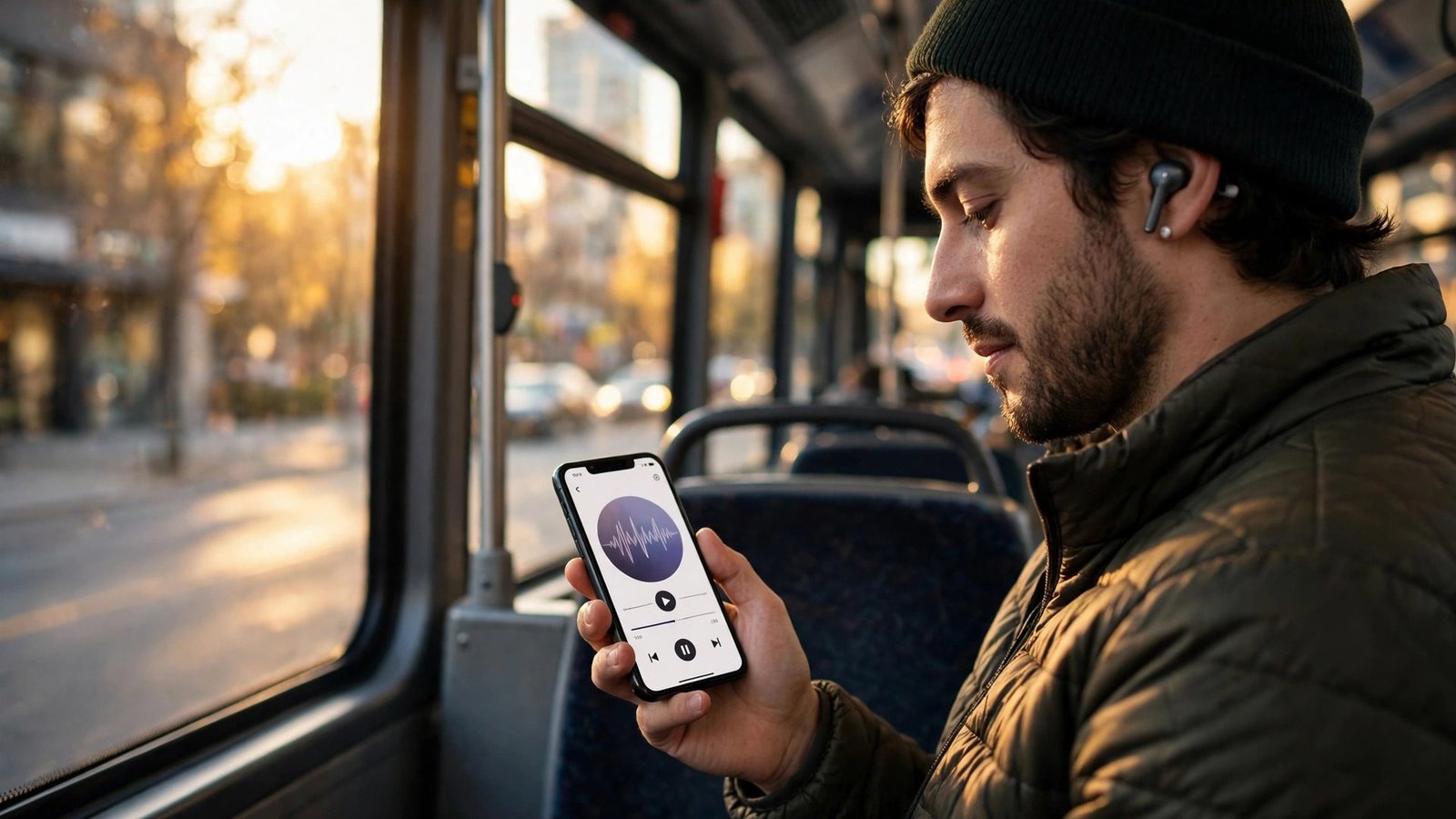
How to Listen to Podcasts on Your Phone in Canada
Podcasts have become one of the easiest ways to fill a commute, a workout, or a long drive across the Prairies. Canada has a strong podcast scene of its own, from CBC shows to independent series recorded in Toronto, Vancouver, and Montreal, and your phone already has everything you need to start listening. This guide covers how to find podcasts, subscribe, download episodes for offline listening, and get the most out of the apps on iPhone and Android.
Step 1: Pick a podcast app
On iPhone, the simplest starting point is Apple Podcasts, which comes installed with iOS. It is free, it has a huge catalogue, and it syncs your subscriptions and listening progress across your iPhone, iPad, and Mac through your Apple account. Open it, tap Search, and you are ready to go.
On Android, the default choice depends on your phone. Google’s YouTube Music handles podcasts, and many Android phones also come with a podcast app from the manufacturer. Spotify is the most popular alternative on both iPhone and Android, and it mixes podcasts with music in one app.
You do not need to settle on one app forever. Most podcast apps let you import and export your subscriptions, so you can switch later without losing your list.
Step 2: Find podcasts worth your time
The best way to find a show is to search for a topic you already care about. In Apple Podcasts, Spotify, or YouTube Music, type a keyword like “Canadian history”, “true crime”, “hockey”, or “personal finance Canada” into the search bar and browse the results. Look at the episode list and the description before you subscribe, since a good description tells you more than the cover art does.
A few places are especially good for Canadian listeners. CBC Listen carries the public broadcaster’s podcast catalogue, including news, documentaries, and comedy, and it is free. The charts in Apple Podcasts and Spotify have a Canada specific top list, which is a quick way to see what other Canadians are listening to right now. Recommendations from friends are still the most reliable discovery tool of all, so ask around.
When you find a show you like, tap Follow or Subscribe. That adds new episodes to your library automatically as they are released, and it costs nothing.
Step 3: Download episodes for offline listening
Downloading is the trick that makes podcasts practical in Canada. Cell coverage drops out on rural highways, in the subway, and on many flights, and a downloaded episode keeps playing through all of it.
In Apple Podcasts, open a show, tap the three dots next to an episode, and choose Download Episode. You can also set a show to download new episodes automatically in the show’s settings. In Spotify, the download button sits on the episode page, and downloaded episodes appear under Your Library.
Downloaded episodes take up storage, so check how much space you have if you download a lot. A typical hour long episode is roughly 50 to 100 megabytes, so a dozen episodes can add up. Most apps have a setting to delete played episodes automatically, which keeps your storage under control without you having to think about it. If you are on a limited mobile data plan, set your app to download only on Wi-Fi, so episodes arrive when you are at home and you never burn through your data allowance on a long series.
Step 4: Control playback the way you like
Podcast apps have a few playback controls that make a real difference once you know they exist. The skip buttons jump forward or back, usually by 15 or 30 seconds, which is perfect for skipping an ad break or replaying a sentence you missed. You can change the skip length in most apps’ settings.
Playback speed is the other one worth trying. Listening at 1.25x or 1.5x speed gets through a long episode faster without making voices sound strange, and most listeners adjust within a few minutes. Some apps also have a trim silences feature that cuts out dead air, which can shorten a chatty show noticeably.
Sleep timers are handy at bedtime. Set one for 15 or 30 minutes and the episode stops on its own, so you do not wake up three episodes later with no idea where you fell asleep. In Apple Podcasts the sleep timer is in the playback screen, and in Spotify it is under the same menu as the speed control.
Step 5: Manage your subscriptions and storage
After a few months of listening, most people end up subscribed to more shows than they can ever finish. That is normal, and a quick tidy up every now and then keeps the app pleasant to use. Unfollow shows you have not opened in a while, and remember you can always subscribe again later.
Check your storage at the same time. In Apple Podcasts, go to Settings, then General, then iPhone Storage, and look at how much space the app is using. On Android, the same information is under Settings, then Storage, then Apps. If the number surprises you, turn on automatic deletion of played episodes and delete the downloads for shows you have finished.
Podcasts are mostly free because they carry advertising, and Canadian shows are no exception. A short host read ad at the start of an episode is the usual deal, and you can skip past it with the forward button if you prefer. If you find a Canadian independent show you love, leave a rating and a short review in your podcast app, since reviews genuinely help small shows get discovered.
Frequently Asked Questions
What is the best free podcast app in Canada?
Apple Podcasts on iPhone and Spotify or YouTube Music on Android are the most popular free starting points, and all of them carry Canadian shows including CBC podcasts. Pocket Casts and Overcast are also free and offer extra playback features.
Can I listen to podcasts without using mobile data?
Yes. Download episodes over Wi-Fi before you leave home, and they will play offline anywhere, including on flights and in areas with no cell coverage. Set your app to download only on Wi-Fi to protect a limited data plan.
Are CBC podcasts free to listen to?
Yes, CBC podcasts are free through CBC Listen, Apple Podcasts, Spotify, and other podcast apps. You do not need a subscription or a CBC account to listen to most shows.




Post Comment