How to Check If Your iPhone Is Carrier Unlocked in the US Before You Switch
Switching to a cheaper carrier plan is one of the easiest ways to cut a monthly bill, but there is a catch that trips up a lot of people. Your iPhone might be locked to your current carrier, which means it will refuse to work on another network even if you put in a new SIM card. Checking takes less than a minute, and most US carriers will unlock a phone once it is paid off.
What carrier locked means
When you buy an iPhone through a carrier on an installment plan, the carrier usually locks it to its own network. That lock is a software setting, not a physical part. A locked phone works fine on its own carrier, but if you insert a SIM card or an eSIM from another carrier, it will show an error and refuse to connect. An unlocked phone has no such restriction. It works on any compatible carrier, which you need to switch providers, use a local SIM while traveling, or sell the phone later.
Most carriers unlock phones automatically or on request once the device is paid off and the account is in good standing, but the timing and the process differ by carrier. That is why it pays to check before you switch, rather than finding out at the store counter or on the first day of a trip.
Method 1: Check in Settings
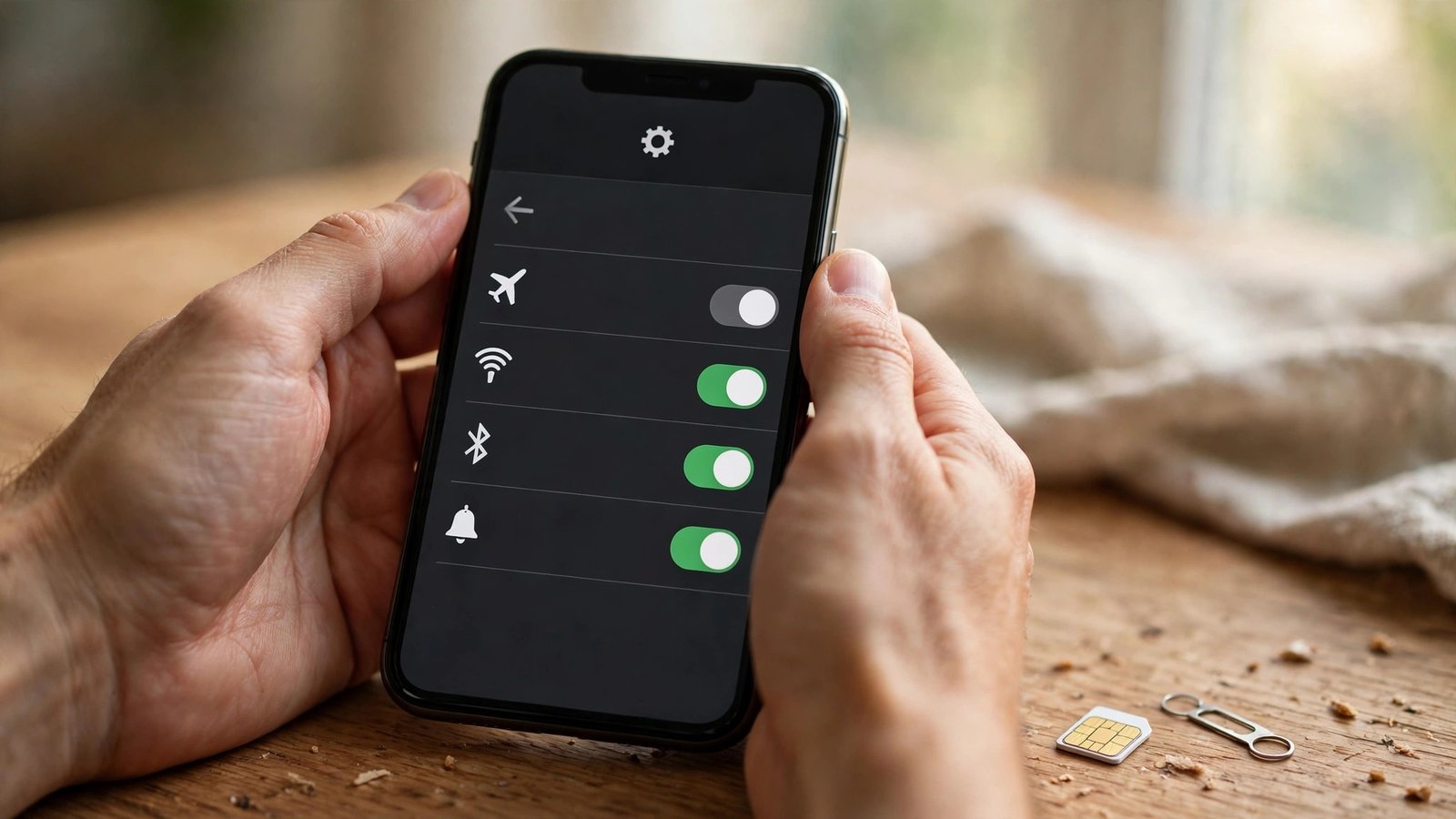
The fastest check is built into your iPhone. Open Settings, tap General, then About, and scroll down to Carrier Lock. If it says No SIM restrictions, your iPhone is unlocked. If it says SIM locked, your phone is still tied to its current carrier.
This check takes seconds and needs nothing else. If you do not see a Carrier Lock line at all, your iPhone may be running an older iOS version. Update it under Settings, then General, then Software Update, and check again.
Method 2: Try another carrier SIM or eSIM
For proof rather than a settings screen, borrow a SIM card from a friend on a different carrier. Turn your iPhone off, swap in the other SIM, and turn it back on. If the phone connects to the new network, it is unlocked. If it shows a message like SIM Not Supported or asks for an unlock code, it is still locked.
The same test works with an eSIM. You can add a second line from another provider under Settings, then Cellular, then Add eSIM. This is a useful test if you are considering a switch and want to try the new network before you commit. Some carriers even offer free trial eSIMs for exactly this purpose, which let you test coverage for a few days without porting your number.
Method 3: Ask your carrier or check by IMEI
Every iPhone has a unique IMEI number, and your carrier can look it up to confirm the lock status. Find your IMEI under Settings, then General, then About, or by dialing star, hash, zero, six, hash on the keypad. With that number in hand, call your carrier or check its website or app. Most carriers have an unlock status page or a support chat that can confirm whether your device is eligible. AT&T, for example, lets you submit an unlock request online with your IMEI, and T-Mobile and Verizon have similar pages in their account apps. You will usually need the phone to be paid off, the account to be in good standing, and the phone to have been active on the network for a minimum period.
How to request an unlock
If your phone is still locked, request the unlock from the carrier it is locked to, not the one you want to switch to. Rules differ by carrier and can change, so check your carrier's current policy first.
Verizon is the simplest case. In most cases, Verizon phones unlock automatically 60 days after purchase, with no request needed. If yours is older than that and still shows as locked, contact Verizon support. AT&T requires a request. Go to the AT&T device unlock portal, enter your IMEI and the account details, and submit the request. AT&T generally approves it once the installment plan is paid off and the account is in good standing. T-Mobile usually unlocks phones after they have been active on its network for at least 40 days and are paid off. You can request it through the T-Mobile app or by calling customer care. In all three cases, the unlock is done remotely, and you will get a confirmation message when it is complete. Restart your phone after that and check Settings again.
What to do after you confirm it is unlocked
Once the settings screen says No SIM restrictions, you are free to switch. Back up your iPhone first, either to iCloud or to a computer, so nothing is lost if the switch goes wrong. Then order your new SIM or set up the new eSIM. If you are keeping your number, ask the new carrier to port it, and keep your old account active until the port finishes. Porting usually takes a few hours, though it can take up to a day in some cases. Do not cancel your old plan before the port completes, or you could lose the number.
Checking your lock status is a small job that saves a big headache. Do it before you order a new plan, before you travel, and before you sell or hand down a phone. A one-minute check in Settings is all it takes to know where you stand.
Frequently Asked Questions
How do I know if my iPhone is carrier unlocked?
Open Settings, tap General, then About, and look for Carrier Lock. No SIM restrictions means unlocked. SIM locked means it is still tied to its carrier and you will need to request an unlock.
Can I unlock my iPhone myself?
No. Only the carrier the phone is locked to can remove the lock, and it is done remotely. You submit a request with your IMEI, and the carrier approves it once the phone is paid off and the account is in good standing. Never pay a third-party website that claims it can unlock your phone.
Will switching carriers work if my iPhone is still locked?
No. A locked iPhone will refuse a SIM or eSIM from another carrier and show a SIM Not Supported message. Request the unlock from your current carrier first, confirm the settings screen says No SIM restrictions, and only then start the switch.





Post Comment