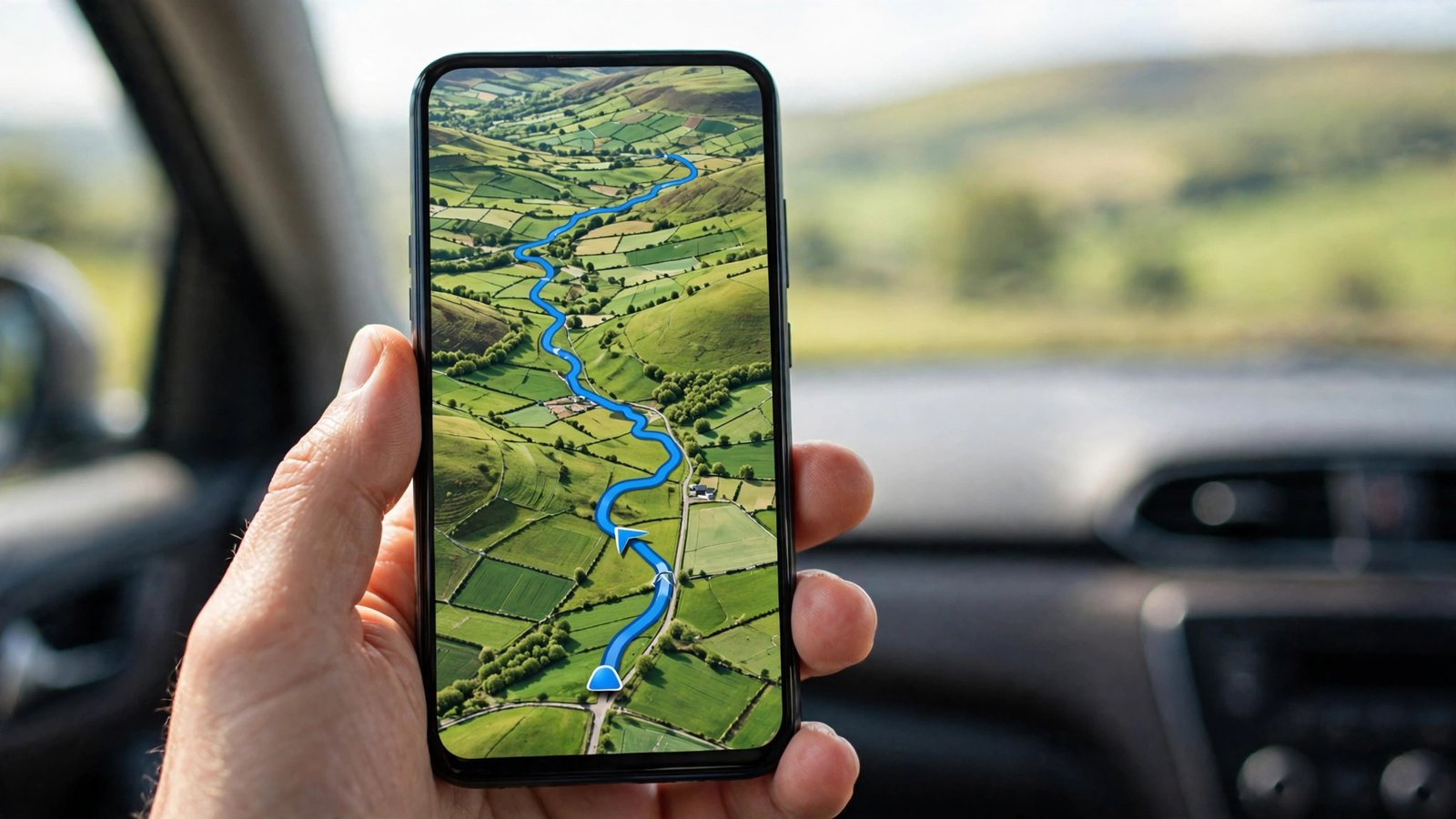
How to Use Google Maps Offline on iPhone and Android in the UK
Mobile signal is never guaranteed when you need it most: a country lane in the Lake District, a stretch of the A9 through the Highlands, a basement car park, or a Tube station with no reception. Google Maps lets you download maps to your phone in advance, so you can keep navigating even when your connection drops. This guide covers downloading an offline map, using it on the road, managing storage, and the limits you should know about before you set off.
Step 1: Download a map of the area you need
Open Google Maps on your phone and search for the place you are heading to, such as "Edinburgh" or "Snowdonia". Tap the place name or photo at the bottom of the screen to open its details, then look for the Download or Download offline map option. On iPhone, tap the three dots next to the place name and choose Download offline map. On Android, tap the place name, then the three dots, then Download offline map. In most recent versions the option is also under your profile picture, in Offline maps.
Maps will ask you to choose the area. Drag and pinch the rectangle to cover the region you need, and the app shows how much storage it will use. A city is usually a few hundred megabytes, while a large rural area can be more. Tap Download, and wait for it to finish while you are on Wi-Fi. Downloading over mobile data is possible, but it can eat through your allowance, so Wi-Fi is the better choice. For a long drive, download the whole route, not just the destination, so the map stays useful if you take a diversion.
Step 2: Navigate offline
Once the map is downloaded, use Google Maps exactly as you normally would. Search for an address inside the downloaded area and tap Directions, then choose driving. Turn-by-turn voice guidance works offline, and the blue dot follows your position using GPS, which does not need a mobile signal. GPS works independently of your data connection, so your location keeps updating even in a signal dead zone.
If you need to search for something while offline, stick to places inside the downloaded area. A search for a business or postcode outside it will fail until you are back online. Save the places you need before you leave: tap a place and choose Save, or star your hotel and the car park, so they are easy to find later.
Step 3: Keep your offline maps up to date
Downloaded maps can go out of date. Roads change, new estates appear, and one-way systems get rearranged. Google Maps refreshes offline maps automatically when your phone is on Wi-Fi and charging, in most recent versions, but it is worth checking before a trip. Open your profile picture, tap Offline maps, and look at the date on each map. If one is old, tap it and choose Update, or delete it and download a fresh copy.
Maps that are not updated for a long time may be removed by the app, so a map you downloaded months ago may not be there when you need it. A quick check the night before a journey takes less than a minute and avoids an unpleasant surprise on the road.
Step 4: Manage storage and delete maps you no longer need
Offline maps take up real space, and a phone that is nearly full will slow down and struggle with updates. In Offline maps, each download shows its size. Delete maps for places you have already visited by tapping the three dots next to a map and choosing Delete. A city break map you no longer need is easy to remove, and you can always download it again.
If storage is tight, download a smaller area. A tight rectangle around the town and the roads in and out is often enough, and it uses far less space than a whole county.
What works offline and what does not
Driving directions, voice guidance, saved places and searching inside the downloaded area all work offline. What does not work is anything that needs live data: traffic, public transport times, cycling routes with live updates, and business opening hours. Walking directions work for routes inside the downloaded area, but they will not update if you wander outside it.
Public transport is the biggest gap. Offline maps do not carry live bus and train departures, so if you are relying on the Tube or a rural bus, check the timetable before you leave and screenshot it. For London, the Tube map itself is part of the downloaded map, but live service updates are not. If a line is closed for engineering works, an offline map will not tell you.
Tips for UK driving and walking
Download maps for the areas around motorway service stations and junctions, not just your destination, so you can find fuel and food if you need to stop. In rural Wales, Scotland and the South West, signal is patchy on single-track roads, and an offline map is the difference between a calm drive and a wrong turn that adds half an hour.
If you are walking, download the area around your starting point and your destination. Footpaths and rights of way appear on the map, but the app cannot give you live walking directions outside the downloaded area. A saved pin at your hotel or car park is the fastest way back when you are tired and the signal is gone.
Frequently Asked Questions
Can I use Google Maps offline without a data connection?
Yes. Download the area first while you have Wi-Fi, and Google Maps will give you driving directions and voice guidance using GPS, which works without a mobile signal. Live traffic, public transport times and searches outside the downloaded area need a connection.
How much storage does an offline map use?
It depends on the size of the area. A single town is usually a few hundred megabytes, while a large region can use more. The app shows the size before you download, and you can delete maps you no longer need from Offline maps in your profile menu.
Do offline maps expire?
Downloaded maps can go out of date, and the app refreshes them automatically when your phone is on Wi-Fi and charging in most recent versions. Check the date on each map before a trip, and update or re-download any that are old.





Post Comment