How to Find a Lost or Stolen Phone in Australia and Protect Your Accounts
Losing a phone feels awful, and having one stolen feels worse. The good news is that most of the recovery work can be done from another device in under an hour, as long as you act in the right order. First find or lock the phone, then protect your accounts, then block the device with your carrier. Do not chase a thief yourself, and do not pay anyone who claims they can unlock or return the phone for a fee.
This guide covers iPhone and Android in Australia, with the carrier and police steps that people often forget. It also works best if you prepare now, before anything goes missing, so read the first section even if your phone is safe in your pocket today.
Step 1: Prepare now so a lost phone can be found later
On iPhone, open Settings, tap your name, then Find My, and make sure Find My iPhone is on, along with Send Last Location if your model supports it. That last setting sends the phone location to Apple when the battery is almost flat. On Android, open Settings, then Security or Google services, then Find Hub, and make sure device location is on. In most recent versions, Find Hub is the new name for Find My Device.
Also make sure your lock screen is strong. Use a six digit passcode or biometric unlock, not a simple pattern that a stranger can guess by watching your hand. Turn on automatic lock after a short time, and do not leave banking apps logged in without a second check where the app offers one. Finally, write down your phone IMEI number now. Dial star hash zero six hash on the phone keypad to show it, or find it in Settings under About Phone, and store it somewhere safe. You will need it to block the phone later.
Step 2: Locate, ring or lock the phone from another device
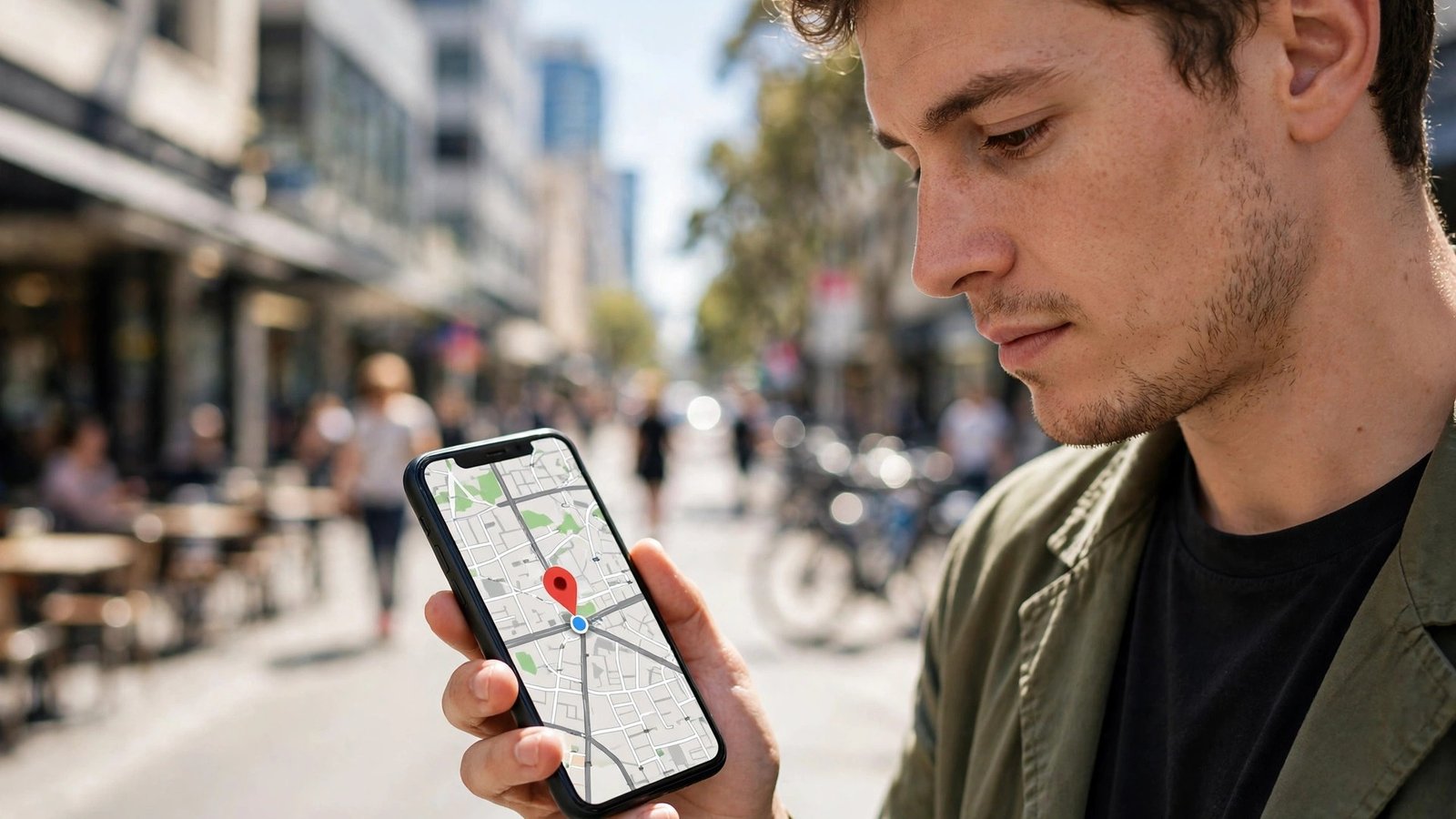
If the phone is missing, borrow a computer or another phone straight away. For iPhone, go to icloud.com/find and sign in with your Apple ID, or use the Find My app on another Apple device. For Android, go to the Find Hub website and sign in with the Google account on the lost phone, or use the Find Hub app on another Android device.
You will see the last known location on a map if location was on and the phone is online. If it is nearby, use Play Sound to ring it, even if it was set to silent. If it is not nearby, or you cannot get to it safely, use Lost Mode on iPhone or Secure Device on Android. Both lock the screen, show a message with a contact number if you choose, and suspend payment cards in Apple Pay or Google Wallet. Do not choose Erase yet unless you are sure the phone is gone for good, because erasing removes your ability to track it.
Step 3: Call your carrier and block the SIM and IMEI
Once the phone is locked, call your Australian mobile carrier as soon as you can. Tell them the phone is lost or stolen, and ask them to block the SIM and place an IMEI block on the handset. The IMEI block stops the phone working on Australian mobile networks even if someone inserts a new SIM. Carriers in Australia share IMEI blocks, so a blocked phone cannot simply be moved to another local network.
Ask the carrier for a replacement SIM with your same number, and ask when it will be active. If you use two factor authentication by text message, this step matters, because a thief with your old SIM could receive your codes. If your carrier offers it, ask about a SIM PIN or extra account security for the replacement, so the number cannot be transferred again without your ID.
Step 4: Protect your bank, email and social accounts
With the phone locked and the SIM blocked, work through your most important accounts next. Change your Apple ID or Google account password first, because those accounts control tracking, backups and app installs. Then change your email password, followed by banking, payment and social media passwords. If an account offers two factor authentication through an authenticator app rather than text messages, switch to that option where you can, since it does not depend on your SIM.
Step 5: Report it to police and check your insurance
Report a stolen phone to police, and report a lost phone too if your carrier or insurer asks for a report number. You can report online in most states and territories for a non urgent theft, or call the Police Assistance Line on 131 444 if you are unsure which channel to use. Give police the IMEI number, the last known location and time, and any screenshots from Find My or Find Hub. Keep the report number, because insurers usually require it.
Then contact your insurer, if you have phone cover through home and contents insurance, a carrier plan or a separate policy. Ask what is covered, what excess applies, and whether you need a police report, proof of purchase and the IMEI block confirmation. Do not buy a replacement phone until you know whether a claim will be approved, and keep receipts for any replacement SIM or temporary device.
Frequently Asked Questions
Should I erase a lost phone straight away?
Usually no. Lock it first with Lost Mode or Secure Device, because erasing removes tracking. Erase only when you are confident the phone will not be recovered, or when it holds sensitive work data and your employer asks you to erase it.
Can police track my phone from the IMEI number?
Police can use the IMEI number and carrier records in an investigation, but they will not live track every lost phone. Your own Find My or Find Hub location is often the fastest lead, so pass that detail, with times, to police along with the IMEI.
What if someone contacts me claiming they found my phone?
Be cautious. Meet only in a public place during daytime, bring someone with you, and never pay a fee for its return. If the message asks for a code, a password or a payment link, treat it as a scam and report it instead of replying.




Post Comment