How to Record a Phone Call on iPhone and Android in the US: The Legal Way
Recording a phone call can be genuinely useful. You might want a record of a customer service promise, an interview, or instructions from a doctor's office. The good news is that both iPhone and Android now offer ways to do it. The catch is the law: in the United States, whether you can record a call legally depends on where you and the other person are. This guide walks through the built-in tools, the apps that fill the gaps, and the consent rules to know before you press record.
Know the law first: one-party versus all-party states
Before you touch any recording button, understand the consent rule. Federal law allows recording when at least one person on the call consents, and that person can be you. But states can set stricter rules, and many do. Roughly a dozen states require every person on the call to consent, including California, Florida, Illinois, Maryland, Massachusetts, Michigan, Pennsylvania, and Washington. In those states, recording without the other person's permission can break the law even if you are part of the conversation.
The practical rule is simple. If anyone on the call is in an all-party consent state, ask for permission and get a clear yes before you record. A short line is enough: "I would like to record this call so I have a record. Is that okay with you?" If they say no, do not record. When in doubt, ask anyway. This guide is general information, not legal advice, and state rules can change.
Record a call on iPhone
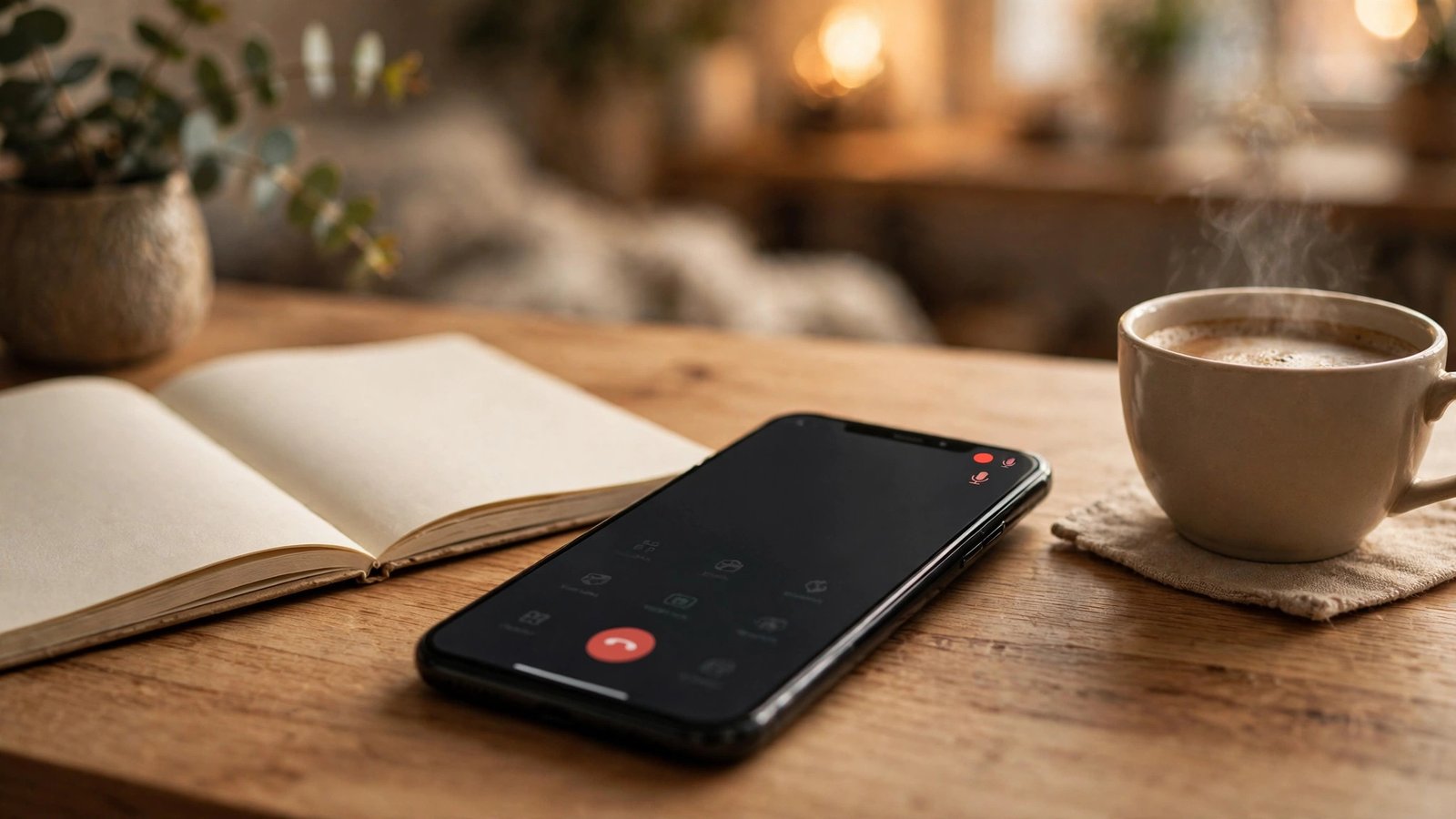
Apple added built-in call recording with iOS 18.1, and it works on recent iPhones. Start or answer a phone call, then tap the record button that appears in the top left of the call screen. The iPhone plays an announcement so everyone on the call hears that recording has started, and another when it stops. That announcement is why the feature fits neatly with consent laws: nobody is recorded in secret.
When the call ends, the recording and a transcript are saved in the Notes app, inside a folder called Call Recordings. Open Notes to listen to the audio, read the transcript, and search inside it. In most recent versions of iOS, you can also share the recording or transcript from Notes like any other file. If you do not see the record button, check that your iPhone runs iOS 18.1 or later in Settings, then General, then Software Update. Older iPhones that cannot run iOS 18 will not get this feature.
One limitation is worth knowing. The built-in tool records regular phone calls through the Phone app. It does not record calls inside most third-party apps, so a WhatsApp or FaceTime audio call needs a different approach.
Record a call on Android
Android is less uniform, because the recording option depends on your phone maker and carrier. On many phones using the Google Phone app, start a call and look for a Record button on the call screen. If it is there, tap it and the app announces the recording to everyone on the call, much like the iPhone. On Samsung phones, the option may appear in the Phone app settings under Record calls, where you can also set it to record automatically for selected numbers, though availability varies by model and region.
If your phone has no built-in button, check your Phone app settings first, since some carriers and manufacturers hide the option behind a setting. When no built-in option exists, a recording app is the fallback. Look for apps that use three-way conference calling, which merge your call with a recording line. These services often charge a subscription, so read reviews and check how billing works before signing up. Be wary of free apps that ask for broad permissions or upload your calls to servers you cannot identify.
Google Voice offers another route if you use it for calls. It can record incoming calls when you press 4 during the call, and the recording lands in your Google Voice inbox. This only works for incoming calls made through Google Voice.
After the recording: save it and keep it safe
A recording is only useful if you can find it later. On iPhone, the Notes app keeps the audio and transcript together, and you can move important ones into a dedicated folder. On Android, recordings usually land in the Phone app's recordings list or in your Files app, and you can move them to a folder or back them up to Google Drive. Give important recordings a clear name right away, such as the date and the name of the person or company.
Treat recordings like any sensitive file. They may contain personal details or account numbers. Do not share them in group chats or upload them to public services, and delete recordings you no longer need. If a recording may matter in a dispute, keep the original file untouched and make a copy before you edit or trim it.
Common problems and quick fixes
If the record button is missing on your iPhone, update iOS and check that you are on a supported model. If it is missing on Android, check the Phone app settings and your carrier's support pages, since some carriers disable it. If a recording has no sound, the app may not have microphone permission, so check it in Settings under Apps. And if a transcript looks wrong, remember it is generated automatically and can mishear names and numbers, so listen to the audio before you rely on it.
Frequently Asked Questions
Is it legal to record a phone call in the US?
It depends on the state. Federal law allows it when one person on the call consents, but about a dozen states require every person on the call to consent. Always ask for permission when anyone on the call is in an all-party consent state such as California, Florida, or Illinois.
Can I record a call on iPhone without an app?
Yes, if your iPhone runs iOS 18.1 or later. Tap the record button during a call in the Phone app. Everyone on the call hears an announcement, and the recording and transcript are saved in the Notes app under Call Recordings.
Why does my Android phone have no call recording option?
Recording depends on your phone maker, model, and carrier, and some carriers disable it. Check the Phone app settings first. If no built-in option exists, a conference-based recording app or Google Voice for incoming calls can work instead.




Post Comment