How to Set Up Medication Reminders on iPhone and Android in the US
About half of Americans take at least one prescription medicine, and a missed dose can matter, whether it is blood pressure medicine, insulin, or a daily vitamin. The good news is that the phone in your pocket can handle the remembering for you. Both iPhone and Android have built-in tools for medication reminders, and they take only a few minutes to set up. Here is how to do it.
Set Up Reminders on iPhone with the Health App
On iPhone, the Health app has a Medications feature that tracks your medicines, reminds you to take them, and warns you about interactions. Open the Health app and tap Browse, then Medications, then Add Medication. Search for the medicine by name, choose the form, such as a tablet or capsule, and set the strength and how often you take it.
Next, set the schedule. You can add specific times, for example 8 a.m. and 8 p.m., or choose a frequency such as every morning. The Health app will send a notification at each scheduled time, and you can tap Taken or Skipped to log the dose. If you use an Apple Watch, the reminder appears there too, so you can mark a dose as taken from your wrist.
The Health app also keeps a simple log you can share with your doctor. Tap a medication to see your history, and use the Share option to export a list of your medicines as a PDF for your next appointment.
Set Up Reminders on Android with Google Clock or Your Pharmacy App
Android does not have a single built-in medication feature like the iPhone's Health app, but there are two good options. The simplest is Google Clock: open the Clock app, tap the Alarm tab, add an alarm for the dose time, and label it with the medicine name, for example "Metformin 500 mg". Set it to repeat daily, or on the days you need it, and choose a sound you will not miss.
The second option is a dedicated app. Medisafe and MyTherapy are free, and both let you add medicines, set schedules, and get reminders. Your pharmacy may offer its own app as well: CVS, Walgreens, and Rite Aid all have apps that can remind you to take a dose and to refill a prescription.
Turn On Refill Reminders
Running out of medicine is just as risky as forgetting a dose. In the iPhone Health app, tap a medication and turn on the option to be reminded when you are running low, so you can reorder before you run out. On Android, most pharmacy apps send a notification when a refill is ready, and CVS and Walgreens also offer automatic refills and delivery in many areas.
You can also set a calendar reminder for the day you need to call the pharmacy, or sign up for text alerts from your pharmacy so the reminder comes to you.
Share Reminders with a Caregiver
If you help a parent or partner manage their medicines, both platforms can share the information. On iPhone, the Health app lets you share health data, including medications, with a family member through the Sharing tab. They can see when a dose was taken or skipped.
On Android, the Medisafe app has a family feature called Medfriend that alerts a caregiver if a dose is missed. It is a simple way to keep an eye on a loved one without hovering.
Tips for Never Missing a Dose
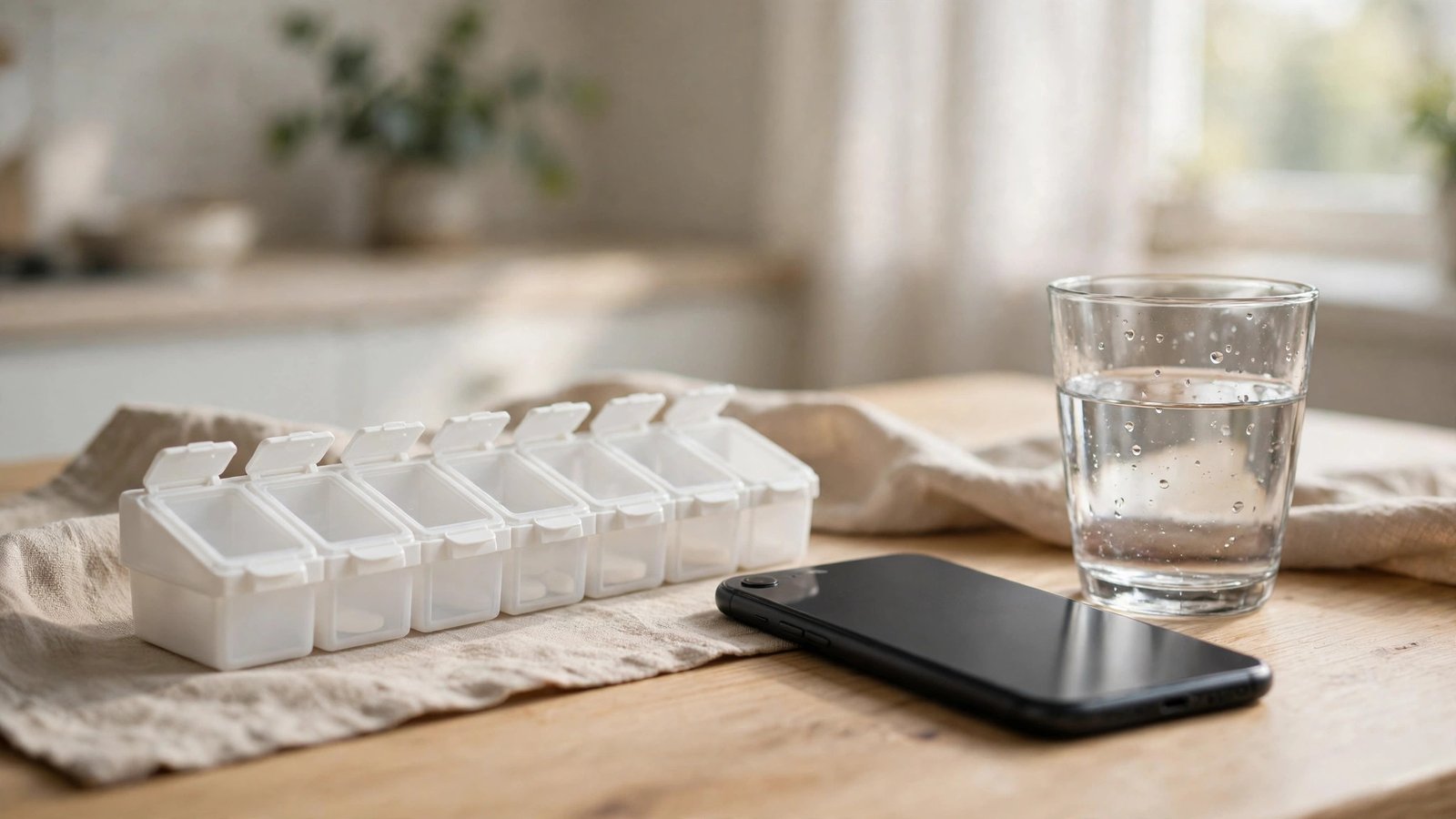
A reminder only works if you notice it. Put your medicine where you will see it, such as next to your toothbrush or your coffee maker, and keep the phone nearby at dose time. Use a pill organizer for the week so you can see at a glance whether you took today's dose.
If you travel, keep the reminders on: the iPhone Health app and Google Clock both adjust for time zones, so a dose scheduled for 8 a.m. still fires at 8 a.m. local time. And if you use a smart speaker, you can ask Alexa or Google Assistant to remind you to take your medicine at a set time each day.
Frequently Asked Questions
Does the iPhone Health app remind me to take my medicine?
Yes. Add your medication in the Health app under Browse, then Medications, set the dose times, and the app sends a notification at each scheduled time. You can tap Taken or Skipped to log the dose, and the reminder also appears on an Apple Watch.
What is the best free medication reminder app for Android?
Medisafe and MyTherapy are both free and let you add medicines, set schedules, and get reminders. Google Clock also works well for simple daily reminders, and most US pharmacy apps, including CVS and Walgreens, offer dose and refill reminders.
Can I share medication reminders with a family member?
Yes. On iPhone, share health data, including medications, with a family member through the Health app's Sharing tab. On Android, the Medisafe app's Medfriend feature alerts a caregiver if a dose is missed.


Post Comment