How to Block a Number on iPhone and Android in Australia
Some calls are worth answering and some are not. A persistent telemarketer, an ex-partner, a wrong number that keeps ringing at dinner time, or a scammer trying their luck: blocking the number is the fastest way to make it stop. Both iPhone and Android make this easy, and Australian carriers add extra tools on top.
Before you block: save the number first
If the number is not already in your contacts, save it before you block it. It makes the number much easier to find later if you ever want to unblock it or report it. On iPhone, open the Phone app, tap Recents, tap the small information icon beside the number, then tap Create New Contact. On Android, open the Phone app, tap Recents, tap the number, then tap Add to contacts.
Step 1: Block a number on iPhone
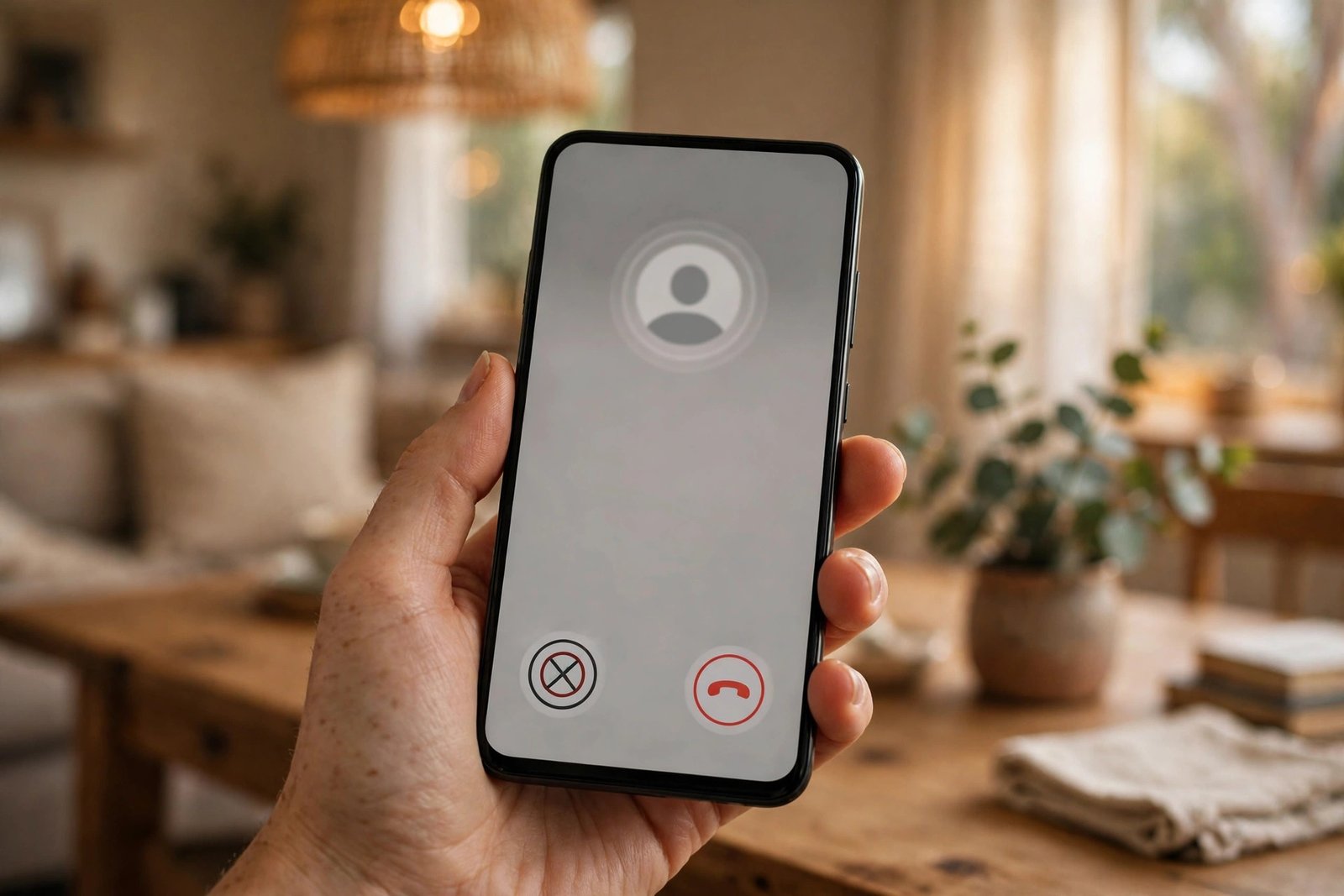
The quickest way to block a caller on iPhone is from your recent calls. Open the Phone app and tap Recents. Find the number you want to block and tap the information icon beside it. Scroll down and tap Block this Caller, then confirm. The number is blocked immediately for calls, FaceTime and messages.
You can also block a number from the Messages app. Open the conversation, tap the contact name or number at the top, tap the information button, scroll down and tap Block this Caller.
Step 2: Block a number on Android
On most Android phones, including Pixel and recent Samsung models, the steps are similar. Open the Phone app and tap Recents. Tap the number you want to block, then tap Block or Report spam. You will usually see a checkbox to report the number as spam as well. Tick it if the call was a scam or a sales call, since reporting helps carriers and Google improve their spam filters, then confirm.
On Samsung phones, the option may read "Block number" after you tap the three-dot menu beside a recent call.
To review your blocked numbers on Android, open the Phone app, tap the three-dot menu, go to Settings, then Blocked numbers. From here you can add a number manually or remove one from the list.
Step 3: Silence unknown callers instead of blocking one by one
If the problem is not one number but a stream of unknown callers, blocking each one gets tiring. Both systems have a setting for that. On iPhone, go to Settings, then Phone, then Silence Unknown Callers, and switch it on. Calls from numbers not in your contacts will go straight to voicemail.
On Android, open the Phone app, tap the three-dot menu, go to Settings, then Caller ID and spam, and switch on Filter spam calls if your phone offers it. Pixel phones also offer Call Screen, which asks unknown callers to state their reason for calling before your phone rings. Samsung phones have a similar option under Phone settings, then Caller ID and spam protection.
Step 4: Use your carrier's blocking tools
Telstra, Optus and Vodafone each offer extra call-blocking tools, and some are free. Telstra customers can use the call-blocking features in the My Telstra app, and can ask Telstra to block a specific number by contacting support. Optus offers call blocking through the My Optus app and network-level scam call blocking, which stops many scam calls before they reach your phone. Vodafone blocks millions of scam calls and texts at the network level each year, and customers can also block numbers through the My Vodafone app.
If a number keeps harassing you after you block it on your phone, call your carrier and ask what else they can do. In serious cases, such as threats or repeated harassment, you can report the matter to police on 131 444, or call 000 in an emergency. Keep a record of the calls, including dates and times, before you report.
Step 5: Report scam calls and texts
Blocking stops the calls. Reporting helps stop the scammer reaching other people. If a call or text was a scam, report it to Scamwatch at scamwatch.gov.au, or forward a scam text to 0429 999 888. You can also report a scam to ReportCyber at cyber.gov.au if money or personal information was involved. If you lost money, contact your bank.
The Do Not Call Register at donotcall.gov.au is also worth joining. It is free, registration lasts for several years, and it reduces telemarketing calls from Australian businesses. It does not stop scam calls, since scammers ignore it, but it cuts down the legitimate sales calls.
What happens when you block a number
On iPhone, a blocked caller hears either one ring and then voicemail, or nothing at all, depending on the carrier. Their calls do not appear as missed calls, and their texts never arrive. On Android, blocked calls usually go to voicemail or are rejected silently, and blocked texts are filtered out. The person you blocked is not told they have been blocked.
Blocking does not stop a determined caller using a different number. If the same person keeps calling from new numbers, use the silence-unknown-callers setting and report the numbers.
How to unblock a number
Changed your mind, or blocked the wrong number by accident? Unblocking takes seconds. On iPhone, go to Settings, then Phone, then Blocked Contacts, swipe left on the number and tap Unblock. On Android, open the Phone app, go to Settings, then Blocked numbers, and tap the cross or remove icon beside the number. The number can call and text you again immediately.
Frequently Asked Questions
Does the person know they have been blocked?
No. Your phone does not tell them. A blocked caller's calls usually go straight to voicemail, and their messages never arrive. They may work it out from the pattern, but they receive no notification.
Can a blocked number still leave a voicemail?
Yes, in most cases. A blocked caller's call is usually sent to voicemail, so they can leave a message, but your phone will not alert you about it. On iPhone, voicemails from blocked callers appear in a separate Blocked Messages section at the bottom of the Voicemail tab.
What should I do if a blocked number keeps calling from new numbers?
First, switch on silence unknown callers on iPhone, or spam filtering and Call Screen on Android, so unfamiliar numbers cannot ring through. Then report the numbers to Scamwatch and forward scam texts to 0429 999 888. If the calls are threatening or harassing, keep a record of dates and times and report them to police on 131 444.



Post Comment