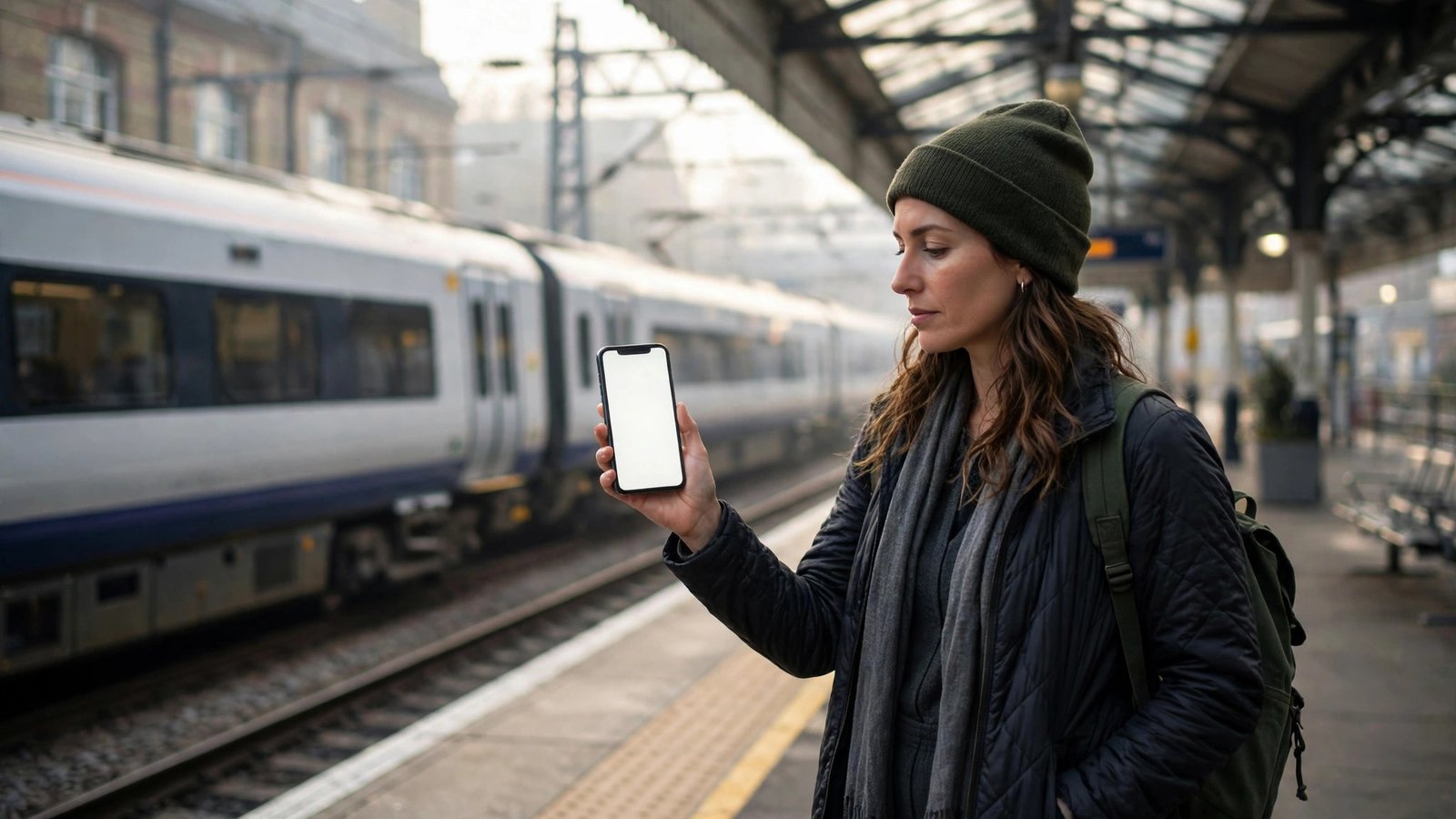
How to Buy Train Tickets on Your Phone in the UK
Buying train tickets on your phone is quicker than queuing at a station, and it often works out cheaper too. You can compare fares, grab advance tickets the moment they go on sale, and carry your ticket as a code on your screen. Here is how to do it properly, from picking an app to getting through the barrier.
Pick the right app
You have three main options. Trainline is the most popular all-in-one app, and it covers every operator. National Rail's app shows live departures and lets you buy tickets too. The third option is a train operator's own app, such as LNER, Avanti West Coast or Great Western Railway, which only sells tickets for its own services.
Trainline usually adds a small booking fee on most tickets, while buying direct from an operator's app usually avoids it. Trainline is still handy when your journey uses more than one operator, because it puts the whole trip in one booking. If your whole journey is with one operator, its own app is usually the cheapest route. Pick one app and stick with it, so all your tickets live in one place.
Step 1: Search your journey
Open your chosen app and type your departure station and destination. Pick the date and the time you want to travel, then tap Search. The app will show a list of trains with prices.
Pay attention to the labels next to each fare. Advance tickets are the cheapest, but they only work on the specific train you pick, and they are usually not refundable. Off-Peak tickets cost more but let you travel on a range of trains outside busy hours. Anytime tickets are the most flexible and the most expensive. If your plans are fixed, an Advance ticket is usually the best value. If they might change, pay more for flexibility.
Step 2: Choose the right ticket
Once you have picked a train, choose between a single and a return. A return is not always cheaper than two singles, so it is worth checking both, especially on longer journeys. Some apps show a cheaper split option automatically, but you can also check split-ticketing apps if you want to dig deeper.
If you travel by train regularly, add a Railcard before you pay. A Railcard costs £30 a year in most recent versions and saves a third off most fares. There are versions for 16 to 25 year olds, 26 to 30 year olds, seniors, families, and pairs travelling together. Add your Railcard in the app's settings so the discount applies to every ticket you buy, and remember to carry the Railcard with you when you travel.
Step 3: Pay and get your e-ticket
Pay with Apple Pay, Google Pay or a debit or credit card. The app will then show your ticket on screen, usually as a code you can scan at the barrier. Most tickets are e-tickets, which means there is nothing to print or collect.
Save the ticket to your phone's wallet if the app offers it. On iPhone this is Apple Wallet, and on Android it is Google Wallet. A wallet ticket is easier to find at the barrier than digging through the app, and it still works if the app itself has a problem. Take a screenshot as a backup, though it may not scan at every barrier.
Step 4: Use your ticket at the station
At the barrier, hold your phone with the ticket code facing the scanner and wait for the gate to open. If there is no barrier, show the ticket to the guard or the conductor on the train. Keep your phone charged. A dead battery can leave you unable to show your ticket, so charge before you travel and carry a power bank on longer trips.
You generally need to buy your ticket before you board. Buying on the train is only allowed where there was no working ticket machine or ticket office at your departure station, and in some areas you may face a penalty fare for boarding without one. If your plans change, check the app first, since some tickets can be changed for a fee.
Save money on every journey
Book early. Advance tickets go on sale around 8 to 12 weeks before travel, and the cheapest ones sell first. Travelling outside peak hours, usually before the morning rush and after the evening one, is almost always cheaper.
Check whether your journey is cheaper as two tickets rather than one. This is called split ticketing, and it works because fares are priced per section of track. Some apps and websites do the splitting for you. It is legal, but you must make sure your train stops at the station where one ticket ends and the next begins, unless both tickets are Advance tickets for the same train.
If your train is delayed or cancelled
If your train is delayed or cancelled, you are usually entitled to compensation through Delay Repay. Most operators pay compensation for delays of 15 minutes or more, and the amount grows with the length of the delay. Keep your ticket and claim through the app or the operator's website, usually within 28 days.
If your train is cancelled, you can normally take the next available service with the same ticket, even if it is an Advance ticket tied to the cancelled train. Ask station staff if you are unsure, and keep receipts for any extra costs, such as a taxi, since you may be able to claim those back.
Frequently Asked Questions
Can I buy a ticket on the train?
Usually no. You are expected to buy before boarding, and you may face a penalty fare if you board without a ticket where buying one was possible. The exception is when there was no working ticket machine or open ticket office at your station.
Do I need to print my e-ticket?
No. An e-ticket on your phone is enough, and you can add it to Apple Wallet or Google Wallet for easy access. A screenshot works as a backup, but the wallet version or the app is more reliable at barriers.
What if my phone battery dies on the train?
Charge your phone before travelling and carry a power bank on longer journeys. If your battery does die, explain the situation to the conductor and show any proof of purchase you have, such as a booking confirmation email. They have discretion, but a dead phone is not a guaranteed excuse.


Post Comment