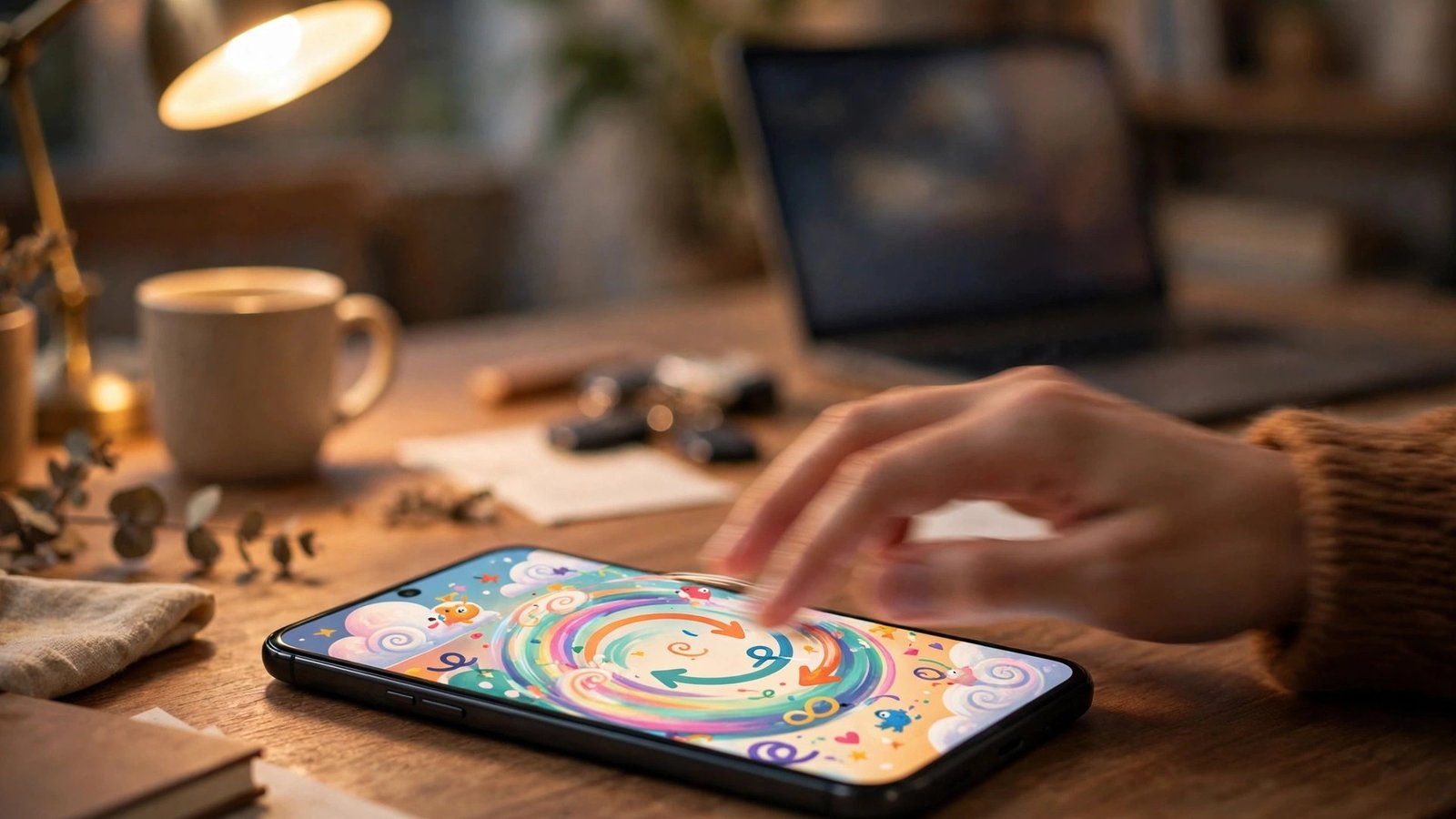
ChatGPT Can Now Turn Your Photos Into Animated GIFs With Images 2.6
ChatGPT just learned a small trick with outsized appeal. OpenAI announced Images 2.6 on November 4, 2026, and the headline feature is one most people will understand in a second: you can now turn a text prompt or an uploaded photo into a short animated GIF, right inside a chat. You can change the playback speed, edit individual frames, and share the loop when it looks right.
The update is available globally in ChatGPT and Codex across all subscription tiers on the web, desktop, and mobile. The GIF option itself is rolling out gradually, so it may not appear in your account on day one.
What Images 2.6 actually adds
The GIF feature is the part regular users will notice first. In ChatGPT, you describe a short scene or upload a photo, and the model returns a looping animation instead of a still image. OpenAI says you can adjust the speed of the loop and edit individual frames before you share it, which keeps the feature useful rather than a one-tap gimmick. A pet photo can become a wagging tail. A product sketch can become a quick spin. A doodle can become a reaction image you actually send to friends.
There is a catch worth knowing before you go looking for it. According to reports from early testers, the GIF controls are reaching accounts in stages, and at least one account check on November 5 found no dedicated GIF button yet, with the chatbot producing the animation only after being asked directly. If your app does not show the option, check back over the next few days.
The second everyday addition is reference images. You can save a reference image of yourself, a pet, or a character once, and then reuse it across new images without uploading it again. Anyone who has tried to keep the same face consistent across several generations will know why that matters.
Faster generation, and two new models for developers
OpenAI claims image generation is now about 50 percent faster than the previous version. Treat that number as a vendor claim for now, since the company has not published the hardware or workload behind it. What is documented is the split between the two new API models. GPT-Image-2.6 Flare is the fast option and can return a low quality image in as little as six seconds. GPT-Image-2.6 Sunburst is tuned for higher quality and greater consistency across edits, at medium and high quality settings.
The API also gains a few controls that developers will care about. Animated GIF output supports 2 to 64 frames per request, with a default of 9 frames at 200 milliseconds each, which works out to a loop of about 1.8 seconds. There is also SVG output for graphics that need to scale cleanly.
Pricing for both API models is listed at 8 dollars per million image input tokens and 30 dollars per million image output tokens, with text input at 5 dollars per million tokens. Those per-token rates match the previous 2.5 models.
Why GIFs, and why now
The timing is easy to read. Short looping video has become the default language of group chats, social feeds, and workplace messaging, and a still image often feels flat next to it. By adding animation to the same chat window where people already generate images, OpenAI removes the step of exporting a still into a separate animation tool. The scale behind that bet is large: OpenAI says users now generate around 4 billion images every week across ChatGPT, Codex, and the API.
That convenience carries a familiar risk. AI images of real people can mislead, and a convincing GIF spreads faster than a still because it looks like a moment that actually happened. OpenAI says Images 2.6 uses policy checks before generation, input and output classifiers, and additional safeguards for GIFs specifically. The safeguards will be tested quickly, because a tool that animates any photo is exactly the kind of feature that gets pushed toward pranks and fakes within days of launch.
How to try it
If the GIF option has reached your account, the flow is simple. Open ChatGPT on the web, desktop, or mobile, and start from a text prompt or an uploaded photo. Describe the motion you want in plain words, something like a cat blinking slowly or a coffee cup steaming, and ask for a GIF. Once the animation appears, adjust the speed if it feels too fast or too slow, and edit any frame that looks off before you save or share it.
If the option has not shown up yet, there is nothing to install and no setting to flip. The rollout is server side, so the feature appears when OpenAI enables it for your account. Developers who do not want to wait can use the API right away, setting the output format to GIF and choosing a frame count and frame duration in the request.
What to watch next
The real test for Images 2.6 is not the launch week, when every new feature looks fun, but the weeks after, when people decide whether GIFs are a daily habit or a novelty they tried twice. For now, the update is a modest but welcome one. ChatGPT could already make a good still image. Now it can make that image move, and for a lot of everyday uses, that is the whole point.
Frequently Asked Questions
How do I make a GIF in ChatGPT with Images 2.6?
Start from a text prompt or an uploaded photo in ChatGPT, describe the motion you want, and ask for a GIF. You can then adjust the playback speed and edit individual frames before you share it. The feature is rolling out gradually, so it may not appear in your account right away.
Is ChatGPT Images 2.6 available on the free plan?
OpenAI says Images 2.6 is available globally in ChatGPT and Codex across all subscription tiers on web, desktop, and mobile. The announcement does not give a plan by plan GIF allowance, so the number of GIFs you can make may depend on your plan and on the staged rollout.
What is the difference between GPT-Image-2.6 Flare and Sunburst?
Flare is the faster API model and can return a low quality image in as little as six seconds. Sunburst is the higher quality model, tuned for better detail and greater consistency across edits. Both are available through the OpenAI API, and both share the same per token pricing.




Post Comment