How to Check Your Phone Battery Health on iPhone and Android in Australia
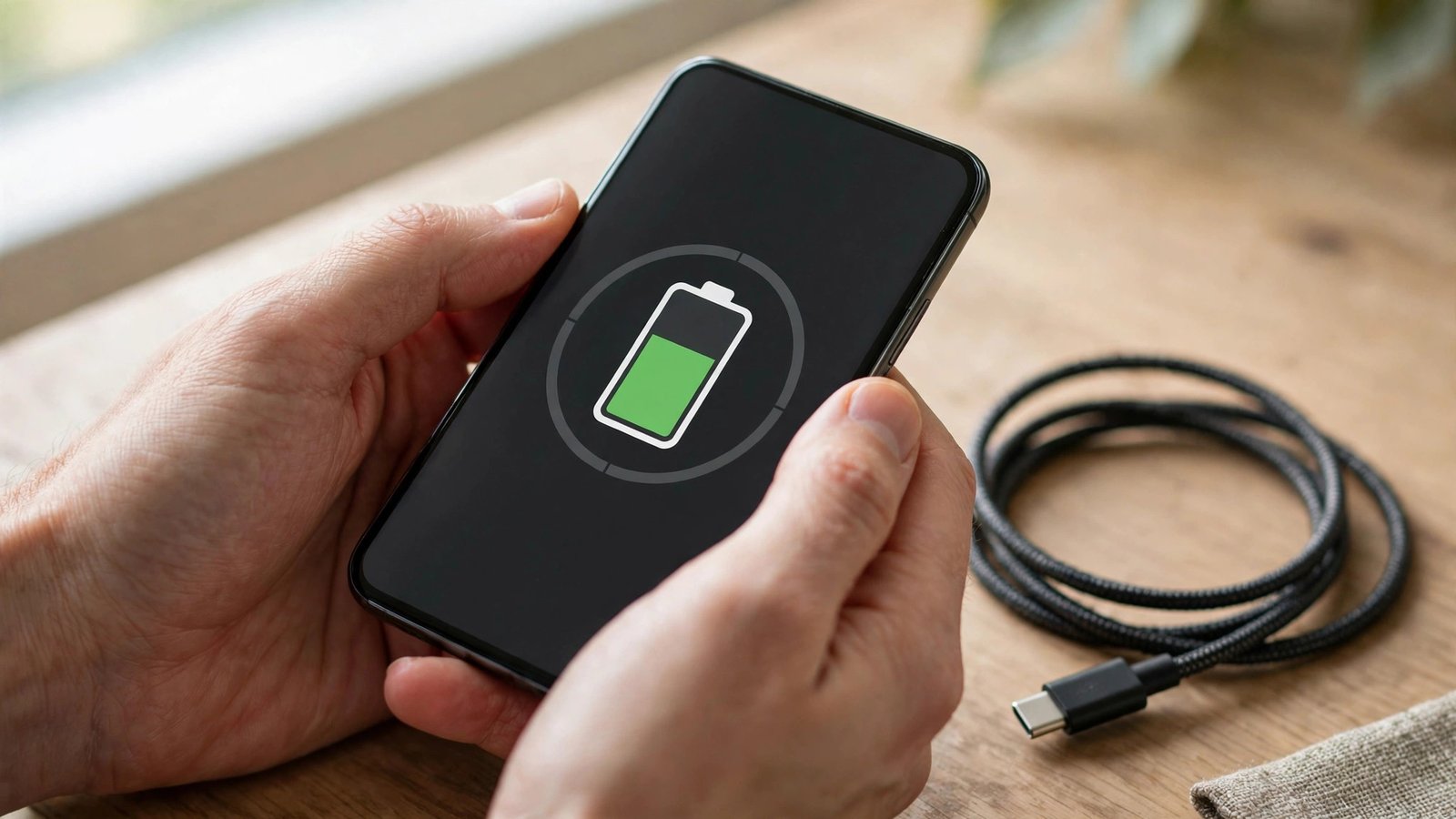
If your phone dies earlier than it used to, the battery itself may be the reason, not a faulty charger or a single greedy app. Battery health is a simple estimate of how much charge your battery can still hold compared with when it was new. Checking it takes less than a minute, and it can save you from buying a new phone when a battery replacement would do the job.
This guide covers iPhone and Android, including Samsung and Google Pixel phones, with steps that work in most recent versions. Menu names can vary slightly by brand and software version, but the path is the same in spirit on each phone.
Check battery health on iPhone
On an iPhone, open Settings, then tap Battery, then tap Battery Health. You will see a Maximum Capacity percentage. A new iPhone shows 100 percent. As the battery ages through charge cycles, that number falls. Apple also shows whether the battery is operating normally or whether service is recommended.
A reading in the high 90s or 80s is normal for a phone that has been used for a year or two. Once Maximum Capacity drops to around 80 percent or below, you may notice shorter days, unexpected shutdowns under heavy load, or slower peak performance. That is a sign to consider a battery replacement rather than living with constant top-ups.
In most recent versions, the same screen also shows charging optimisation options. Keep Optimised Battery Charging turned on if it is available. It learns your routine and holds the charge at around 80 percent overnight, finishing the charge shortly before you usually wake up. That small habit can slow long-term wear.
Check battery health on Android
Android does not use one single battery health screen across every brand, so the steps depend on your phone.
On a Google Pixel, open Settings, then tap Battery, then tap Battery Health. In most recent versions you will see a capacity percentage, similar to the iPhone figure, plus tips for care. If the option is not there, open Settings, then About Phone, then Battery Information, and look for the health or status entry.
On a Samsung Galaxy phone, open Settings, then tap Battery and Device Care, then tap Diagnostics, then look for Battery Status. Samsung may describe the battery as Good, Normal or Weak rather than giving an exact percentage.
On other Android phones, open Settings, then tap Battery, and look for Battery Usage or Battery Health. If you cannot find a percentage, a diagnostic app from a trusted developer can estimate health, but treat that reading as a rough guide, and check its permissions before installing it.
What the numbers actually mean
Battery health is an estimate, not a laboratory test. It can move up or down slightly after a software update, and it can look worse on a cold day or after a heavy week of use. Judge the trend over weeks, not a single reading.
Here is a simple way to read the result. Above 90 percent usually means the battery is still in good shape. From 80 to 90 percent is normal wear, and most people can keep using the phone without a change. Below 80 percent, replacement becomes worth pricing, especially if the phone shuts down early, swells, gets very hot while charging, or only lasts half a day with normal use.
A swollen battery is a safety issue, not a maintenance task. Stop using the phone, do not try to puncture or press the battery, and take it to a repairer or recycler that handles batteries. The same applies to a battery that gets extremely hot or smells unusual while charging.
Slow down battery wear from here
You cannot reverse wear, but you can slow it. Keep the phone out of extreme heat, especially a hot car or direct sun on a dashboard, because heat ages lithium batteries faster than cold does. Avoid leaving the phone at 0 percent or 100 percent for long stretches when you can help it. Charging little and often, and keeping the charge roughly between 20 and 80 percent for daily use, is gentler than a full drain followed by a full charge every day.
Turn on the charging optimisation setting on your phone, whether it is called Optimised Battery Charging on iPhone, Adaptive Charging on Pixel, or Protect Battery on Samsung. These settings limit the time the battery spends at full charge, which is one of the main drivers of wear.
Finally, check which apps drain the most power under Battery Usage. Restricting background use for a heavy app, or deleting an app you no longer need, often gives a bigger improvement than any single charging trick.
When to replace the battery, not the phone
Replace the battery if the health figure is low, the phone is otherwise fast enough, and the cost of a battery is far less than a new phone. In Australia, compare an authorised service centre with a reputable independent repairer, ask whether the replacement battery is new, and check what warranty the repair carries. Keep your data backed up before any repair, even a simple battery swap.
Replace the phone instead if the battery is only one problem among several, such as a cracked screen, a failing camera and software support that has ended. A new battery will not fix those issues, and the money is better put toward a phone that will receive updates for longer.
Checking battery health first turns that decision from a guess into a number you can act on.
Frequently Asked Questions
Is 85 percent battery health good?
Yes, for a used phone it is normal. It means the battery holds around 85 percent of its original capacity. You may get slightly shorter days than when the phone was new, but most people do not need a replacement at that level.
Why does my battery health drop after a software update?
The health figure is an estimate, and updates can recalibrate how the phone measures capacity. A small change after an update is common. Watch the trend over the next few weeks before deciding the battery has suddenly worsened.
Can I improve battery health once it has fallen?
No, you cannot restore lost capacity by charging differently or by using a cleaning app. You can slow further wear with gentler charging habits and by avoiding heat, and you can restore run time with a battery replacement if the phone is worth keeping.



Post Comment