
How to Find Your Lost Phone in the UK: iPhone and Android Steps
Losing your phone is stressful, and the first few minutes matter. Your phone holds your photos, your messages, your banking apps and your identity, so acting quickly matters.
Both iPhone and Android have free built in tools that can locate a lost phone, make it ring even on silent, lock it, and wipe it remotely. They only work if they were switched on before the phone went missing, so this guide also covers what to do when they were not.
Find a lost iPhone with Find My
On iPhone, the tool is called Find My, and it is switched on by default. Open the Find My app on another Apple device, such as an iPad or a family member's iPhone, or go to icloud.com/find in any web browser and sign in with your Apple ID.
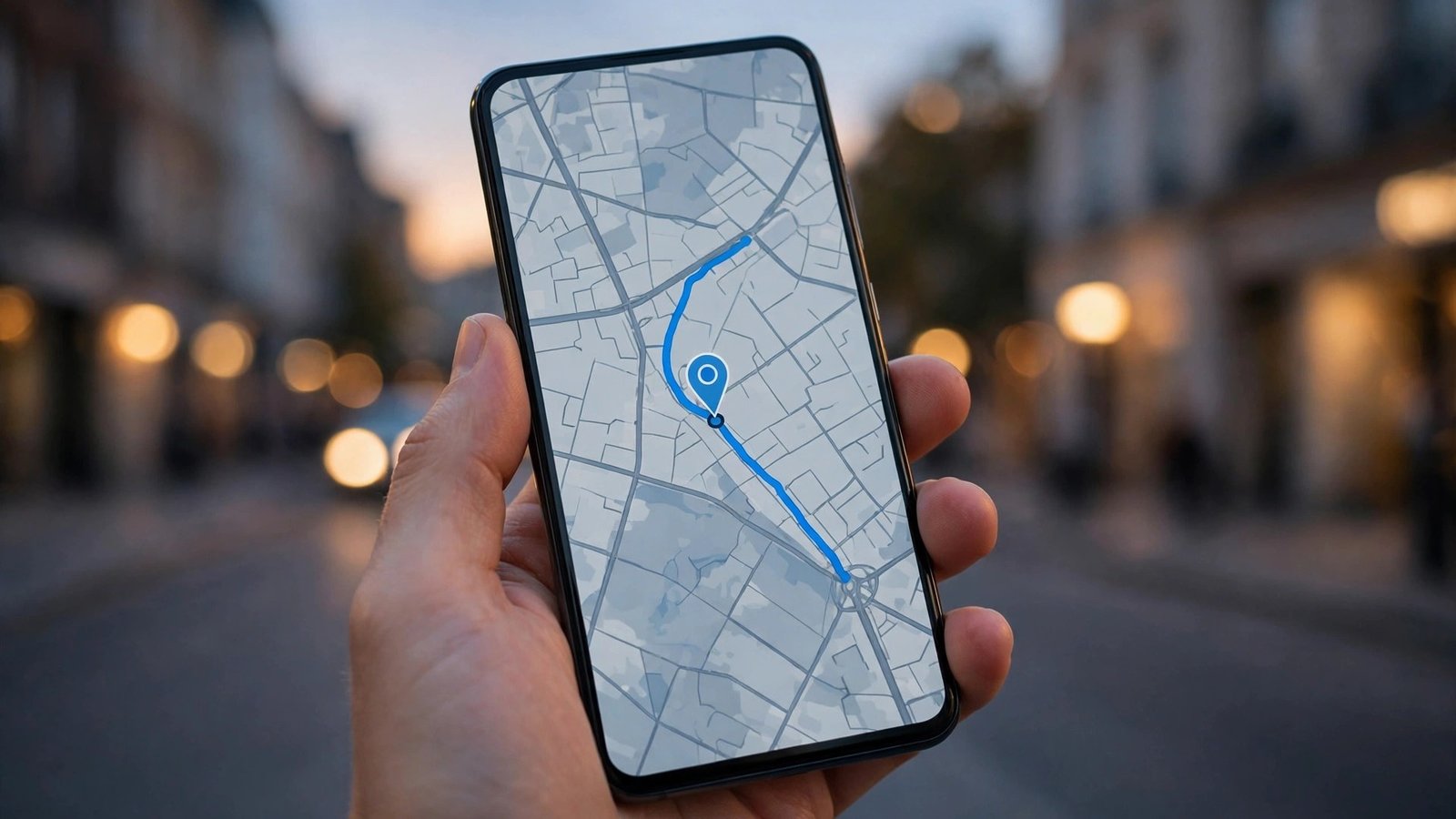
You will see your iPhone on a map if it is switched on and has a connection. Tap it to see its location and the options available. Play Sound makes the phone ring loudly for two minutes, even if it is on silent, which is ideal if it is lost somewhere in the house.
If the phone is not nearby, tap Mark As Lost. This locks the phone with your passcode, suspends Apple Pay so nobody can spend with it, and lets you show a phone number and a message on the lock screen so whoever finds it can contact you.
Recent iPhones can still be located for a while after the battery runs out or the phone is switched off, because the Find My network uses nearby Apple devices to relay its location. Check the last known location even if the phone shows as offline.
Find a lost Android phone with Find Hub
On Android, the tool is called Find Hub. It is switched on by default on most Android phones signed in to a Google account. Open the Find Hub app on another Android phone or tablet, or go to google.com/android/find in any web browser and sign in with the same Google account.
Select your lost phone from the list of devices. If it is switched on and connected, you will see its location on a map. Tap Play sound to make it ring at full volume for five minutes. Tap Secure device to lock it with your PIN or password and sign out of your Google account on the phone.
If the phone is offline, Find Hub will show its last known location and offer to notify you when it comes back online. In most recent versions, the Find Hub network can also locate some Android phones when they are switched off, using nearby Android devices, but this depends on the model and the settings.
If you believe the phone is stolen and you will not get it back, you can tap Erase device to factory reset it remotely. This deletes your photos, messages and accounts from the phone. Only do this as a last resort, because once the phone is erased it can no longer be located.
What to do if tracking was switched off
If Find My or Find Hub was switched off before the phone went missing, the map will not help, but there are still useful steps. First, call the phone from another phone. It may ring if it is nearby, or someone may answer it.
Next, retrace your steps. Check the places you visited, ask in shops, cafes, pubs and on public transport, and check with lost property offices. Transport for London, National Rail and most bus companies have lost property services.
Block the SIM and report it
Once you have tried to locate the phone, protect your number. Call your mobile network, EE, O2, Three, Vodafone or your provider, and ask them to block the SIM. This stops anyone using your number to make calls, send texts or receive verification codes for your accounts. Your provider can also block the phone itself using its IMEI number, which stops it working on UK networks even with a different SIM. Find your IMEI number on the phone box or your original receipt.
Report the loss to the police by calling 101, the non emergency number, or online through your local force's website. You will need the make, model, colour, IMEI number and where you think you lost it. The police will give you a crime reference number, which your insurer will ask for if you make a claim.
Finally, change the passwords for your most important accounts, starting with your email, your bank, and any shopping or social media apps that were signed in on the phone. Do this from another device. If you receive texts claiming your phone has been found with a link to click, treat them with suspicion and only sign in through the official Find My or Find Hub pages.
Set up protection before you need it
The best time to prepare is now, while your phone is in your hand. Check that Find My is switched on in Settings on iPhone, under your name, then Find My, then Find My iPhone. On Android, check that Find Hub is switched on in Settings, under Security or Google, then Find Hub. Make sure location is switched on too. Note down your IMEI number, use a strong passcode, and switch on automatic backup so your photos and data are safe even if the phone is gone for good.
Frequently Asked Questions
Can I find my phone if it is switched off or the battery is dead?
Often, yes. Recent iPhones can be located through the Find My network for a while after they switch off, and some Android phones can be found through the Find Hub network in the same way. Both services also show the last known location from before the phone went offline.
Should I pay someone who says they found my phone?
Be careful. Genuine finders will usually meet you in a public place and hand the phone over. Never pay in advance, never follow a link in a text message asking you to sign in, and never meet a stranger alone. If the situation feels wrong, involve the police.
Will erasing my phone delete my photos forever?
Erasing the phone deletes everything stored on the phone itself, but anything backed up to iCloud or Google Photos is safe and can be restored to a new phone. That is why automatic backup matters. Only erase the phone when you are sure it is stolen and you will not get it back.



Post Comment