
How to Spot Phishing Emails and Texts in the UK and What to Do Next
A message arrives that looks like it came from your bank, a delivery company or HMRC, and it asks you to act fast. That urgency is often the first clue that something is wrong. Phishing messages try to trick you into clicking a link, opening an attachment or sharing personal details, and they work because they copy real brands so well. This guide walks through the warning signs, the checks that take seconds, and exactly what to do in the UK if a suspicious message lands in your inbox or on your phone.
You do not need technical skills to spot most phishing attempts. You need a short routine: pause, check the sender and the link, and use a trusted route to reach the company instead of the one in the message. Once that routine becomes habit, most scams lose their power, because they rely on speed and panic.
Step 1: Pause when a message creates urgency
Phishing messages almost always try to rush you. They warn that your account will close, a parcel will be returned, a payment failed, or you owe a fine. Real companies do send urgent messages sometimes, but scammers lean on urgency because a calm reader is a careful reader.
When you feel that push, stop and read the message again. Ask yourself three questions. Did I expect this message? Does it ask me to do something unusual, like log in through a link or share a code? Would the real company contact me this way? If any answer feels off, treat the message as suspicious until you prove otherwise. Never use a link or phone number inside a suspicious message to check whether it is real, because that route may be controlled by the scammer.
Step 2: Check the sender, not just the name shown
The name shown at the top of an email or text can be faked easily. What matters is the address or number behind it. On most phones and email apps, tapping the sender name reveals the full address. Look for small tricks: a brand name spelled slightly wrong, extra words added to the domain, or a free email service used for a message that claims to come from a bank or government department.
Texts need a similar check. A message that claims to come from a bank but arrives from a random mobile number deserves suspicion, though number spoofing means even a familiar looking number is not proof of safety. Delivery scams are common in the UK, often claiming a missed parcel or an unpaid fee. If you were not expecting a parcel, that alone is a strong reason to be careful. If you were expecting one, go to the delivery company's app or website directly, or use the tracking number from your original order confirmation, rather than tapping the link in the text.
Step 3: Inspect links and attachments before you tap
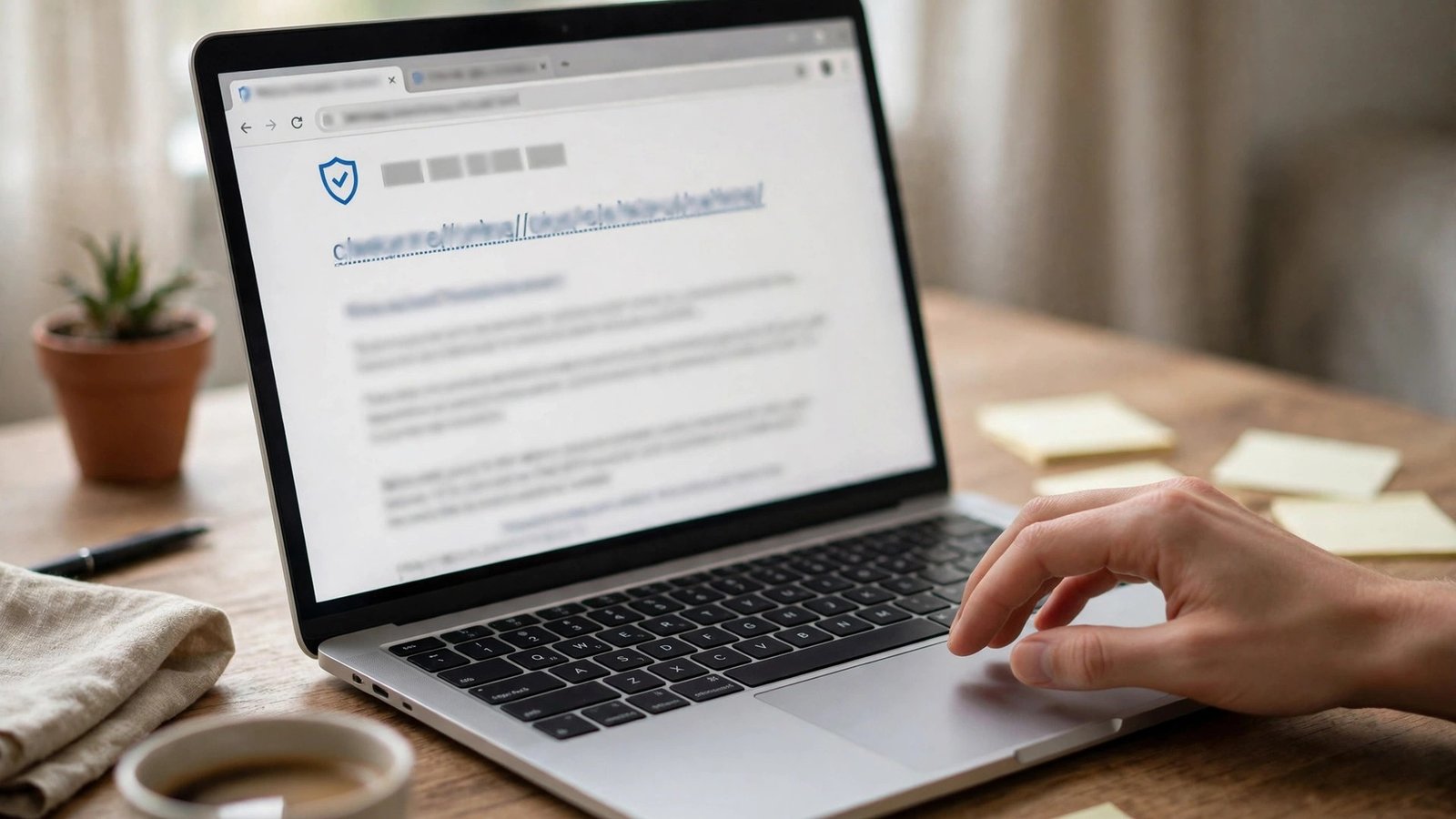
Hover over a link on a computer, or press and hold it on a phone, to preview where it leads before opening it. A genuine bank link should point to the bank's own domain. A phishing link often points somewhere else entirely, or uses a lookalike domain with a swapped letter or an extra word. Avoid shortened links in unexpected messages, since they hide the destination.
Attachments deserve even more caution. Banks, delivery firms and HMRC do not normally ask you to open an unexpected attachment to fix an account problem. If a message pressures you to open a file, especially one with a name like "invoice" or "receipt" when you bought nothing, do not open it. Delete the message and check your account through the official app or website instead.
Step 4: Watch for language and detail mistakes
Phishing messages often contain clues in the wording. Generic greetings like "Dear customer" instead of your name, odd grammar, or a tone that does not match the brand can all be signs. So can requests that a real company would never make by email or text, such as asking for your full password, your PIN, a one-time code, or remote access to your device.
Step 5: Verify through a trusted route
If a message claims there is a problem with your account, delivery or tax record, check it without using the message itself. Open the company's official app, type its website address yourself, or call the number on the back of your card or on the company's official site. Log in normally and look for alerts, orders or messages inside your account. If there is no matching alert, the message was almost certainly fake.
This step also protects you when a message is genuine. If there really is a delivery problem or an account alert, you will see it in the official app or account, and you can deal with it safely.
Step 6: Report it and delete it
In the UK, reporting phishing helps protect other people, because reported messages feed into takedown and blocking work. For suspicious texts, forward the message free of charge to 7726, which spells SPAM on a phone keypad. For suspicious emails, forward them to the National Cyber Security Centre's Suspicious Email Reporting Service at report@phishing.gov.uk. You can also report fraud or attempted fraud to Action Fraud, the UK's national fraud reporting centre.
After reporting, delete the message. If you clicked a link or entered details before realising it was a scam, change the password from the official site or app, turn on two-factor authentication, and contact your bank at once if payment details were shared.
Frequently Asked Questions
What should I do if I already clicked a phishing link?
Do not enter any details, and close the page. If you entered a password, change it at once through the official app or website, turn on two-factor authentication, and check your account activity. If you shared payment details, contact your bank straight away.
How do I report a phishing text in the UK?
Forward the suspicious text free of charge to 7726. You can also report phishing emails to report@phishing.gov.uk, and report fraud or attempted fraud to Action Fraud. After reporting, delete the message so you cannot tap it by mistake later.
Can a phishing message look like it came from a real company?
Yes. Scammers copy logos, layouts and sender names, and may include your name or order details from leaked data. That is why the safest check is to ignore the link in the message and reach the company through its official app or website instead.



Post Comment