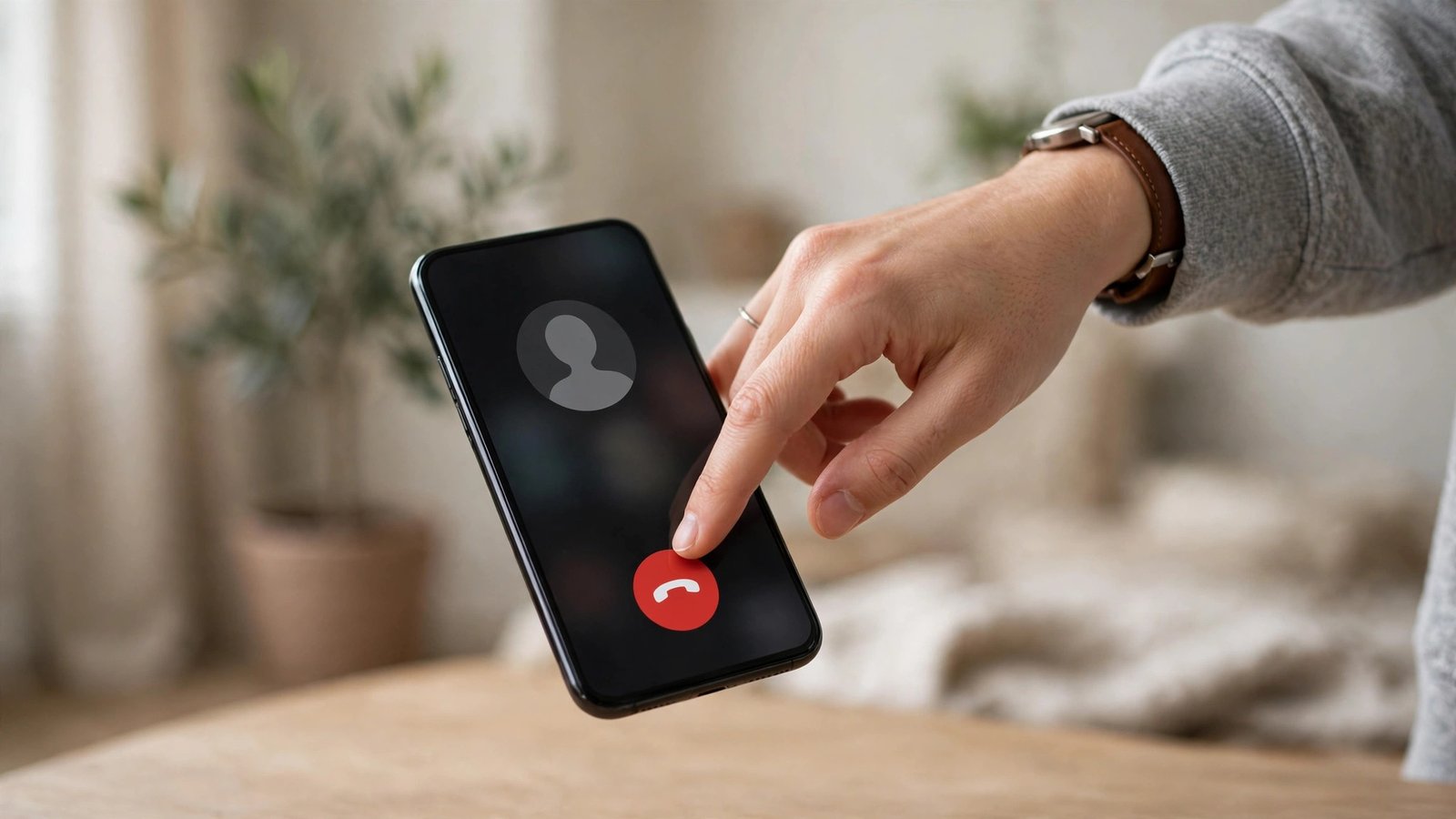
How to Block Spam Calls on iPhone and Android in Australia
Spam and scam calls are a daily annoyance for many Australians, and some of them are more than annoying. A call that pretends to be from a bank, a delivery company or a government agency can be the first step in a scam. Blocking nuisance numbers helps, but the strongest protection comes from combining your phone settings with a few habits that stop scammers getting through in the first place.
This guide covers the built in tools on iPhone and Android, how to block a single number, how to silence unknown callers, and what to do when a scam call does get through. The menu names below reflect most recent versions, and they can vary slightly by phone maker.
Block a single number on iPhone
If the same number keeps calling, blocking it takes less than a minute.
Step 1: Open the Phone app and tap Recents. Find the number you want to block.
Step 2: Tap the small information icon next to the number. Scroll to the bottom of the contact screen.
Step 3: Tap Block this Caller, then confirm. Calls from that number will no longer ring your phone, and they will go to voicemail instead.
Step 4: To review or unblock numbers later, go to Settings, then Phone, then Blocked Contacts. From there you can remove a number if you blocked it by mistake.
You can also block a number from Messages. Open the conversation, tap the contact name or number at the top, tap the information icon, scroll down and choose Block this Caller.
Silence unknown callers on iPhone
Blocking one number at a time does not help when scammers keep calling from new numbers. Silencing unknown callers is a stronger option, and it is worth considering if spam calls are a regular problem.
Step 1: Open Settings, then tap Phone.
Step 2: Scroll down and turn on Silence Unknown Callers. Calls from numbers that are not in your contacts, recent outgoing calls or Siri Suggestions will be silenced and sent to voicemail. They will still appear in Recents, so you can check them later.
Step 3: Tell people who matter that you have switched this on. Genuine callers from a new number, such as a doctor surgery, a school or a delivery driver, may go to voicemail until you add them to contacts. Ask important callers to leave a message, and check voicemail regularly for the first week.
This setting is a trade off. It cuts spam dramatically for most people, but it can also silence a legitimate call. If you are expecting calls from unknown numbers, for example while job hunting or waiting on a tradesperson, you may prefer to leave it off and block numbers one by one instead.
Block a single number on Android
Android steps vary by phone maker, but the path is similar on Pixel, Samsung and most other phones sold in Australia.
Step 1: Open the Phone app and tap Recents. Find the number you want to block.
Step 2: Tap the number to open its details, then tap the three dot menu in the top corner.
Step 3: Choose Block, or Block number, and confirm. Some phones also offer an option to report the number as spam at the same time. Tick that box if it appears, since it helps carriers and Google improve spam detection.
Step 4: To review blocked numbers, open the Phone app, tap the three dot menu, then Settings, then Blocked numbers. From there you can unblock a number if needed.
Silence spam and use call screening on Android
Many Android phones include built in spam protection that can warn you before you answer, or screen a call for you.
Step 1: Open the Phone app, tap the three dot menu, then Settings, then Caller ID and spam, or Spam and Call Screen on Pixel phones. Turn on See caller and spam ID, or Filter spam calls, if those options appear.
Step 2: On Pixel phones, look for Call Screen in the same menu. When enabled, Google Assistant can answer an unknown call, ask who is calling and why, and show you a live transcript so you can decide whether to pick up. You can set it to screen automatically for suspected spam, or to screen manually when you choose.
Step 4: Keep your Phone app and Google Play services up to date. Spam databases improve over time, and updates often bring better detection for new scam patterns.
If your carrier offers its own spam filter, it is worth turning that on as well. Combining carrier protection with phone settings gives you two layers of defence.
What to do when a scam call gets through
No setting blocks every scam call, so knowing what to do in the moment matters just as much as blocking numbers.
First, do not engage. Do not press a number to speak to an operator, do not confirm personal details and do not call back a number left in a voicemail from an unknown caller. Scammers use callback numbers to confirm your number is active, which can lead to more calls.
Second, hang up and block the number using the steps above. If the call claimed to be from a bank or agency, contact that organisation directly using a number from its official website or the back of your card, not a number given in the call.
Third, report it. In Australia, you can report scam calls to Scamwatch, run by the Australian Competition and Consumer Commission. Reporting helps authorities track scam patterns, even if you did not lose money. You can also report spam calls through your carrier, and in your Phone app where a report option is offered.
Frequently Asked Questions
How do I block a spam number on iPhone in Australia?
Open Phone, tap Recents, tap the information icon next to the number, scroll down and tap Block this Caller. You can review blocked numbers later under Settings, then Phone, then Blocked Contacts.
How do I block a spam number on Android in Australia?
Open Phone, tap Recents, tap the number, tap the three dot menu and choose Block. Many Android phones also let you report the number as spam at the same time, which helps improve spam detection.
Should I turn on Silence Unknown Callers on iPhone?
It is a strong option if spam calls are frequent, since unknown numbers go straight to voicemail and still show in Recents. The trade off is that genuine new callers may also go to voicemail, so tell important contacts to leave a message and check voicemail regularly.



Post Comment