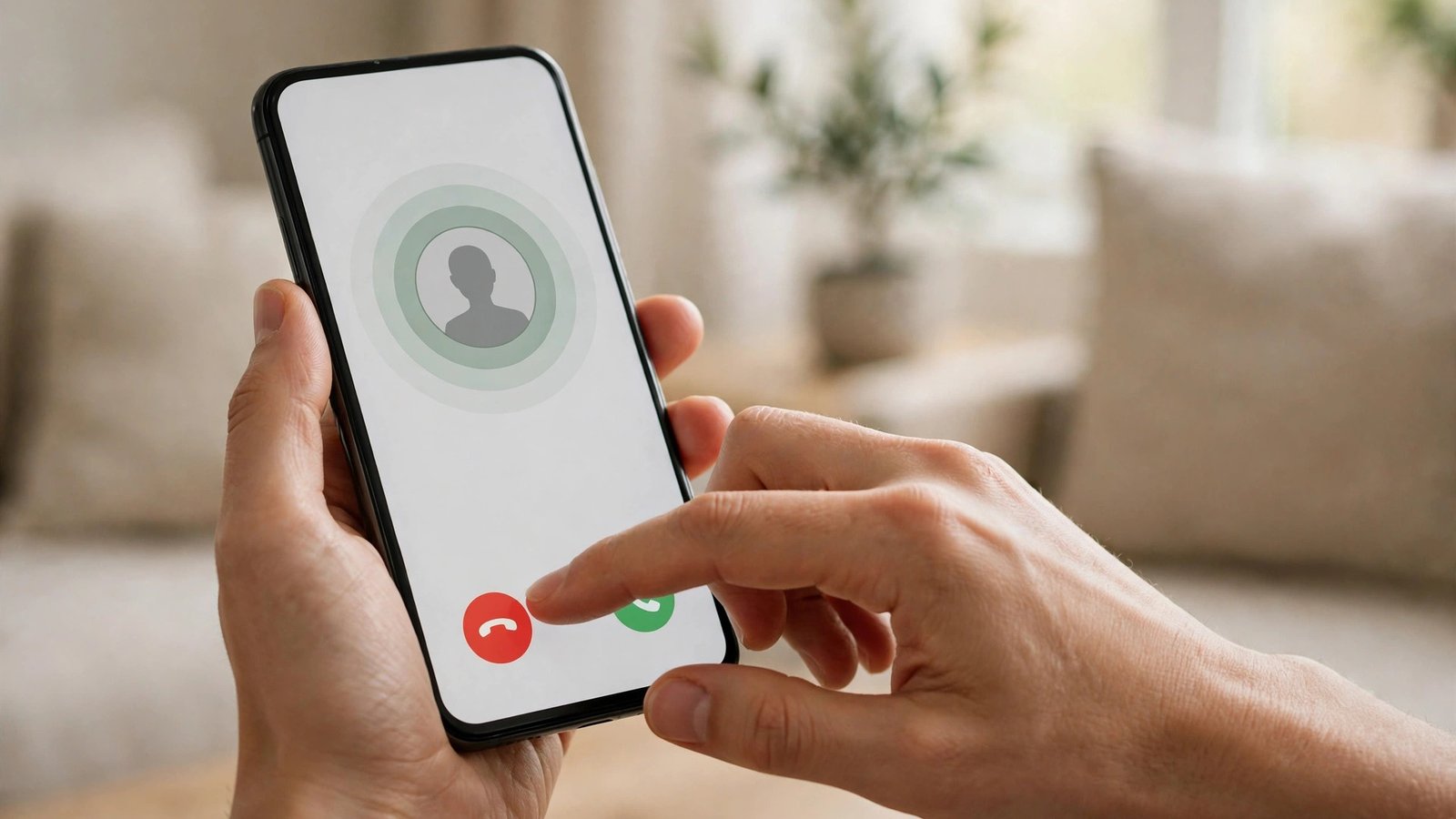
How to Block Spam Calls on iPhone and Android in the UK
Spam calls are more than an annoyance. They interrupt work, wake people up, and, at their worst, are the first step in a scam. The good news is that your phone already has most of the tools you need, and your mobile network and the UK's regulators add extra layers. This guide walks through the settings that actually cut the noise, on iPhone and Android, without blocking the calls you want.
Start with one rule that matters more than any setting. Never call back an unknown number that rang once and stopped, and never share codes, bank details, or personal information with an unexpected caller. Banks, HMRC, and delivery firms will not ask you to move money or read out a security code. If a call worries you, hang up and contact the organisation on a number you find yourself.
Silence unknown callers on iPhone
Apple's strongest option is simple and effective, with one trade-off to understand.
Step 1: Open Settings, then Phone, then Silence Unknown Callers, and switch it on. Calls from numbers not in your contacts, recent outgoing calls, or Siri Suggestions will go straight to voicemail and appear in Recents.
Step 2: Tell the important people in your life to save your number, and save numbers you expect calls from, such as your GP surgery, your child's school, or a delivery firm. Saved contacts ring normally, so this step prevents genuine calls from being silenced.
Step 3: Check voicemail and Recents once a day for the first week. You will quickly see how many silenced calls were spam, and you can return any genuine call you missed.
Step 4: Block repeat offenders individually. In Recents, tap the information icon next to a number, scroll down, and tap Block this Caller. Blocked numbers cannot call, text, or FaceTime you.
The trade-off is real: a genuine caller from an unknown number, such as a hospital or a job recruiter, will go to voicemail. For most people that is a fair price for silence, as long as voicemail is set up and checked.
Use spam protection on Android
Android phones vary by maker, but the main tools are similar across Samsung, Google Pixel, and other brands in most recent versions.
Step 1: On a Google Pixel, open the Phone app, tap the three dots, then Settings, then Spam and Call Screen. Switch on See caller and spam ID, and turn on Call Screen if your model supports it, so Google's assistant can ask unknown callers who they are before your phone rings.
Step 2: On a Samsung phone, open the Phone app, tap the three dots, then Settings, then Caller ID and spam protection, and switch it on. Samsung's Smart Call feature labels suspected spam and lets you block and report numbers from the call screen.
Step 3: On other Android phones, open the Phone app settings and look for spam, caller ID, or blocked numbers options. The names differ, but the idea is the same: let the phone warn you about suspected spam before you answer.
Step 4: Block numbers one by one from Recents. Long press a number or tap it and choose Block or Report spam. Reporting helps the phone maker and network spot new spam campaigns faster.
Step 5: Check your blocked list now and then. In the Phone app settings, open Blocked numbers to review what is there, and unblock anything that should not be on the list.
Add your network's tools and register with the TPS
Your mobile network can filter spam before it reaches you, and the Telephone Preference Service cuts legal marketing calls.
Step 1: Check your network's app or website for spam and nuisance call controls. EE, O2, Three, and Vodafone each offer their own call-blocking or spam-reporting features, and the exact names change over time, so search your network's help pages for “spam calls” if you cannot find the setting in the app.
Step 2: Register your number with the Telephone Preference Service at tpsonline.org.uk or by phone. Registration is free, and it makes it illegal for UK companies to make unsolicited live marketing calls to you. It does not stop scam calls from criminals, who ignore the rules, but it noticeably reduces legitimate marketing calls.
Step 3: Allow up to 28 days for TPS registration to take full effect, and keep a note of when you registered. If marketing calls continue after that, you can complain to the TPS and the Information Commissioner's Office.
Step 4: Forward suspicious texts to 7726, free, by forwarding the message to that number. This reports the text to your network. For nuisance calls, report the number to your provider, and report scam attempts to Action Fraud. Reporting takes a minute and helps networks block the number for others too.
Habits that keep spam calls down
Settings help, but habits matter just as much. Be careful where you share your mobile number online, especially on forms, competitions, and public social media profiles. A number posted publicly will be harvested, and the calls that follow can last for years.
Use a second number or a messaging app for one-off sign-ups where a phone number is demanded but a call is unlikely. When a form asks for a number you do not want to give, consider whether an email address will do instead.
Do not engage with spam callers, even to tell them to stop. Answering or pressing buttons confirms your number is live and can lead to more calls. Hang up, block the number, and report it.
Finally, keep your phone software updated. Spam filters and call-screening features improve with updates, and an old version may miss protections newer versions include.
Frequently Asked Questions
Will blocking spam calls also block genuine calls?
Silencing all unknown callers can send genuine calls to voicemail, so save important numbers in your contacts and check voicemail regularly. Spam filters that label suspected spam, rather than silencing everything, are less likely to hide a genuine call.
Does the Telephone Preference Service stop scam calls?
No, the TPS stops legal unsolicited marketing calls, but criminals running scams ignore it. For scam calls, use your phone's spam filters, block the number, and report it to your network provider and Action Fraud.
Should I call back a number that rang once and hung up?
No, do not call back unknown numbers that rang once. This can be a premium-rate callback scam, and even a harmless missed call is rarely worth the risk. If the call mattered, the caller will ring again or leave a voicemail.


Post Comment