SIM Swapping Explained: How to Protect Your Phone Number
Imagine losing your phone number without losing your phone. One day your calls and texts just stop arriving, and by the time you figure out why, someone else is receiving your two-factor codes and resetting your passwords. That is SIM swapping, and it is one of the nastiest tricks in a criminal's playbook, because it turns your own phone number into a weapon against you.
So what is sim swapping, exactly? It is a scam where a criminal convinces your mobile carrier to move your phone number to a SIM card they control. No hacking of your phone required. Just one persuasive phone call to customer service, and your number is theirs.
What Is SIM Swapping, Exactly?
Your phone number is tied to your account at your carrier, not to the physical phone in your hand. When you get a new phone or replace a lost SIM, the carrier transfers your number to the new SIM. That legitimate process is what criminals abuse.
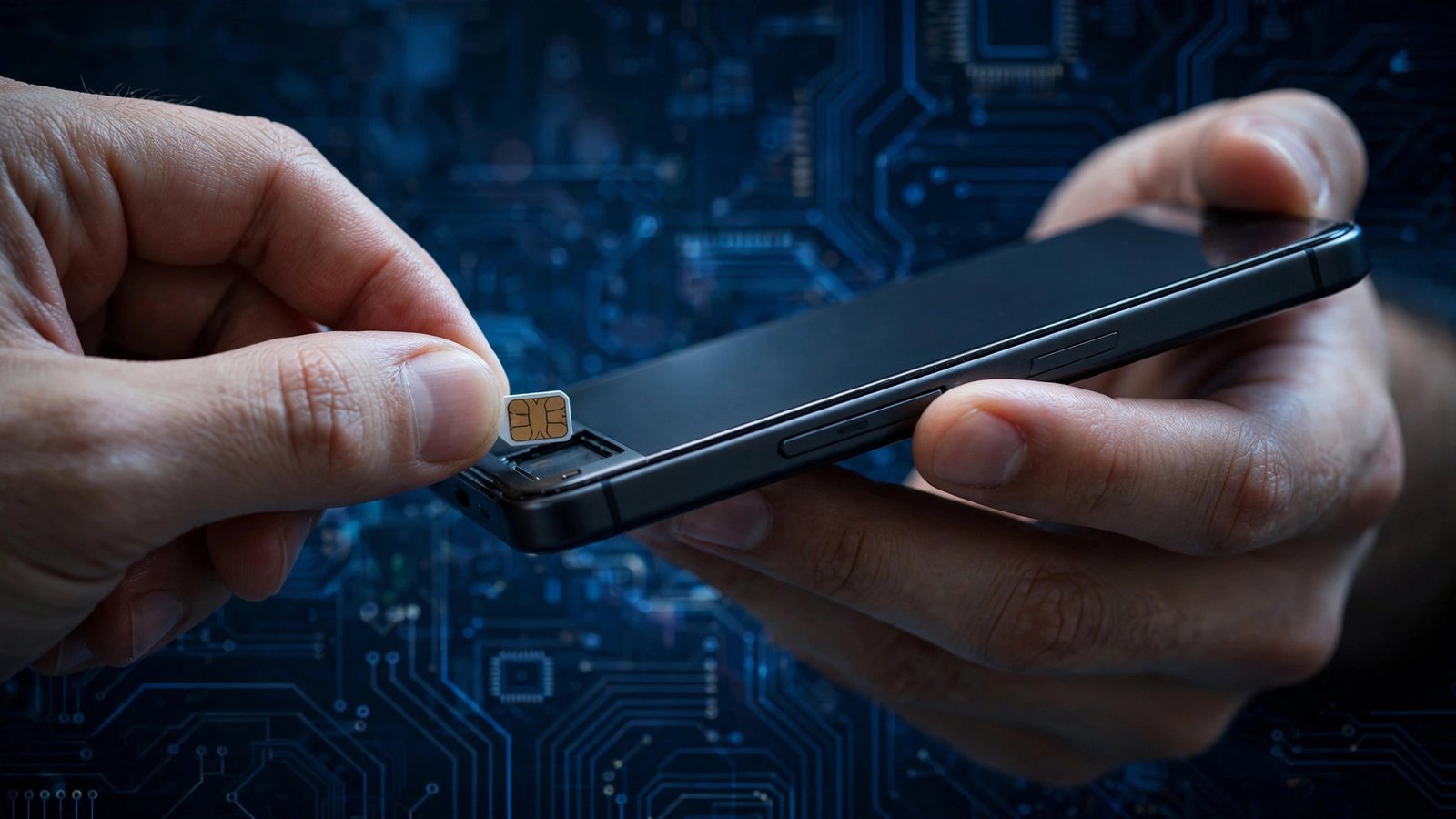
In a SIM swap attack, the criminal contacts your carrier pretending to be you, claims they lost their phone, and asks for a new SIM with your number. If the representative is convinced, your number moves to the attacker's SIM card. Your phone goes dead, and theirs starts receiving everything meant for you: calls, texts, and the SMS verification codes that guard your email, bank, and crypto accounts.
From there, the attack moves fast. The criminal goes to your email provider, clicks "forgot password," and the reset code arrives on their phone. With your email under their control, they reset passwords everywhere else. Victims have lost email accounts, social media profiles, and life savings in a single evening. High-profile cases, including the 2019 hijacking of then-Twitter CEO Jack Dorsey's account through a SIM swap, showed that nobody's number is inherently off limits.
How the Attack Works, Step by Step
Step 1: The criminal collects your personal details. They need enough information to pass as you on a call with your carrier: your name, number, address, maybe the last four digits of your Social Security number or your account PIN. They gather it from data breaches, phishing, social media, or shady data brokers.
Step 2: They call your carrier and play a role. Armed with your details, the criminal calls customer service, claims to be you, and asks for a new SIM to be activated. Social engineering works depressingly often, especially when the attacker is confident and the representative is rushed.
Step 3: Your number moves to their SIM. Once the carrier activates the attacker's SIM, your phone loses service. You might notice, or you might not, if it happens at 3 a.m. Meanwhile, every text and call to your number now reaches the criminal.
Step 4: They raid your accounts. With SMS codes flowing to their phone, the attacker resets your email password, then uses the email to reset everything else. The whole chain can take under an hour.
5 Steps That Stop SIM Swapping Cold
1. Set a PIN or passcode on your carrier account. Every major US carrier lets you add an account PIN required before changes like a SIM swap. This is the single most effective defense, because it turns the attacker's phone call into a dead end. Set it today, and do not use your birthday.
2. Stop using SMS for two-factor authentication. Texted codes are exactly what a SIM swapper steals. Switch your important accounts, email first, then banking, to an authenticator app like Google Authenticator or Authy, or better yet a hardware security key. An authenticator code lives on your device and cannot be intercepted by moving your number.
3. Ask your carrier about port-out and SIM-change protections. Carriers offer extra safeguards with names like number transfer locks or account takeover protection. Call and ask what is available on your account, and turn all of it on. It takes ten minutes.
4. Guard the personal details attackers need. Do not post your full birthday, address, or phone number publicly. Be skeptical of quizzes and forms asking for your mother's maiden name or your first pet, since those answers are often account security questions. Assume anything you post can end up in a scammer's script.
5. Watch for the warning signs and act fast. If your phone suddenly shows "no service" in a place where you normally have bars, or you get a text from your carrier about a SIM change you did not request, treat it as an emergency. Call your carrier immediately from another phone, ask them to reverse any changes, and then check your email and bank accounts for unfamiliar activity.
The Bottom Line
SIM swapping works because carriers were designed for convenience, not for a world where your phone number guards your money. The fix is straightforward: a carrier PIN, authenticator apps instead of texted codes, and the extra locks your carrier already offers. Criminals go after the accounts with the weakest setup. Make sure yours is not one of them.
How do I know if I have been SIM swapped?
The biggest red flag is your phone suddenly losing all cellular service in an area where you normally have coverage, especially alongside unexpected password-reset emails or login alerts. Another sign is a message from your carrier confirming a SIM change you never made. If you see either, call your carrier from a different phone right away.
Can a SIM swap happen on any carrier?
Yes. All major carriers have been targeted, because the attack exploits customer service procedures, not a technical flaw in one network. Some carriers have stronger default protections than others, which is why step three, asking for every available lock on your specific account, matters regardless of who you pay your bill to. Smaller prepaid carriers can be even easier targets.
Is an authenticator app really safer than SMS codes?
Much safer, for this specific threat. An authenticator app generates codes on your device itself, so moving your phone number to an attacker's SIM does nothing to intercept them. SMS codes travel through the carrier's systems, which is exactly the channel a SIM swap hijacks. Switching your email, banking, and password manager to app-based codes removes the main prize the attacker is after.
