How to Set Up a Smart Home on a Budget in 2026
Smart home marketing wants you to believe you need a $3,000 overhaul with a wall of touchscreens. You do not. A genuinely useful smart home, one that saves you time and a little money every day, can be built for under $300 with a handful of well-chosen gadgets. This budget smart home setup guide skips the toys and focuses on the devices that earn their keep.
Start With the Brain: A Smart Speaker
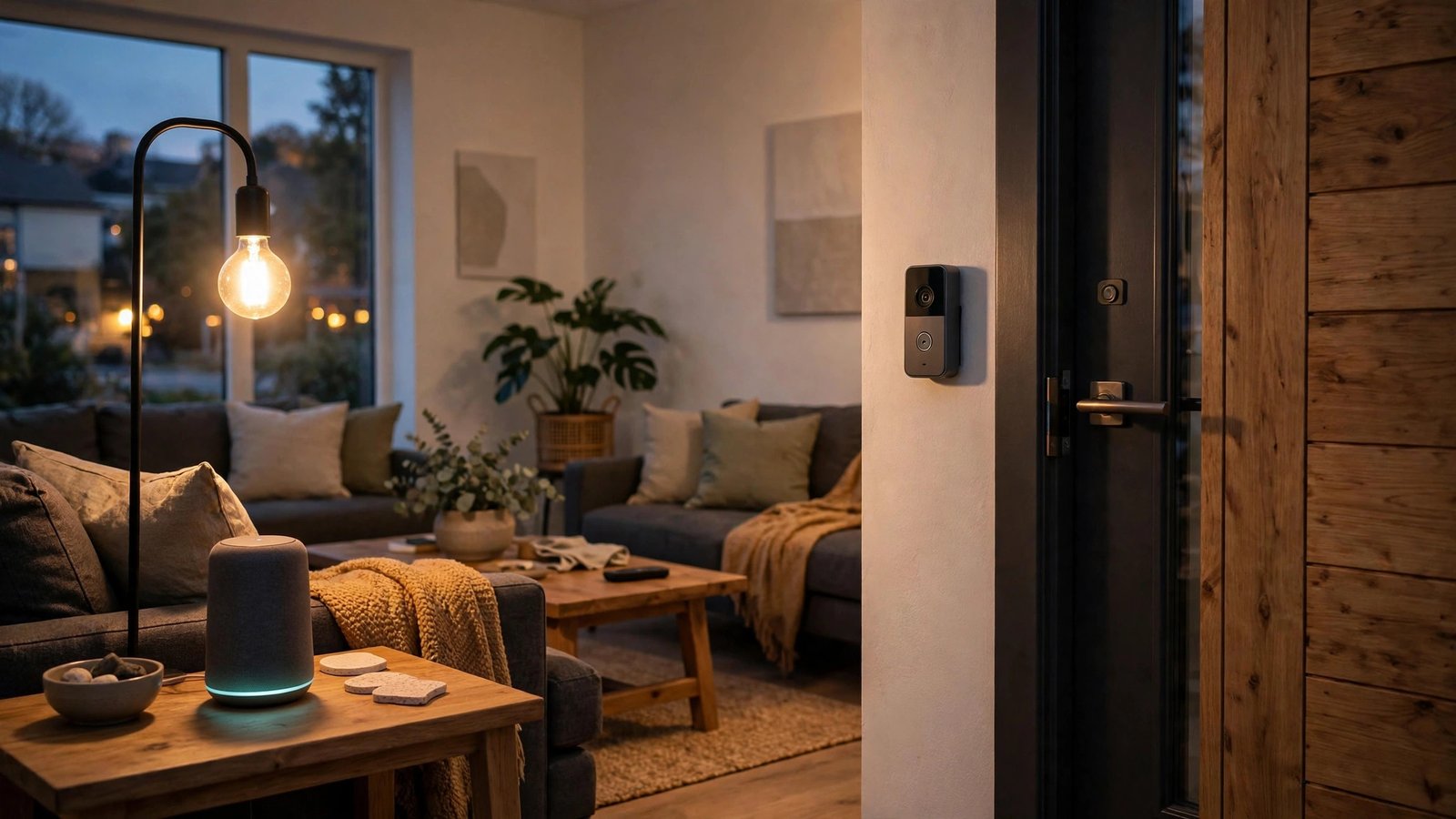
Pick one ecosystem and commit. The cheapest way to build a smart home is to avoid buying gadgets that cannot talk to each other. Choose Amazon Alexa or Google Home as your platform and stick with it. A basic smart speaker from either line typically costs between $30 and $60, often less during holiday sales, and it becomes the voice controller for everything else you add.
The speaker is your remote control. Beyond playing music and answering questions, it runs your automations: "goodnight" can lock the doors, kill the lights, and set the thermostat in one command. You do not need the premium speaker with the fancy screen for this. The small ones hear you just as well and tuck onto a shelf unnoticed.
The Three Gadgets Worth Buying First
Smart plugs are the unsung heroes. At roughly $10 to $15 each, a smart plug turns any dumb device into a smart one. Plug in a floor lamp and it joins your "goodnight" routine. Put the coffee maker on a schedule. Connect a space heater with an auto-off timer for peace of mind. Two or three plugs scattered around the house deliver more everyday convenience than most expensive gadgets.
Smart bulbs for the rooms you actually use. You do not need to replace every bulb in the house. Start with the living room and bedroom: two or three smart bulbs let you dim the lights for movie night or wake up to a gradual sunrise glow instead of a blaring alarm. Look for bulbs that work directly with your chosen platform over Wi-Fi, so you skip buying a separate hub.
A video doorbell if you get packages. This is the priciest item on the list, but for anyone who gets deliveries, it pays for itself the first time it catches a porch pirate or lets you tell the courier where to leave a box while you are at work. Battery-powered models avoid wiring headaches, and most offer free basic video history with paid plans for more storage.
The Standard That Saves You Headaches
Buy Matter-compatible devices when you can. Matter is the industry standard that finally lets smart home gadgets from different brands work together properly. A Matter-certified plug or bulb will talk to Alexa, Google Home, and Apple HomeKit without drama. It is not universal yet, but choosing Matter devices in 2026 means your setup survives even if you switch platforms later. Check the box or listing for the Matter logo before buying.
Skip the hub for now. Dedicated smart home hubs were essential years ago; today, most Wi-Fi and Matter devices connect directly to your speaker or phone. Do not buy a hub until you own a device that actually requires one. That is $50 to $100 staying in your pocket.
Automations: Where the Magic Actually Is
Set up three routines and stop. The difference between a pile of gadgets and a smart home is automation. Start with three: a "good morning" routine that turns on lights and reads your calendar, a "goodnight" routine that locks up and powers down, and a "leaving home" routine that turns everything off. Each takes five minutes to configure in the Alexa or Google Home app. Resist the urge to automate everything on day one; the best setups grow slowly around your actual habits.
A sample under-$300 cart. One smart speaker ($40), three smart plugs ($35), three smart bulbs ($40), and a battery video doorbell ($100 to $150 on sale) lands you right around $250. That is a home that greets you, secures itself at night, and watches your packages, for less than a single fancy thermostat.
One Security Note Before You Buy
Change default passwords and update firmware. Cheap smart gadgets are popular targets precisely because people never secure them. When you add each device, change any default password, connect it to your guest Wi-Fi network if your router supports one, and let firmware updates install. Five minutes per device keeps your budget smart home from becoming someone else's playground.
Start small, automate the boring stuff, and let the system earn its place before you expand. The best smart home is not the one with the most gadgets. It is the one where you stop thinking about the gadgets entirely.
Do smart home devices work without internet?
Mostly no. Voice control, remote access, and automations run through cloud servers, so an internet outage pauses the smarts. Basic functions like a bulb's wall switch still work fine. If your internet is flaky, favor devices with local control options.
Alexa vs Google Home: which is better for beginners?
Both are fine, and the honest answer is to pick whichever matches the phone and services you already use. Alexa has the wider device selection and more frequent sales; Google Home understands natural speech slightly better. Either one runs a perfectly good budget setup.
Are cheap smart home devices safe?
They can be, with basic hygiene: buy from established brands rather than no-name listings, change default passwords, keep firmware updated, and put IoT gadgets on a guest network. The riskiest device is the one you install and never think about again.